23
USING VOICEMAIL ON YOUR TABLET
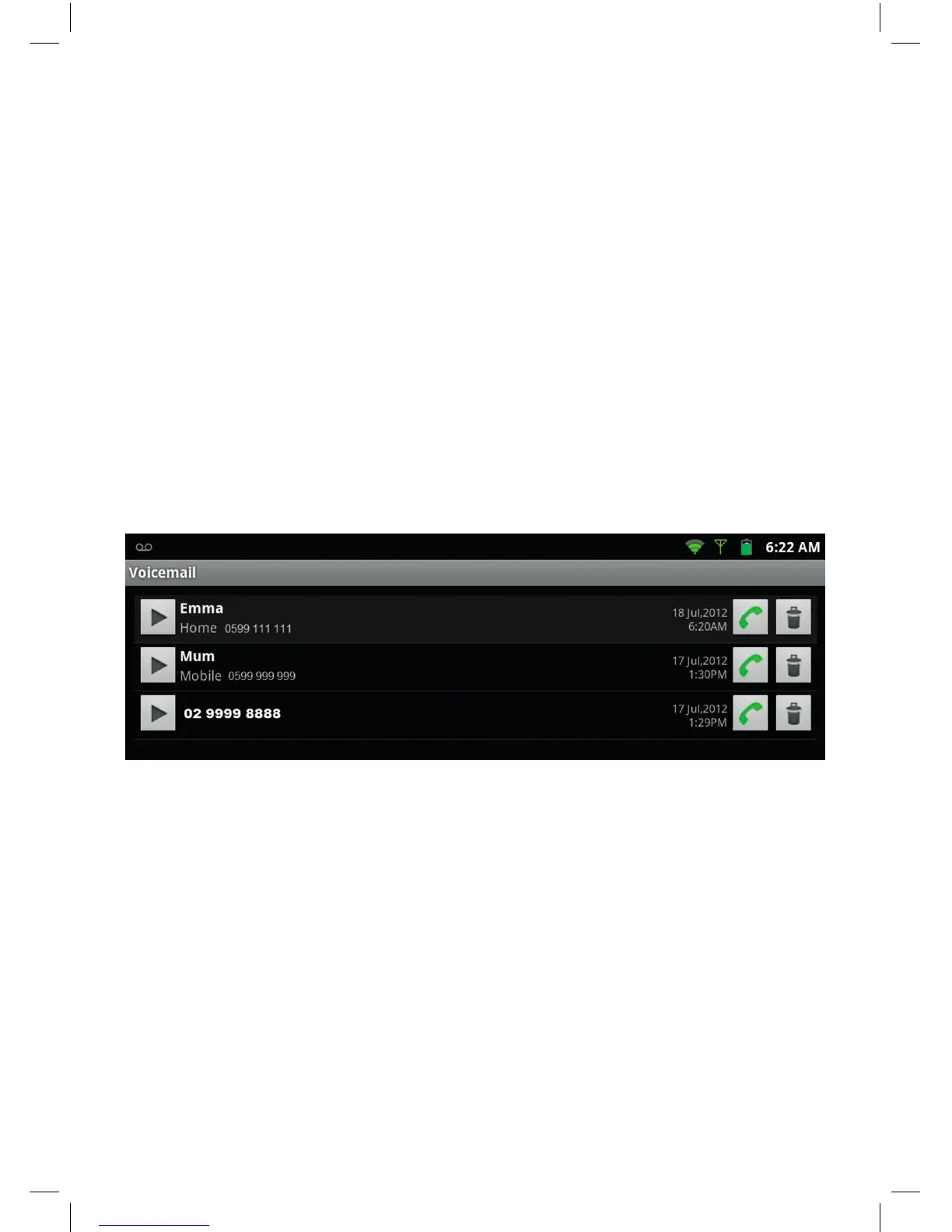
The tablet will show a visual display of your voice messages as set out below.
Once you have opened the Voicemail application, you can listen to your voice messages,
return calls and delete them.
• Touch the message to play individual message. Or touch the menu button on the right hand
side of your tablet to select option to play all new messages.
• Voicemail messages will be deleted automatically after the message expiry date
(according to the terms of your Telstra messaging service).
Receiving Calls
• When you receive a call both the tablet and handset will ring.
• To answer an incoming call on the tablet press the Answer button.
• To Ignore the call press the Ignore button. The handset will continue to ring.


 To Next Page