roduct.
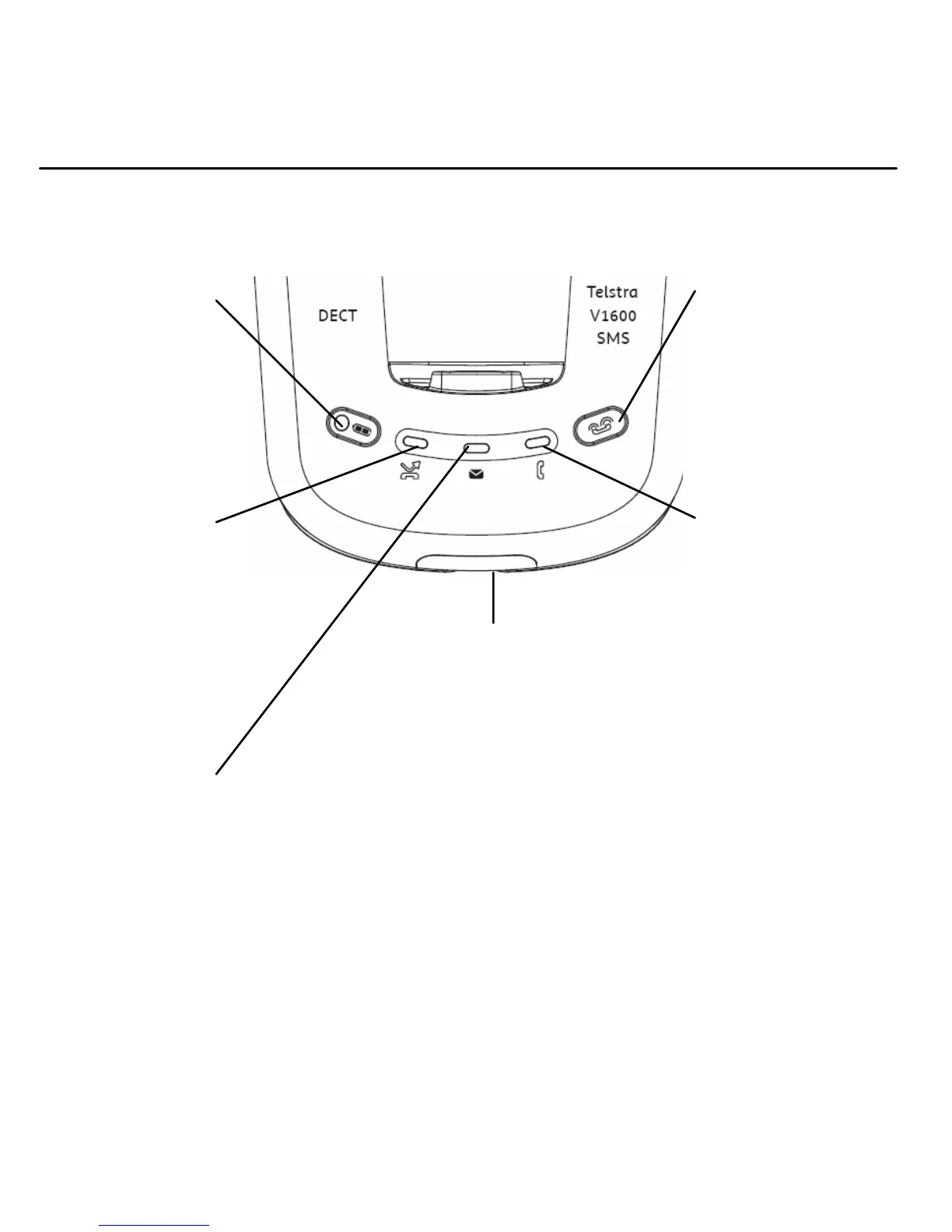
Page button
Press to page the
handset(s), page 16.
Also used when
registering additional
handsets, page 42.
Power in use / FMI
indicator
Lights up when the
power is on.
- Flashes when
making or
receiving a call
(approx. once
every second)
- Flashes when a
message has been
left on
MessageBank®
^
or Telstra Home
Messages 101®
#
(approx. twice
every second)
page 25.
* You need to subscribe to Telstra Calling Number Display in order to receive the number of
your callers. Excludes blocked calls. Monthly charges apply. Available in most areas. For more
information, call 13 2200 for Residential or 13 2000 for Business services.
^ Message retrieval is free from most Telstra fixed phones. Monthly charges and call charges
apply.
# Available to most Telstra home phone access customers.



 To Next Page