Location
WARNING
Do not place your Telstra V1600
in the bathroom or other humid
areas
You need to place your Telstra V1600 within 2
metres of mains power and telephone sockets so
that the cables will reach.
Make sure it is at least 1 metre away from other
electrical appliances to avoid interference.
Handset range
The handset reception range
from the base is up to 300m
outdoors and up to 50m
indoors. Thick walls can severely
affect the range.
Your Telstra V1600 works by sending radio signals
between the handset and base. The strength of
the signals depends on where you site the base.
Putting it as high as possible can help provide the
best signal.
Range indicator
The
symbol on your
handset display indicates when
you are in range of the base. If
the symbol flashes and you hear
a warning beep, you are out of
range and will need to move
closer to the base.
Setting up
1.
Plug the mains power cable into the base. Then
plug the power adaptor into the mains wall
socket and switch the power on. The power
indicator
on the base lights up.
IMPORTANT
Do not connect the telephone
line until the handset(s) is fully
charged.
The base must be plugged into
the mains power at all times.
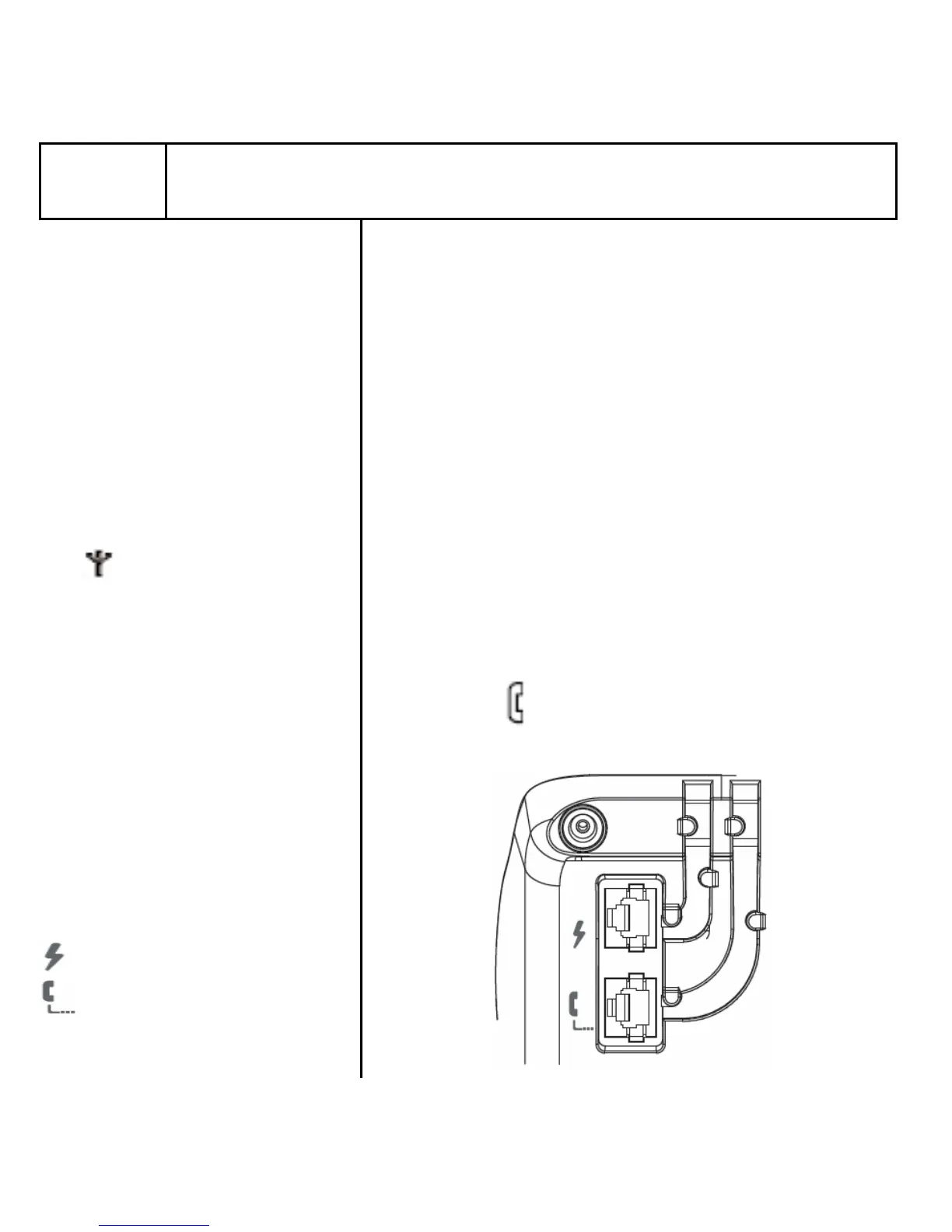
Which socket?
Power socket
Telephone line socket
Getting started 5



 To Next Page