6
3.1.3 Selecting CAN-CONTROL program number manually
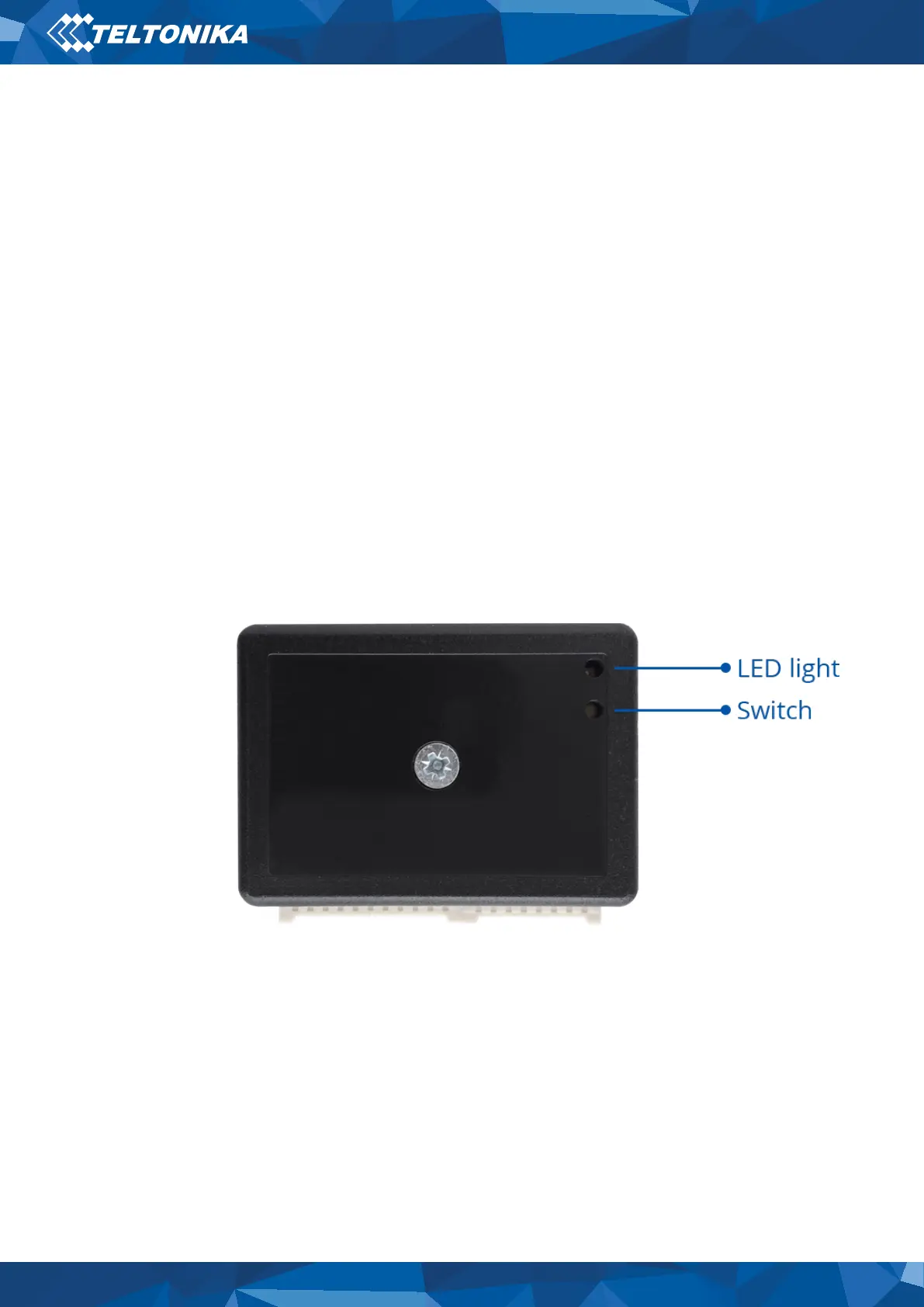
Steps to set program number:
• Hold SWITCH down until LED starts blinking.
• Release the SWITCH.
• Then LED starts blinking and counting first digit of program number (one blink means digit 1,
two blinks mean digit 2 etc).
• To stop counter push SWITCH.
• Release the SWITCH, then LED starts blinking and counting second digit of program number.
• To stop counter push SWITCH.
• Release the SWITCH, then LED starts blinking and counting third digit on program number.
• To stop counter push SWITCH.
• Release the SWITCH, then LED starts blinking and counting fourth digit on program number.
• To stop counter push SWITCH.
• Release the SWITCH, then LED starts blinking and counting fifth digit on program number.
• To stop counter push SWITCH.
• Release SWITCH, if programming is successful LED will blink 10 times.
Figure 3 Can Adapter


 To Next Page