44
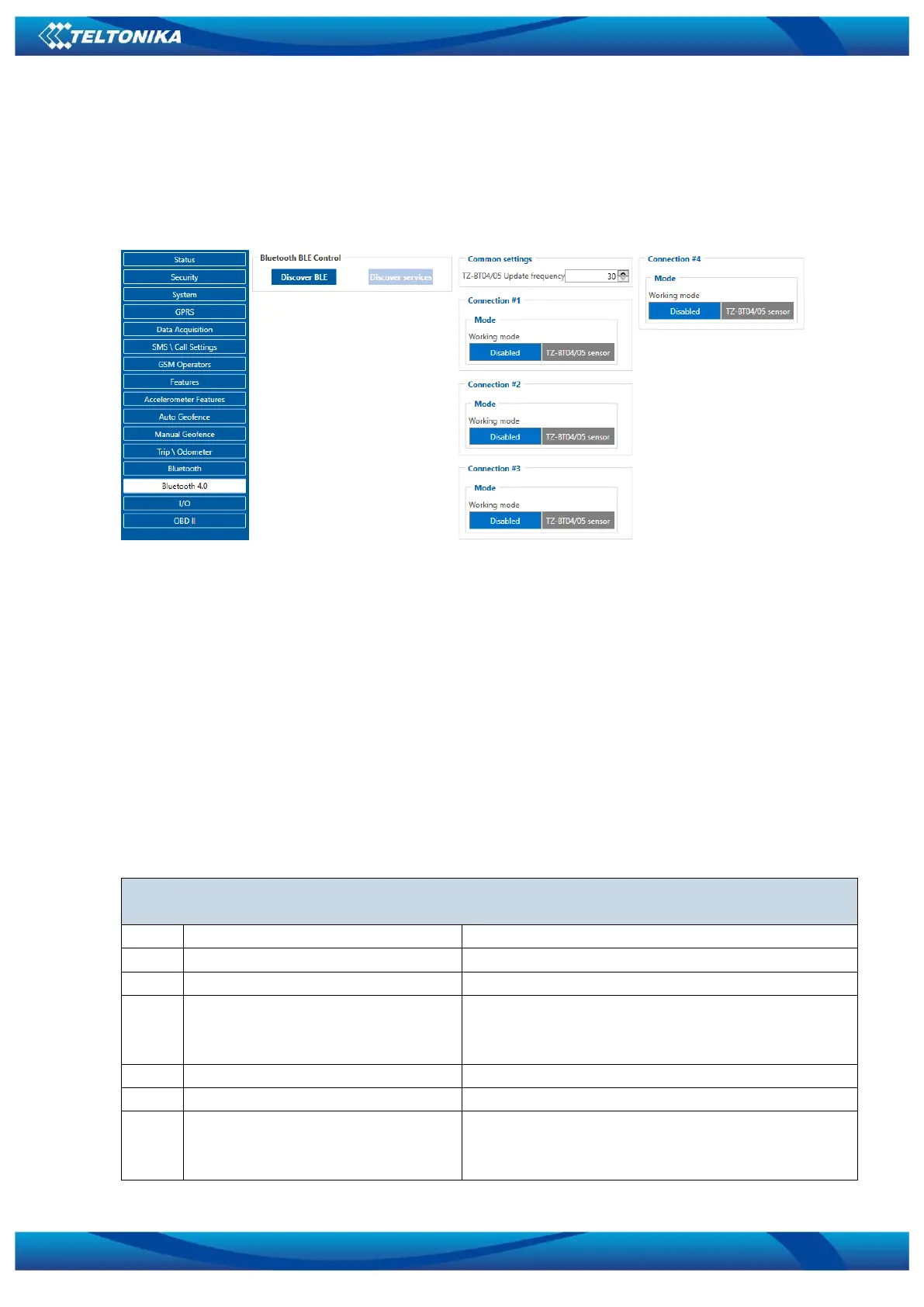
5.14 Bluetooth 4.0 settings
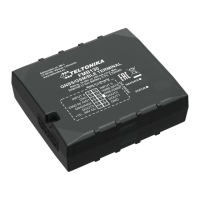
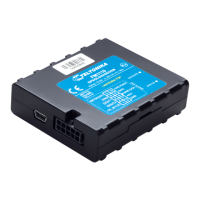
FMT100 offers Bluetooth 4.0 (Bluetooth Low Energy, also referred as BLE) functionality.
User is able to discover nearby BLE devices and their services. Another feature is TZ-BT04/05
sensor support. Sensors provide data about temperature and humidity.
Figure 34 Incoming Call Action settings
5.15 I/O & OBD II settings
When none of I/O elements are enabled, AVL packet comes with GNSS information only.
After enabling I/O element(s) AVL packet along with GNSS information contains current value(s)
of enabled I/O element.
Enabled or disabled field – allows enabling I/O element so it is added to the data packet
and is sent to the server. By default all I/O element are disabled and FMT100 records only GNSS
coordinates.
Priority (AVL packet priority) all records made by FMT100 are regular. Regular packets are
sent as Low priority records. When low priority event is triggered, FMT100 makes additional
record with indication that the reason for that was I/O element change.
Table 11 Permanent I/O elements
Permanent I/O elements
(are always sent to server if enabled)
0 – home on stop, 1 – home on move, 2 –
roaming on stop, 3 – roaming on move, 4 –
unknown on stop, 5 – unknown on move
GSM signal level value in scale 1 – 5
States: 0 – short circ., 1 – connected.
Parameter defines if GPS antenna is short circuit.
All the time value will be sent 1. The only


 To Next Page