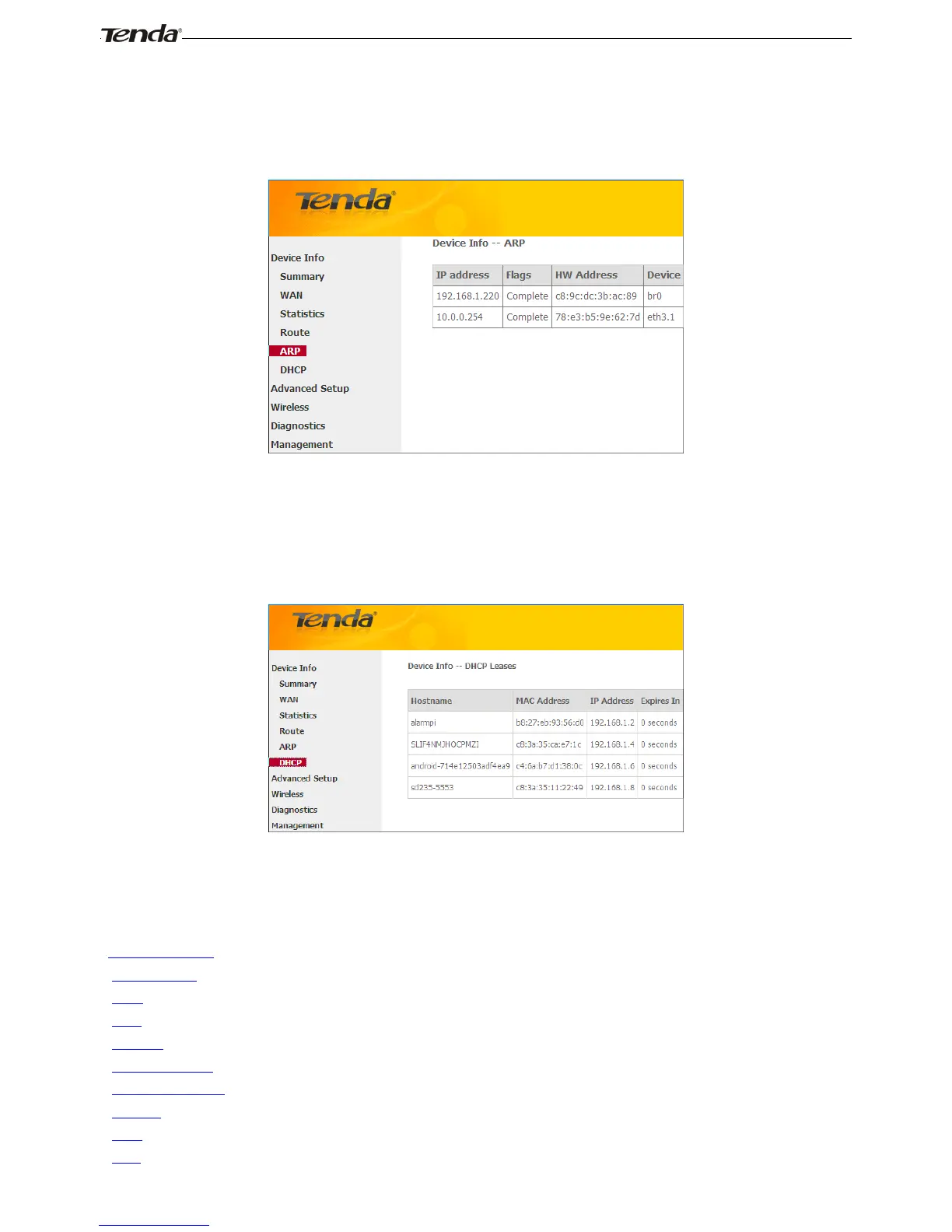
ARP
Here you can view the IP and MAC addresses of the PCs that attach to the device either via a wired or wireless
connection as seen in the screenshot:
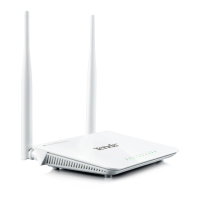
DHCP
Here you can view the DHCP leases, including IP and MAC addresses of the PCs, hostnames and remaining lease time
as seen in the screenshot:
4.2 Advanced Setup
This section explains the following information:
• Layer2 Interface
• WAN Service
• LAN
• NAT
• Security
• Parental Control
• Quality of Service
• Routing
• DNS
• DSL



 To Next Page