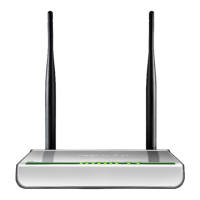
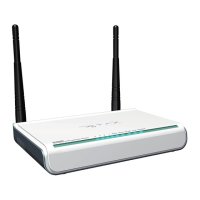
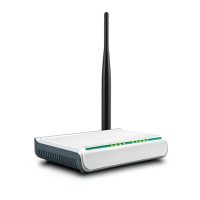
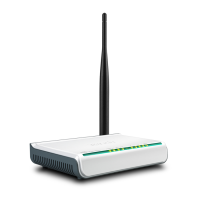
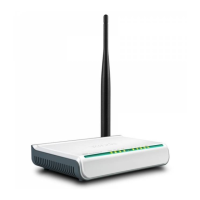
ADSL2/2+ Router
To enter the connection mode interface, click “Advanced
Setup”---“Connection Mode”. Select a proper connection mode and
then click the “Apply” button.
1. In DSL mode, you are required to configure parameters for ATM
interface.
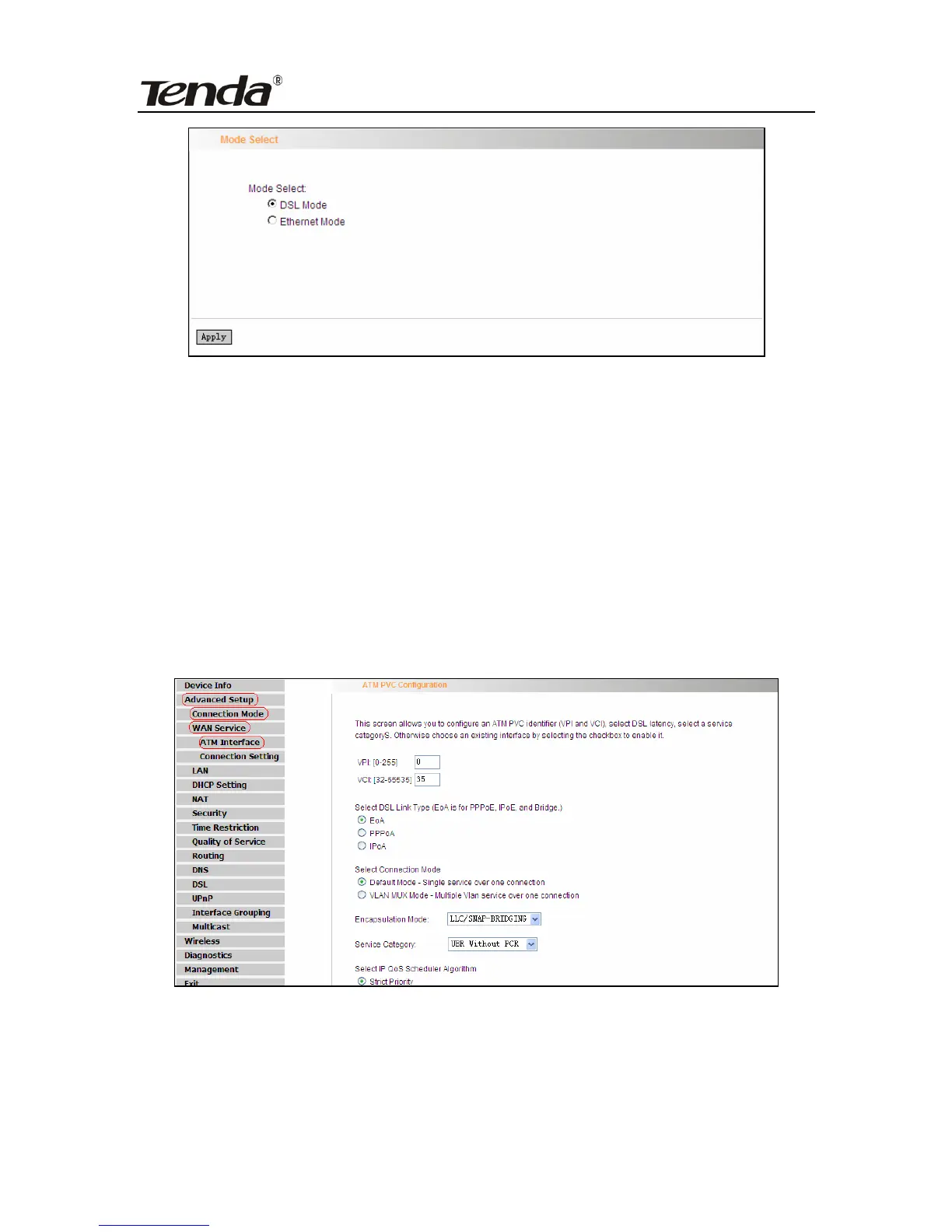
To enter the ATM Interface page, click “Advanced Setup”---“Connection
Mode” (Select DSL mode and click “Apply”) --- “WAN Service”---ATM
Interface. And then click “Add” to configure the relevant parameters.
On this page, you can configure VPI and VCI values (consult your local
ISP if you are not clear). For other options, keep the defaults and click
the “Apply/Save” button.
- 33 -


 To Next Page
 Loading...