34
C. Measuring Resistance
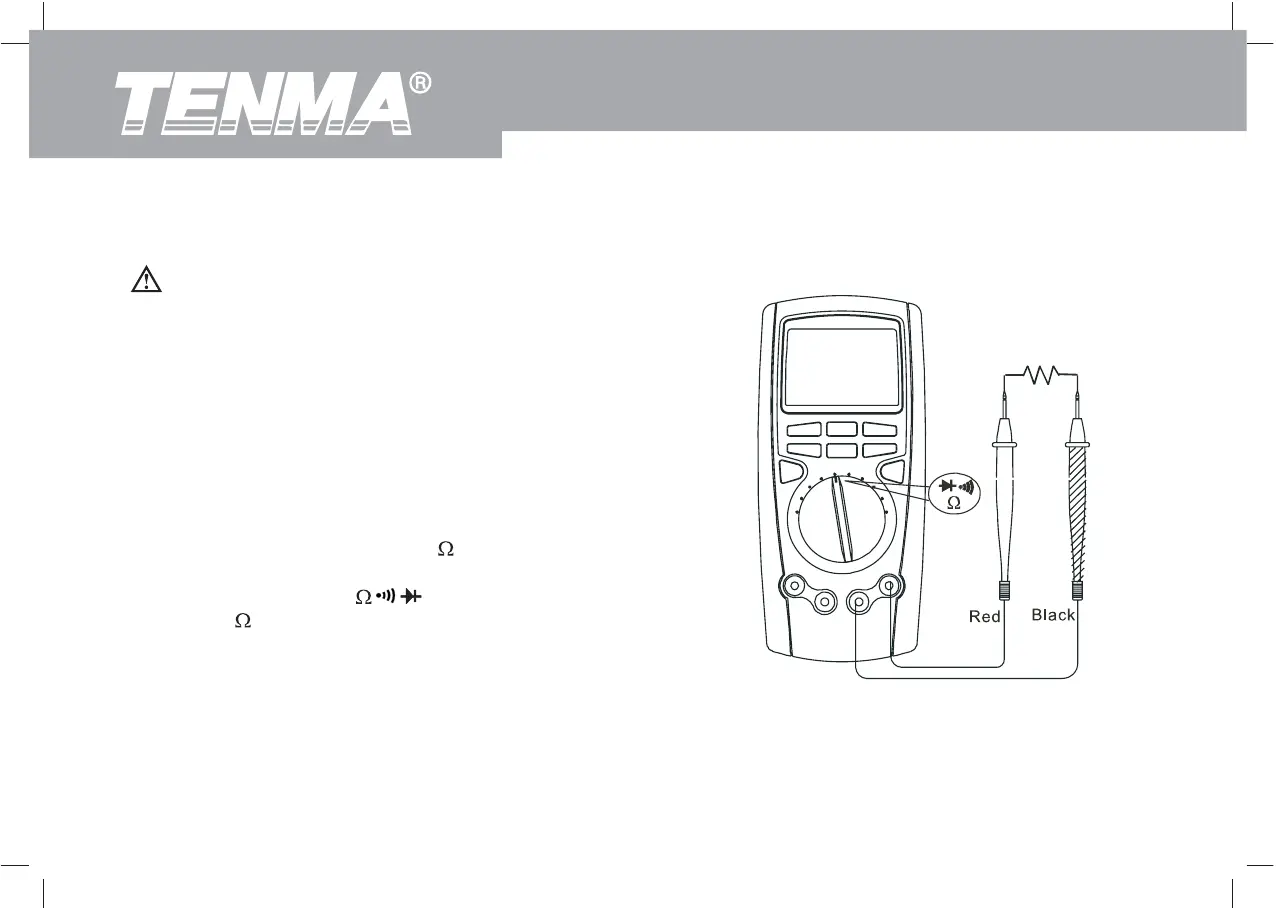
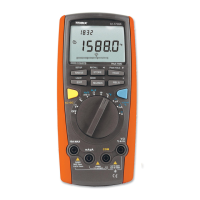
Figure 3-3. Resistance Measurement
Warning
Do not apply voltage to the test leads while the
meter is in the Resistance measurement mode.
To avoid possible damages to the Meter or to the
devices under test, disconnect circuit power and
discharge all the high-voltage capacitors before
measuring resistance.
To measure resistance, set up the Meter as shown in
Figure 3-3 and follow the following procedure:
Insert the red test lead into the
terminal and the
black test lead into the COM terminal.
Set the rotary switch to ; press BLUE button
to select
measurement mode.
Connect the test leads across with the object being
measured.
The measured value shows on the display.
1.
2.
3.
The BLUE button cycles among resistance, continuity,
and diode.
Model 72-7730A/72-7732A: OPERATING MANUAL


 To Next Page