43
H. Measuring Temperature
Warning
Do not apply voltage to the input terminals when
the Meter is in the Temperature Measurement Mode.
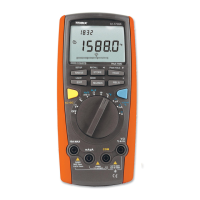
Set the rotary switch to , the display shows
OL. Short circuit the test leads to show the room
temperature. The Meter is default to Celsius C
degree unit, you can change units by press the BLUE
button once you have selected the temperature
function.
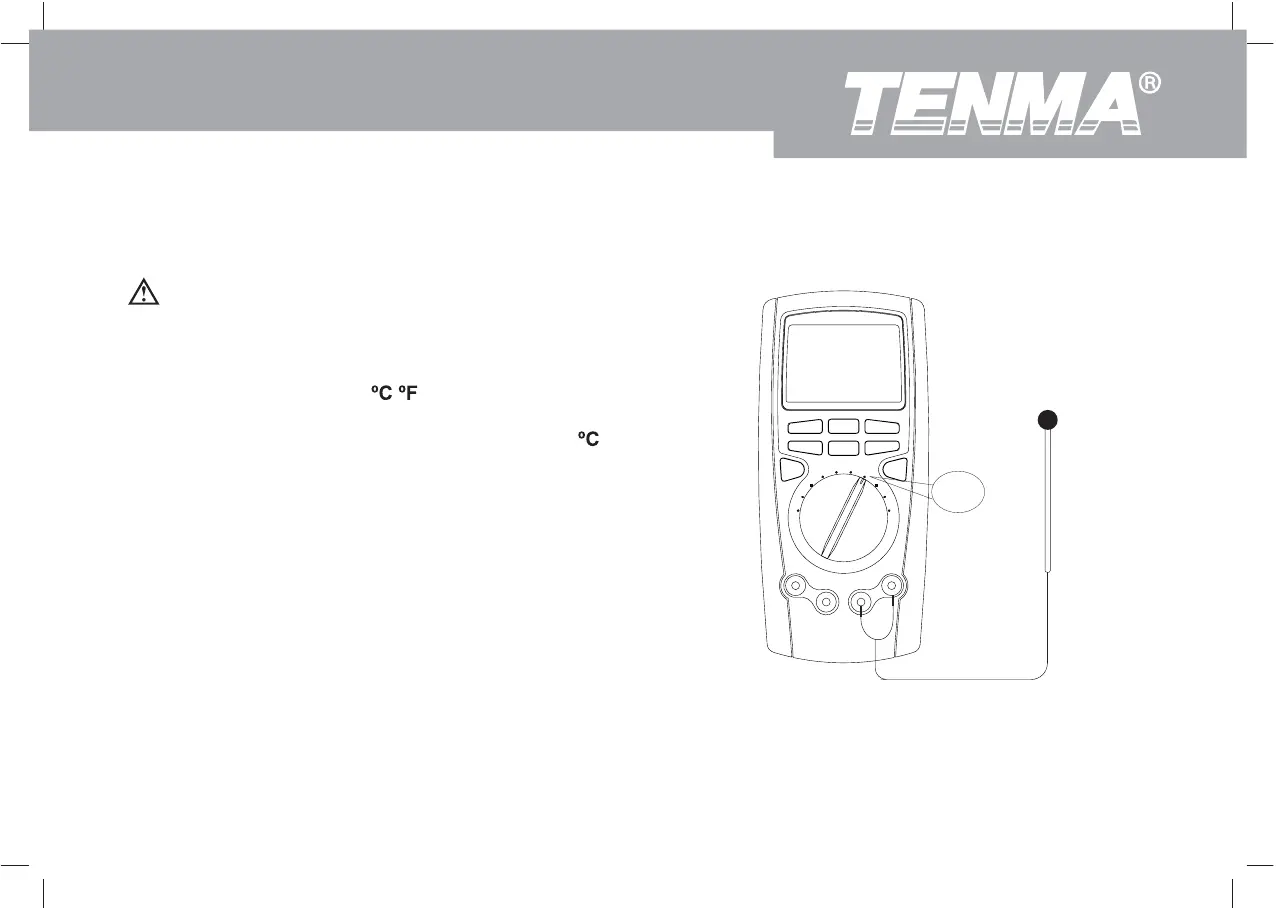
Insert the point contact temperature probe into the
Meter as figure 10.
Place the temperature probe to the object being
measured.
The measured value shows on the display after
several seconds.
1.
2.
3.
Figure 3-8. Temperature Measurement
C F
Model 72-7730A/72-7732A: OPERATING MANUAL


 To Next Page