47
Chapter 5
Changing the Default Setting
Introduction
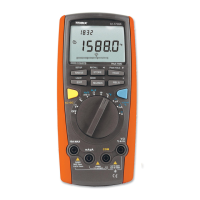
The Meter allows you to change the default operating configuration by changing setup options made at the factory.
These settings are stored and can be changed in the Setup mode using the procedure described in this chapter.
Selecting Setup Options
To enter the Setup mode, turn the Meter on and press and hold SETUP button for over 1 second. It is recommended
to change the default setting only when the Meter is at DCV measurement mode.
In the Setup mode, each press of SETUP button steps to the next Selection. Each press of - or + button decrement
or increment an Option.
Each Setup Selection and Option appears in the primary display in the sequence shown in Table 5-1.
Model 72-7730A/72-7732A: OPERATING MANUAL


 To Next Page