49
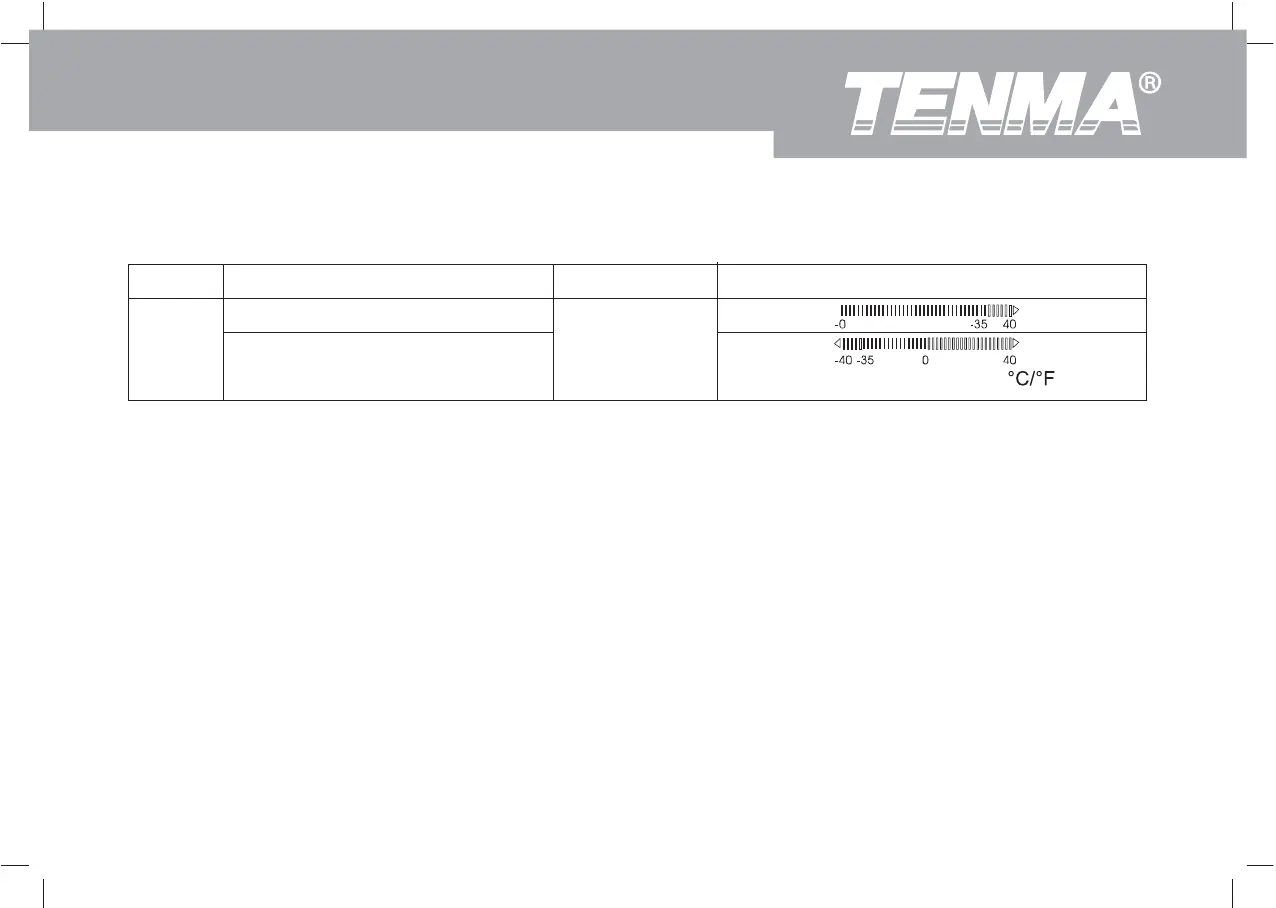
Table 5-1. Setup Selections
Selection Option Factory Default Description
Zero is in the left hand side.
Zero is in the center
Zero is in the
center
It can only apply to DCV, DCI and C/ F functions.
Analog
Bar
Graph
Saving Setup Options
At each setup Option, store your choice and exit setup by press EXIT, advance to the next Option by press +.
To exit the Setup mode without saving the present Option, press Setup.
Model 72-7730A/72-7732A: OPERATING MANUAL


 To Next Page