EasyManua.ls Logo

Tennant 7300 - User Manual

Tennant 7300
126 pages
Print Icon
To Next Page IconTo Next Page
Loading...
7300
*330610*
www.tennantco.com
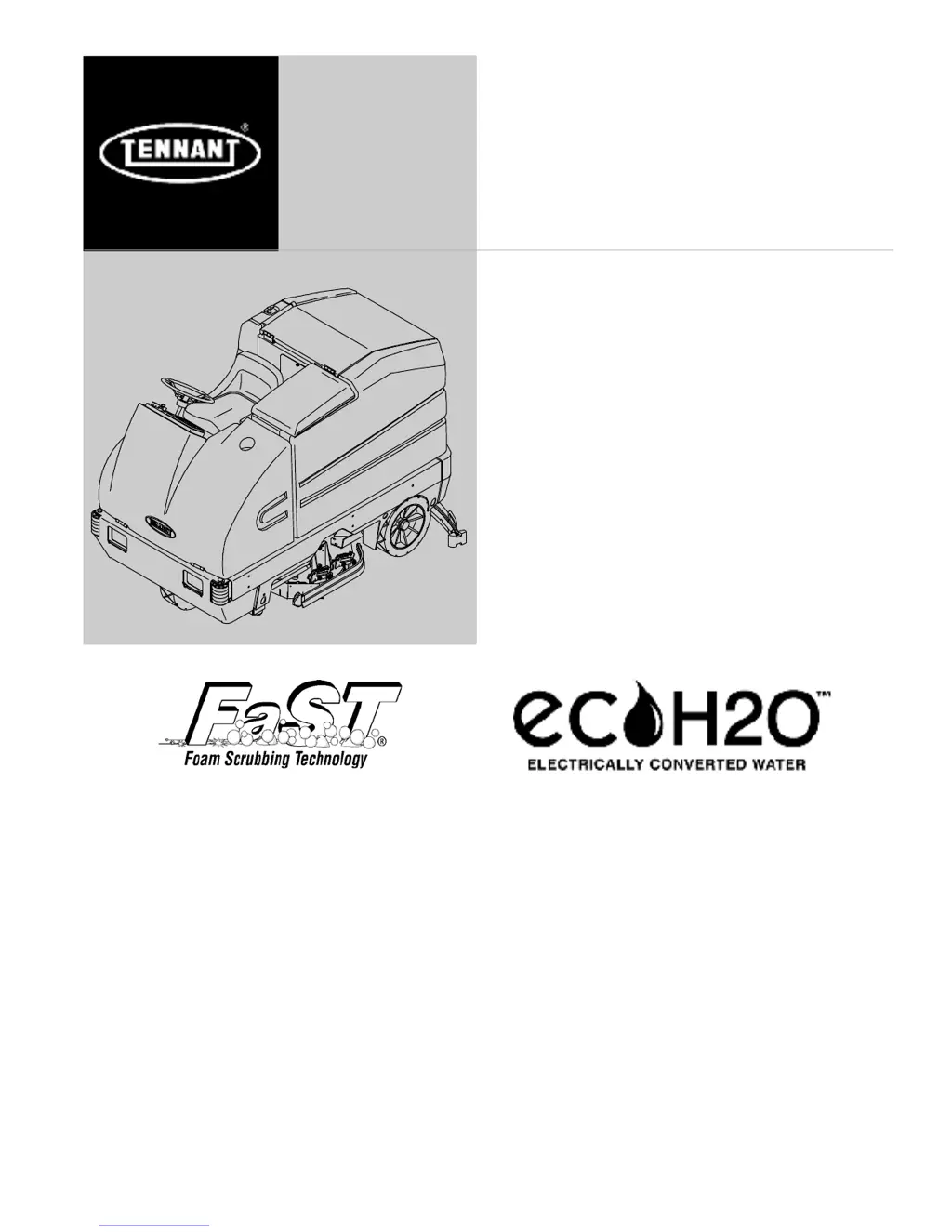
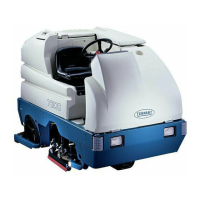
Rider Scrubber
Operator Manual
330610
Rev. 12 (06-2009)
North America / International
ES Extended Scru b System
R
The Safe Scrubbing Alternative
R

Table of Contents

Other manuals for Tennant 7300

Questions and Answers

  • A
    alongAug 19, 2025
    What to do if my Tennant Scrubber has little or no solution flow?
    • L
      lisa83Aug 19, 2025
      If your Tennant Scrubber isn't dispensing solution, start by checking if the solution tank is empty and fill it if needed. Ensure the solution flow lever is open. If the lever is open, the solution supply lines might be plugged, requiring you to flush them. Also, verify that the ES switch is on and the manual control valve is sufficiently open.
  • J
    julianmossAug 22, 2025
    What to do if the ES system on my Tennant Scrubber doesn't fill the solution tank?
    • R
      Richard JohnsonAug 22, 2025
      If the ES system on your Tennant Scrubber isn't filling the solution tank, the solution pump or lines may be clogged, so flush the ES system. Also, the ES float switches might be stuck, so clean the switch floats of debris. Another possibility is a clogged ES pump filter, so clean the ES filter. Finally, ensure that the water levels in the tanks are adequate and add water if necessary.
  • B
    Brittany PerkinsAug 25, 2025
    What causes poor scrubbing performance in a Tennant 7300?
    • G
      Gina WarrenAug 26, 2025
      Poor scrubbing performance in your Tennant Scrubber can stem from a few issues. Check for debris caught on the scrub brushes and remove it. Also worn scrub brushes can cause this issue, so replace them. Finally, make sure the scrub brush pressure is properly set.
  • S
    Sandra HensleyAug 28, 2025
    Why won't the vacuum fan turn on in my Tennant Scrubber?
    • K
      kayla73Aug 28, 2025
      The vacuum fan in your Tennant Scrubber might not activate due to several reasons. First, ensure the recovery tank isn't full; if it is, drain it. Check if the vacuum fan circuit breaker has tripped and reset it if necessary. Also, the machine must be propelled forward for the vacuum to operate.
  • C
    Craig MurphyAug 31, 2025
    What to do if the FaST System does not operate on my Tennant 7300 Scrubber?
    • R
      Roberta RhodesAug 31, 2025
      If the FaST system on your Tennant Scrubber isn't working, make sure the FaST switch is set for FaST system scrubbing, not conventional scrubbing. Check if the FaST circuit breaker tripped and reset it. Inspect the FaST PAK supply hose and connector for clogs; if clogged, soak them in warm water and clean. Ensure the FaST PAK carton isn't empty or disconnected, replace or connect it as needed. Prime the FaST system. Check for a clogged flow control orifice/screen and clean it. Also, see if the filter screen is clogged and clean it after draining the solution tank.
  • P
    patrickkruegerSep 3, 2025
    Why does the brush pressure light blink on my Tennant 7300 Scrubber?
    • C
      Crystal YuSep 3, 2025
      If the brush pressure light blinks and the pressure setting lowers on your Tennant Scrubber, it's likely because the brush pressure is set too high for the application. Try decreasing the brush pressure setting.
  • J
    John BartlettSep 6, 2025
    How to improve debris pick up with cylindrical brushes on my Tennant Scrubber?
    • J
      Joel GentrySep 6, 2025
      To enhance debris pickup with the cylindrical brushes on your Tennant Scrubber, verify that both brushes are installed with the correct herringbone pattern. Correct the cylindrical brush configuration if needed.
  • J
    Juan GordonSep 9, 2025
    How to improve sweeping performance on my Tennant Scrubber?
    • A
      Anne ParkerSep 9, 2025
      To improve the sweeping performance of your Tennant Scrubber, start by checking the brush bristles for wear and replace the brushes if they are worn. Also, ensure that the sweeping brushes are properly adjusted and adjust them if needed.
  • S
    ssmithSep 12, 2025
    What does it mean if the ec-H2O system indicator light is blinking red on my Tennant 7300?
    • T
      Timothy ThomasSep 12, 2025
      If the ec-H2O system indicator light is blinking red on your Tennant Scrubber, it indicates mineral deposit build-up in the module. You should flush the module.
  • D
    Destiny PattersonNov 15, 2025
    Why is my Tennant Scrubber leaving water behind?
    • R
      Robert StevensonNov 15, 2025
      If your Tennant Scrubber isn't picking up water, several factors could be the cause. The rear squeegee blades might be worn, so try rotating or replacing them. The rear squeegee could be out of adjustment or raised, so adjust or lower it. The squeegee tube could be clogged, so flush it. Check if side squeegees are raised, worn or out of adjustment and lower, replace or adjust them. Too much solution flow, a clogged vacuum hose, an unseated or worn recovery tank cover, or a full recovery tank could also be the cause. Check the vacuum float, remove any debris from the rear squeegee, reduce solution flow, flush the vacuum hoses, reseat the tank cover, replace the seal, drain the recovery tank, or clean the float. Finally, make sure the vacuum hose to the rear squeegee is connected and undamag...

Summary

SAFETY PRECAUTIONS

OPERATION

OPERATOR RESPONSIBILITY

Defines the operator's duties for machine care and maintenance.

MACHINE COMPONENTS

Identifies major parts of the machine with labels for easy reference.

SYMBOL DEFINITIONS

Explains the meaning of various symbols used on the machine's controls and displays.

CONTROLS AND INSTRUMENTS

Overview of all machine controls, switches, and indicators.

OPERATION OF CONTROLS

Detailed explanation of how to use each primary control and pedal.

CONTROL PANEL FUNCTIONS

Features and operation of the machine's main control panel.

HOW THE MACHINE WORKS

Explanation of the machine's cleaning mechanism and fluid systems.

FaST SCRUBBING SYSTEM

Details and benefits of the FaST Foam Scrubbing Technology.

ec-H2 O SYSTEM (OPTION)

Explanation of the electrically converted water cleaning system.

PRE-OPERATION CHECKLIST

Essential checks to perform before operating the machine.

STARTING THE MACHINE

Procedure for safely starting and preparing the machine.

FILLING THE TANKS

Instructions for filling the solution and recovery tanks with water/detergent.

SWEEPING, SCRUBBING AND BRUSH INFORMATION

Information on sweeping, scrubbing, and brush types.

SCRUBBING

Detailed steps for performing the scrubbing operation.

DRAINING AND CLEANING THE TANKS

Procedure for emptying and cleaning the machine's tanks.

STOP THE MACHINE

Safe steps to follow to stop the machine operation.

POST-OPERATION CHECKLIST

Essential checks to perform after finishing machine operation.

OPTIONS

Information on optional features like vacuum and power wands.

MACHINE TROUBLESHOOTING

Guidance for diagnosing and resolving common machine problems.

MAINTENANCE

MAINTENANCE CHART

Schedule and procedures for routine machine maintenance tasks.

LUBRICATION

Locations and procedures for lubricating machine components.

HYDRAULICS (OPTION)

Maintenance for the optional hydraulic system components.

BATTERIES AND CHARGING

Care, maintenance, and charging procedures for the machine's batteries.

SCRUB HEAD AND BRUSHES

Maintenance for the scrub head, gas spring, and brushes.

REPLACING DISK BRUSHES

Step-by-step guide for replacing disk type scrub brushes.

ADJUSTING CYLINDRICAL BRUSH PATTERN

Procedure to check and adjust the pattern of cylindrical brushes.

SQUEEGEES

Maintenance for rear and side squeegees.

REAR SQUEEGEE LEVELING AND DEFLECTION

How to level and adjust the rear squeegee blade.

SKIRTS AND SEALS

Inspection and maintenance of machine skirts and seals.

BRAKES AND TIRES

Maintenance checks for the braking system and tires.

MACHINE HANDLING AND STORAGE

Procedures for pushing, towing, jacking, and storing the machine.

FREEZE PROTECTION PROCEDURES

Methods to protect the machine from freezing temperatures.

ec-H2 O MODULE FLUSH PROCEDURE

Procedure to flush the ec-H2O module when required.

SPECIFICATIONS

GENERAL MACHINE DIMENSIONS;CAPACITIES

Key physical dimensions and fluid capacities of the machine.

FaST SYSTEM SPECIFICATIONS

Technical details for the FaST system components.

GENERAL MACHINE PERFORMANCE

Performance metrics including speed, turning radius, and angles.

POWER TYPE SPECIFICATIONS

Details on batteries, electric motors, and chargers.

SYSTEM SPECIFICATIONS

Specifications for steering, hydraulics, braking, tires, and ec-H2O.

INDEX

Tennant 7300 Specifications

General IconGeneral
Power SourceBattery
Machine TypeRide-On Scrubber
Battery Voltage36 V
Solution Tank Capacity30 gallons
Cleaning Path36 in / 910 mm

Related product manuals