EasyManua.ls Logo

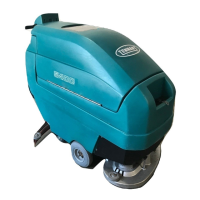
Tennant 5400 - User Manual

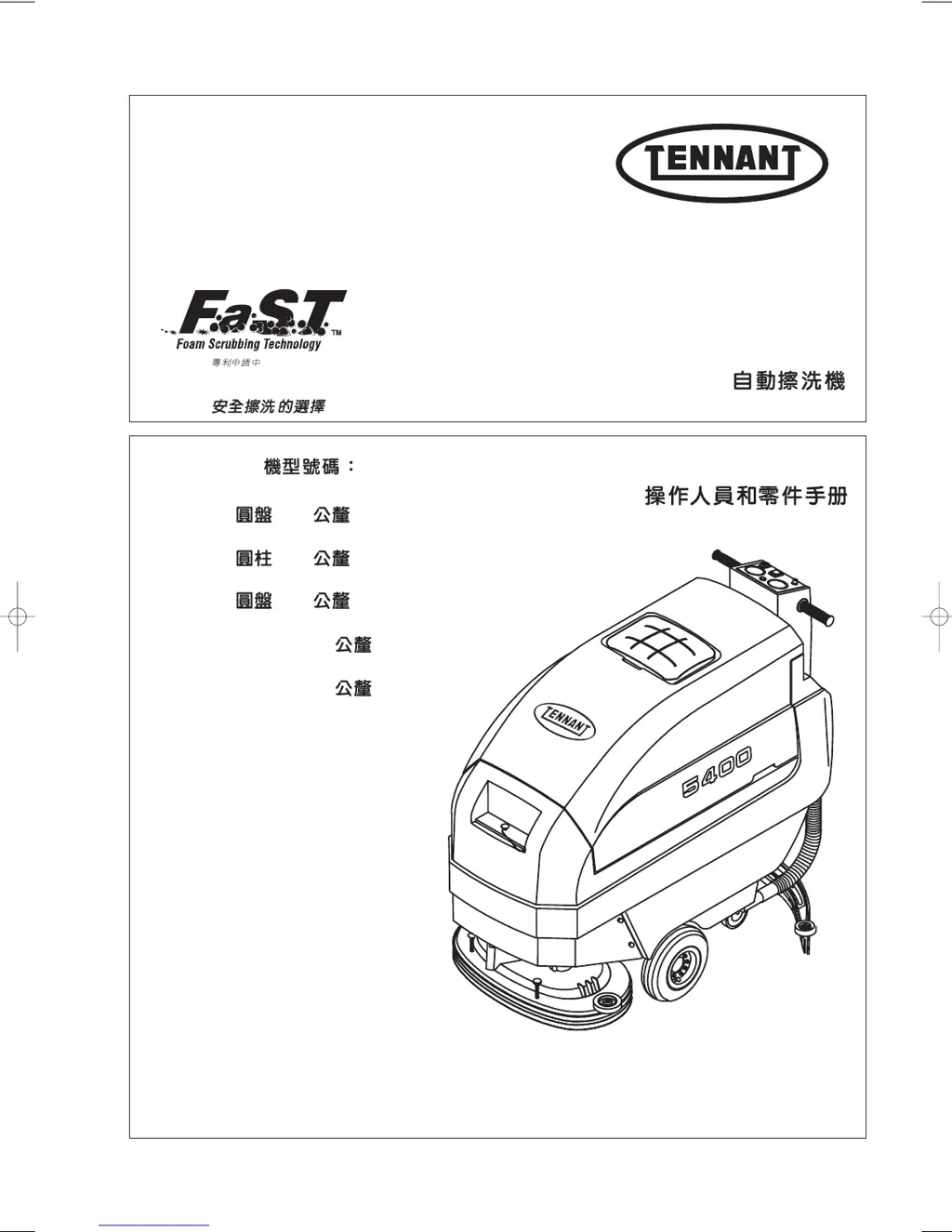
Tennant 5400
50 pages
Print Icon
To Next Page IconTo Next Page
Loading...
5400
Automatic Scrubber
Operator and Parts Manual
606863
Rev. 02 (02-03)
The safe scrubbing alternative
Patents Pending
Model No.s
606912 – 610 mm Disc
610
606913 – 610 mm Cylindrical Brush
610
610876 – 660 mm Disc
660
613986 – 610 mm FaST™
FaST™ 610
613987 – 660 mm FaST™
FaST™ 660

Other manuals for Tennant 5400

Questions and Answers

  • B
    Blake EvansAug 21, 2025
    What to do if my Tennant Scrubber FaST System Option does not operate?
    • L
      Lisa MooreAug 21, 2025
      If the FaST System Option on your Tennant Scrubber isn't working, consider these potential causes and solutions: 1. Ensure the solution switch is activated by turning it on. 2. Confirm the FaST system switch is turned on. 3. Check if the FaST circuit breaker has tripped; if so, determine the cause and reset the 10A circuit breaker button. 4. Inspect the FaST PAK supply hose and connectors for clogs; soak the connector and hose in warm water and clean them. 5. Verify the FaST PAK carton isn't empty or disconnected; replace the FaST PAK carton and/or connect the supply hose. 6. Examine the flow control orifice for clogs; remove the orifice, clean it, and reinstall it.
  • J
    John MartinezAug 23, 2025
    How to troubleshoot ES option not operating on Tennant 5400 Scrubber?
    • E
      evelynwilliamsAug 25, 2025
      If the ES option isn't working on your Tennant Scrubber, here are a few things to check: * The ES filter might be clogged. Remove and clean the ES filter. * The ES float switch may be dirty. Rinse off the float switch located in the recovery tank.
  • J
    Julie SteeleAug 27, 2025
    What to do if FaST System Option does not operate on Tennant Floor Machine?
    • F
      Frank RojasAug 28, 2025
      If the FaST System Option on your Tennant Floor Machine isn't working, make sure the solution switch and the FaST system switch are both turned on. Check if the FaST circuit breaker has tripped and, if so, determine the cause and reset it. Inspect the FaST--PAK supply hose and connectors for clogs; soak them in warm water to clean. Ensure the FaST--PAK carton isn't empty or disconnected, and replace or connect it as needed. Also, check the flow control orifice for clogs; remove, clean, and reinstall it. Lastly, the solution tank filter may be clogged, so drain the solution tank, remove the filter, clean it, and reinstall.
  • C
    Cynthia KeithAug 30, 2025
    Why vacuum motor will not turn on in Tennant Floor Machine?
    • S
      Steven HamptonAug 30, 2025
      If the vacuum motor of your Tennant Floor Machine isn't turning on, there might be a few reasons. Check if the squeegee is raised off the floor and lower it. Also, verify that the main or vacuum motor circuit breaker hasn't tripped; if it has, reset it after removing any obstructions.
  • J
    Joshua WilliamsonSep 1, 2025
    How to improve scrubbing performance of Tennant Floor Machine?
    • P
      perkinsjamesSep 1, 2025
      If you're experiencing poor scrubbing performance with your Tennant Floor Machine, start by checking the brushes or pads for wear, damage or debris and replace or remove debris as needed. Make sure that the battery is fully charged. Also, check the tire pressure and increase it if it is low. Finally, readjust the brush/pad pressure if it is incorrect, and replace belts if they are broken.
  • G
    graveskimberlySep 3, 2025
    What to do if brush motors will not turn on in Tennant Floor Machine?
    • S
      Sandra CainSep 3, 2025
      If the brush motors on your Tennant Floor Machine aren't turning on, make sure the control grips are rotated. Additionally, check if the brush circuit breaker has tripped, and if so, replace the pad or adjust the pad pressure and reset the breaker.
  • S
    Sandra ThomasSep 5, 2025
    How to fix little or no solution flow in Tennant Floor Machine?
    • A
      Ashley WuSep 5, 2025
      If your Tennant Floor Machine has little to no solution flow, first ensure that the solution switch is activated and the solution flow knob is turned on. Check for clogs in the solution line or tank filter, and use compressed air to clear any blockages. Also, inspect the solution valve or solenoid for clogs, carefully cleaning them without scratching the inside of the valve. Finally, check the solution knob and calibrate it and tighten the screw if it is loose.
  • J
    Joseph WatsonSep 7, 2025
    Why does my Tennant 5400 have a short run time?
    • T
      Teresa WalkerSep 7, 2025
      A short run time for your Tennant Scrubber can be due to several factors: * The batteries may not be fully charged, so ensure you charge them completely. * The batteries might be defective, requiring replacement. * The batteries may need maintenance. See BATTERY MAINTENANCE. * The charger could be faulty; consider repairing or replacing it.
  • S
    samanthawangSep 9, 2025
    Why does my Tennant Floor Machine have a short run time?
    • L
      Laura WilkersonSep 10, 2025
      If your Tennant Floor Machine has a short run time, it could be due to several reasons related to the battery. First, ensure the batteries are fully charged by charging them. If the batteries are defective, consider replacing them. The batteries may also need maintenance, so refer to BATTERY MAINTENANCE. Lastly, a faulty charger could be the culprit, in which case you should repair or replace the battery charger.
  • C
    Curtis WeberSep 12, 2025
    How to fix ES option if it's not operating on Tennant Floor Machine?
    • D
      Dominique CareySep 12, 2025
      If the ES option on your Tennant Floor Machine is not operating, start by checking the ES filter for clogs and clean it if necessary. Also, the ES float switch might be dirty; rinse it off. The float switch is located in the recovery tank.

Summary

Safety and Labels

Safety Precautions

General safety rules, operator safety, servicing safety, and transport safety guidelines.

Safety Labels Identification

Identification and location of major safety labels on the machine.

Machine Components and Setup

Component Identification and Symbols

Description of machine components, control console symbols, and optional systems.

Installation Procedures (Uncrating, Batteries, Squeegee, Brushes)

Procedures for uncrating, installing batteries, attaching squeegee, and installing brushes.

Special System Installation (FaST PAK, Filling Tank)

Instructions for installing FaST™ PAK agent and filling the solution tank.

Machine Operation

Pre-Operation Checks

Checklist of essential checks before operating the machine.

Basic Machine Operation

Step-by-step guide for operating the machine controls and functions.

Specialized Operation Modes (FaST, EST, Off-Aisle Wand)

Operating instructions for FaST™, EST™, and Off-Aisle Wand options.

Maintenance and Troubleshooting

Scrub Head and Brush Maintenance

Adjusting, removing, and changing scrub heads and brushes.

Routine Maintenance Schedules

Daily, weekly, monthly, and quarterly maintenance tasks for the machine and batteries.

Troubleshooting Common Issues

Identifying and resolving common problems with the machine's operation.

Machine Handling, Specifications, and Systems

Machine Jacking, Transport, Storage, and Freeze Protection

Procedures for handling, storing, and protecting the machine from freezing.

Circuit Protection, Hour Meter, and Recommended Items

Information on circuit breakers, fuses, hour meter, and recommended spare parts.

Technical Specifications and Dimensions

Detailed specifications and physical dimensions of the machine models.

Tennant 5400 Specifications

General IconGeneral
Power SourceBattery
Battery Voltage24 V
Estimated Run Time3 hours
Machine TypeWalk-Behind
Battery TypeLead-acid

Related product manuals