EasyManua.ls Logo

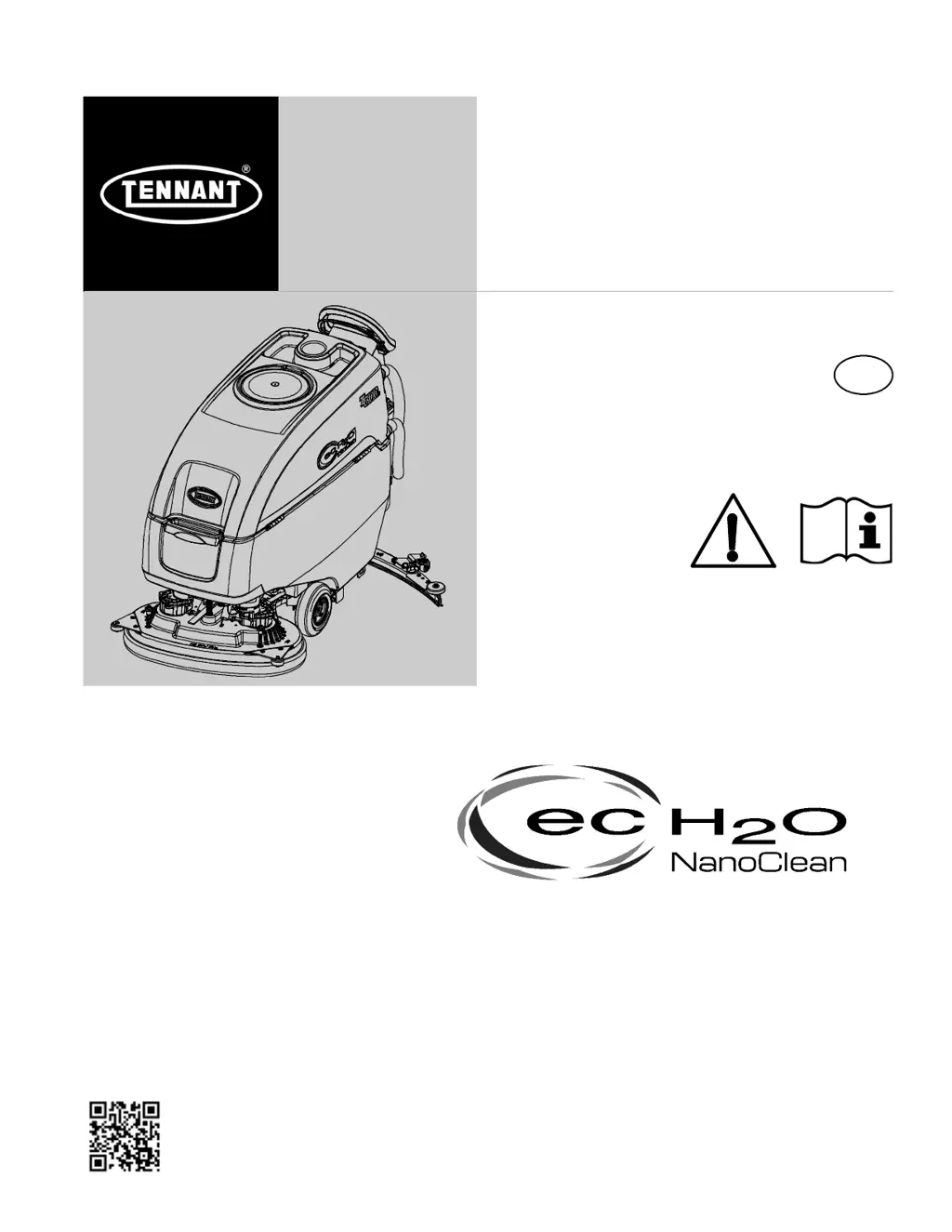
Tennant t500e - User Manual

Tennant t500e
44 pages
Print Icon
To Next Page IconTo Next Page
Loading...
R
T500e
9015506
Rev. 01 (02-2017)
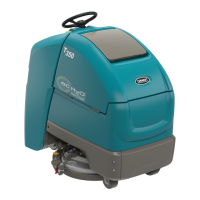
Walk-Behind Floor Scrubber
*9015506*
For the latest Parts manuals and other
language Operator manuals, visit:
www.tennantco.com/manuals
TennantTrue
®
Parts
IRIS
®
a Tennant Technology
Insta-Fit Adapter
Smart-Fill Automatic Battery Watering
English EN
Operator Manual
North America / International

Table of Contents

Other manuals for Tennant t500e

Questions and Answers

  • K
    Kyle DuncanJul 27, 2025
    What to do if my Tennant t500e Scrubber won't operate?
    • K
      Kenneth AllenJul 27, 2025
      If your Tennant Scrubber isn't starting, there are several things you can check: * Ensure the emergency shut-off button is not activated by turning the button to reset it. * Recharge the batteries if they are discharged. * Tighten any loose battery cables. * Replace the batteries if they are faulty. * Reset the circuit breaker if it has tripped.
  • S
    Scott BrownAug 6, 2025
    Why is my Tennant Scrubber's on-board battery charger not working?
    • R
      Robert MaloneAug 6, 2025
      If the on-board battery charger of your Tennant Scrubber isn't working, start by checking the plug connection to the power supply. If the batteries are over discharged, replace them. You may also need to replace the charger if it is faulty, or replace the power supply cord if it is faulty.
  • J
    Joseph LopezAug 11, 2025
    Why Tennant Scrubber has poor scrubbing performance?
    • L
      Lisa FarrellAug 11, 2025
      If your Tennant Scrubber isn't cleaning effectively, start by removing any debris caught in the brush or pad. Replace the brush or pad if it's worn. Adjust the brush pressure if it's incorrect, and ensure you're using the correct brush or pad type for your specific application. Recharge the batteries if the charge is low.
  • T
    Tamara HinesAug 16, 2025
    What to do if my Tennant t500e has little or no solution flow?
    • A
      Alejandro Robinson DDSAug 16, 2025
      If your Tennant Scrubber has little to no solution flow, first refill the solution tank if it is empty. If the tank isn't empty, increase the solution flow rate. Clean the solution tank filter if it's clogged, and flush the solution supply line if it's plugged.
  • S
    Shawn MannAug 21, 2025
    Why does my Tennant Scrubber have a short run time?
    • M
      Melissa JordanAug 21, 2025
      If your Tennant Scrubber isn't running for very long, start by charging the batteries if the charge is low. If that doesn't resolve the issue, replace the batteries if they are defective. You can also lower the brush pressure.
  • J
    Jennifer LongOct 30, 2025
    Why is my Tennant Scrubber leaving trailing water?
    • J
      johnsonmarkOct 31, 2025
      If your Tennant Scrubber is leaving water behind, several issues could be the cause. First, the recovery tank might be full or have excessive foam buildup; in this case, drain the recovery tank. Check for a loose drain hose cap or open flow control valve on the drain hose, and replace the cap or close the valve. Inspect the squeegee blades for wear and rotate or replace them. Also, check for clogs in the drip trap or the squeegee assembly itself, and clean as needed. Other potential problems include loose or clogged vacuum hoses, which should be secured or flushed, respectively. Damaged vacuum hoses should be replaced. Finally, ensure the float shut-off screen in the recovery tank is clean, the recovery tank lid is completely closed and free of obstructions, and the seals on the recovery t...

Summary

Introduction

Intended Use

Defines the commercial applications and environments for the floor scrubber.

Uncrating Machine

Instructions for safely removing the machine from its packaging.

Safety

Important Safety Instructions

Key safety guidelines and warnings to prevent injury or damage.

Safety Labels

Explains the location and meaning of various safety warning labels on the machine.

Operation

Installing Batteries

Step-by-step guide for installing the machine's batteries.

Service Indicator

How to interpret the service indicator light for fault detection.

Pre-Operation Check List

A checklist of essential tasks before operating the machine.

Operating Machine

Step-by-step guide on how to operate the machine.

Emergency Shut-Off Button

How to use the emergency shut-off button in critical situations.

Service Indicator Codes

Lists fault codes for machine diagnostics and troubleshooting.

On-Board Battery Charger Service Indicator Codes

Fault codes specific to the on-board battery charger.

ec-H2 O System Service Indicator Codes

Fault codes specific to the ec-H2O system.

Maintenance

Maintenance Chart

Overview of required maintenance tasks scheduled by interval.

Batteries

General information and maintenance for different battery types.

Charging Batteries

Instructions for safely and effectively charging the machine's batteries.

Battery Charger Settings

How to configure battery charger settings for different battery types.

Machine Jacking

Instructions for safely jacking the machine for service.

Troubleshooting

Lists common problems and their solutions for the machine.

Troubleshooting - Continued

Additional common problems and their solutions.

Tennant t500e Specifications

General IconGeneral
Power SourceBattery
Battery Voltage24 V
Battery TypeLead Acid, AGM, or Lithium-Ion
Cleaning Path28 in / 710 mm or 32 in / 810 mm
Brush Deck Width28 in / 710 mm or 32 in / 810 mm

Related product manuals