EasyManua.ls Logo

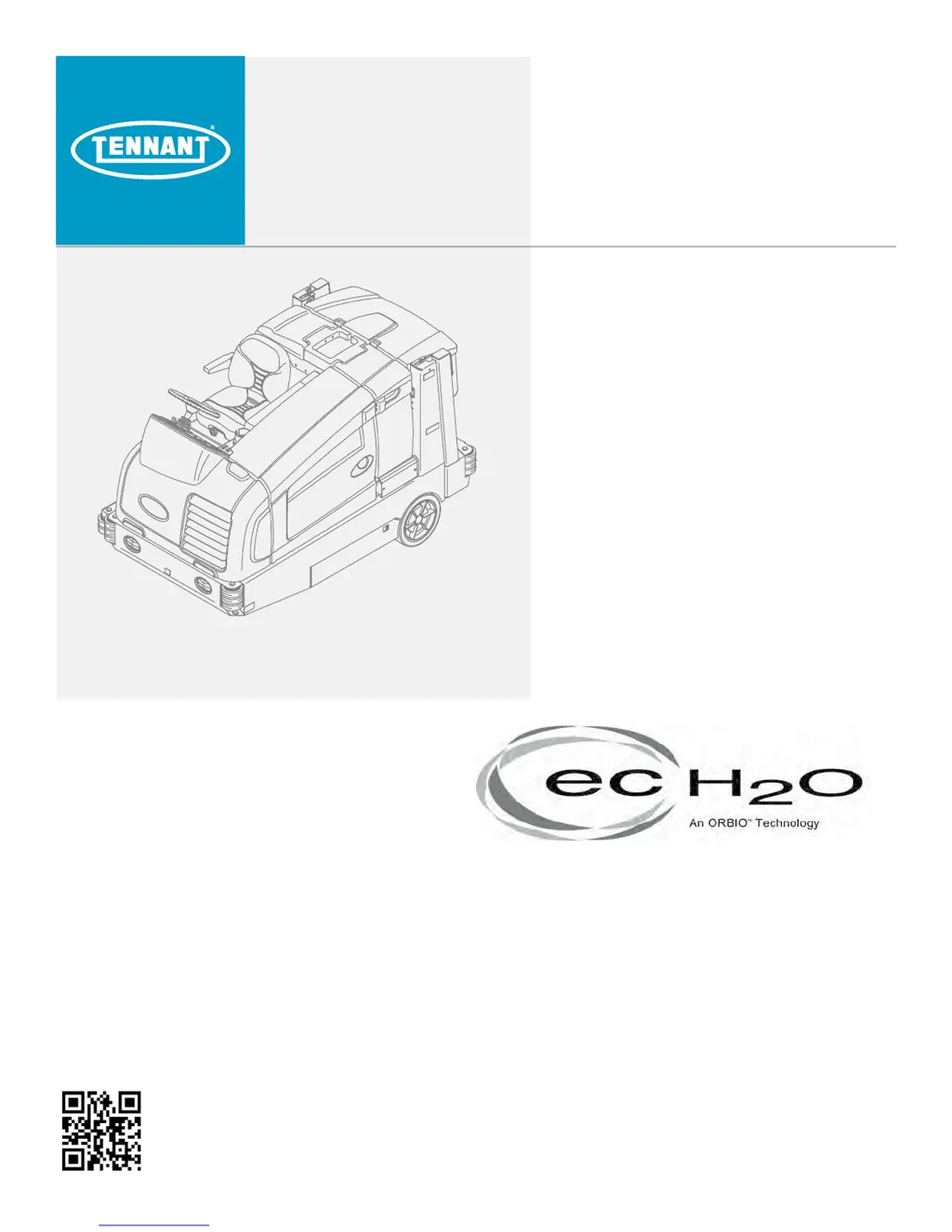
Tennant M20 - Service Manual

Tennant M20
166 pages
Print Icon
To Next Page IconTo Next Page
Loading...
M20/M30
(S/N 008000- )
Sweeper Scrubber
Service Manual
9016006
Rev. 01 (03-2017)
*9016006*
North America / International
For the latest Parts Manuals and other
language Operator Manuals, visit:
www.tennantco.com/manuals
ES
®
Extended Scrub System
Tennant True
®
Parts
IRIS
®
a Tennant Technology
Pro-Panel™ Controls
Insta-Fit™ Adapter

Table of Contents

Other manuals for Tennant M20

Questions and Answers

  • A
    Abigail BauerSep 12, 2025
    Why is the FaST System not working on my Tennant Scrubber?
    • A
      amandabenitezSep 12, 2025
      If the FaST system on your Tennant Scrubber isn't operating, check these potential causes: * Ensure the FaST button is turned on. * The FaST?PAK supply hose and/or connector might be clogged; soak the connector and hose in warm water and clean them. * The FaST?PAK carton could be empty or not connected; replace the FaST?PAK carton and/or connect the supply hose. * The FaST system might not be primed; operate the FaST solution system for a few minutes to prime it. * The filter screen could be clogged; drain the solution tank, remove, and clean the filter screen.
  • E
    ewhiteAug 25, 2025
    How to fix poor water pickup with my Tennant M20 Scrubber?
    • W
      woodscolleenAug 25, 2025
      If your Tennant Scrubber isn't picking up water, several factors could be the cause. First, ensure the scrub vacuum fan is turned on. Check the squeegee blades for wear and rotate or replace them if needed. Adjust the squeegee if it's out of alignment. Add detergent to the solution tank to prevent squeegee chatter. Flush any clogs from the vacuum hoses and clean the vacuum screen. Replace worn recovery tank cover seals. Remove any debris caught in the squeegee. Reconnect or replace any disconnected or damaged vacuum hoses. Finally, ensure the recovery tank cover is completely closed and free of obstructions.
  • S
    stevenbeardAug 25, 2025
    What to do if there is little or no solution flow to the floor in my Tennant M20 Scrubber (Conventional Scrubbing Mode)?
    • T
      Thomas WalkerAug 26, 2025
      If your Tennant Scrubber isn't dispensing enough solution in Conventional Scrubbing Mode, start by checking if the solution tank is empty and fill it if needed. Make sure the solution flow is turned on. If the problem persists, the solution supply lines might be plugged, requiring you to flush them.
  • D
    Diane MurphySep 13, 2025
    Why won't the vacuum fan turn on in my Tennant M20 Scrubber?
    • R
      Russell JohnsonSep 13, 2025
      If the vacuum fan on your Tennant Scrubber won't turn on, first check if the Vacuum fan/squeegee button is activated. If the recovery tank is full, drain it. Foam filling the recovery tank can also prevent the fan from turning on, so empty the tank. If the recovery tank sensor is dirty or stuck, clean or replace it.
  • L
    Linda ParkSep 18, 2025
    Why is my Tennant Floor Machine creating excessive dusting?
    • K
      Kelsey MosesSep 18, 2025
      If your Tennant Floor Machine is producing excessive dust, it might be due to worn, damaged, or misadjusted brush skirts and dust seals; replace or adjust them as needed. A clogged hopper dust filter can also cause this; shake or replace the dust filter. Check for a damaged sweep vacuum fan seal and replace it if necessary. Allow Thermo-Sentry to cool.
  • N
    Nicole ZavalaSep 6, 2025
    What to do if my Tennant Scrubber vacuum fan will not turn on?
    • J
      Joel SmithSep 6, 2025
      If the vacuum fan on your Tennant Scrubber isn't turning on, check the following: * Ensure the vacuum fan/squeegee button is turned on. * The recovery tank might be full; drain it. * Foam may be filling the recovery tank; empty it and use less detergent or a defoamer. * The recovery tank sensor could be dirty or stuck; clean or replace the sensor.
  • O
    oriveraSep 7, 2025
    What to do if my Tennant M20 sweeping or scrubbing functions do not turn on?
    • C
      Christian TateSep 7, 2025
      If the sweeping or scrubbing functions on your Tennant Scrubber aren't activating, make sure of the following: * The hopper is completely lowered. * The recovery tank isn't full; press the scrub vacuum fan/squeegee button for one minute of extended water pickup and then empty the recovery tank. For ES models, activate the ES system to prevent this.
  • C
    Clinton VillanuevaSep 22, 2025
    How to improve sweeping performance of Tennant Floor Machine?
    • M
      Mr. Ethan McguireSep 22, 2025
      If your Tennant Floor Machine's sweeping performance is lacking, start by checking the brush bristles for wear and replace them if necessary. Ensure the brush pressure isn't set too light and increase it if needed. Verify that the main brushes are properly adjusted. Debris caught in the main brush drive mechanism can also cause poor performance, so remove any obstructions. Other potential issues include a full hopper (empty it) or worn/damaged hopper lip skirts (replace them).
  • B
    Brianna SmithAug 31, 2025
    How to fix poor scrubbing performance on Tennant Floor Machine?
    • J
      Jose CurtisAug 31, 2025
      If your Tennant Floor Machine isn't scrubbing well, ensure the 1--STEP Scrub button is turned on. Also check if there is debris caught on the main brushes and remove it. Make sure that the solution tank isn't empty and fill it if needed.
  • J
    Jessica McguireAug 31, 2025
    What to do if sweeping or scrubbing functions don't turn on in Tennant Floor Machine?
    • C
      Cynthia EvansAug 31, 2025
      If the sweeping or scrubbing functions on your Tennant Floor Machine aren't turning on, ensure the hopper is completely lowered. If there is a fire in the hopper, shut off the machine and extinguish the fire, call emergency personnel if necessary. If the recovery tank is full, press the Scrub vacuum fan/ squeegee button for one minute of extended water pickup and then empty the recovery tank. On ES models, activate the ES system to prevent this.

Summary

M30 GENERAL MACHINE DIMENSIONS;CAPACITIES

M30 POWER TYPE

Specifies engine types, displacement, fuel, cooling, and electrical systems.

M20 SPECIFICATIONS

Details specifications for the M20 model.

ELECTRICAL COMPONENT LOCATOR

M SERIES ELECTRICAL COMPONENT LOCATOR

Locates specific electrical components within the M Series.

M20;M30 Series Hydraulic Component Locator

Identifies hydraulic components within the M20/M30 series.

ELECTRICAL

Key Power Distribution

Illustrates power distribution based on key switch positions.

Key On Power Distribution

Shows power distribution when the key is in the ON position.

Main Brushes On

Details the electrical circuit for operating the main brushes.

Hopper Lift

Explains the electrical circuit for the hopper lift function.

Hopper Lower

Details the electrical circuit for lowering the hopper.

Scrub Vacuum Fan On & Squeegee Down

Illustrates the circuit for the scrub vacuum fan and squeegees.

Hopper Door Open

Shows the electrical circuit for the hopper door opening function.

Side Brush On

Details the electrical circuit for operating the side brushes.

Shaker Motor On

Explains the electrical circuit for the shaker motor.

Forward Propel

Shows the electrical circuit for forward propulsion.

Hopper Door Closed

Details the electrical circuit for closing the hopper door.

Reverse Propel

Illustrates the electrical circuit for reverse propulsion.

M_Series Enable; Disable Chart

Chart detailing enable/disable logic for machine functions.

M_Series Control Board Connectors

Lists pinouts and connections for the control board.

M_Series Fault Condition Chart

Describes fault codes and their meanings for the operator.

HYDRAULIC

M20; M30 Operational Matrix

Details the operational matrix for M20/M30 hydraulic functions.

M20; M30 Hydraulic Component Locator

Visually identifies hydraulic components on the machine.

MAINTENANCE

TROUBLESHOOTING

SELF TEST MODE

Onboard diagnostic utility to test output circuits for faults.

DOWN PRESSURE ADJUST MODE

Adjusts brush down pressure settings for different brush types.

MEMBRANE TEST MODE

Tests functionality of touch buttons on the control panel.

Tennant M20 Specifications

General IconGeneral
Power SourceBattery
Battery Voltage36 V
Machine Weight (Empty)425 lbs
Machine TypeRider
Brush Down PressureAdjustable

Related product manuals