12 | P a g e
SAVING THE CURRENT LOOK
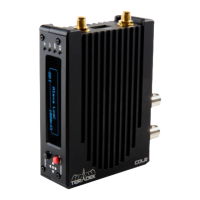
To quickly store the active look on COLR, select Device > Permanently Store Looks on Devices from the top menu. Your look will be
saved as a preset named Last Permanent, which becomes active as soon as the look is saved.
LAUNCH WEB UI
LiveGrade also allows you to launch COLR’s web UI without leaving the app. To do so, open the Devices window, click Config… next
to the COLR you wish to configure, and then click Show Web Interface.


 To Previous Page