Operator's Manual
Operating Instructions
To Extend and Retract Platform
1 Lift the platform extension lock handles to the
horizontal position.
2 Push the platform extension lock handles to
extend the platform to the desired position.
Do not stand on the platform extension while trying
to extend it.
3 Lower the platform extension lock handles.
Emergency Lowering
At the Ground Controls
Push and hold the lift function enable
button and activate the down function.
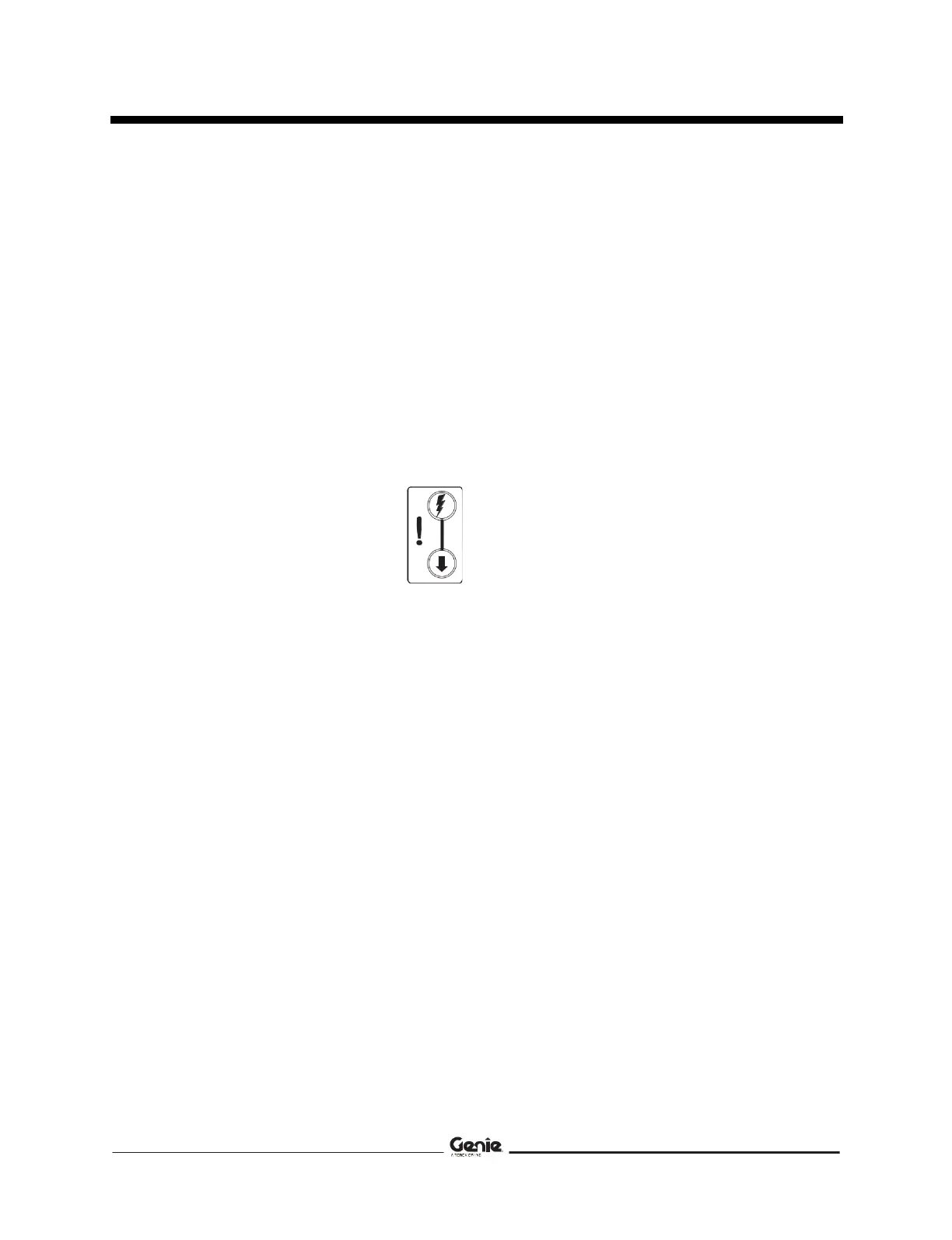
In the event of a power failure, use
the emergency lowering function.
At the Platform Controls
Push and hold the lift function enable button and
activate the up/down rocker switch in the down
direction.
Fourth Edition • Fourth Printing
Operation from Ground
with Controller
Maintain safe distances between the operator,
machine and fixed objects.
Be aware of the direction the machine will
travel when using the controller.
42 GS-3384 • GS-3390• GS-4390• GS-5390 Part No. 133564



 To Next Page