21
3.9 Charging of Testing Computer
Only the charging equipment supplied by the manufacturer should be
used for charging the battery. To charge the battery of the testing compu-
ter, plug the power cable into the ‘12 V /max. 1.25 A’ socket on the
testing computer. This socket is located on the top left of the control
panel, next to the GPS antenna. If the power cable is plugged in, the
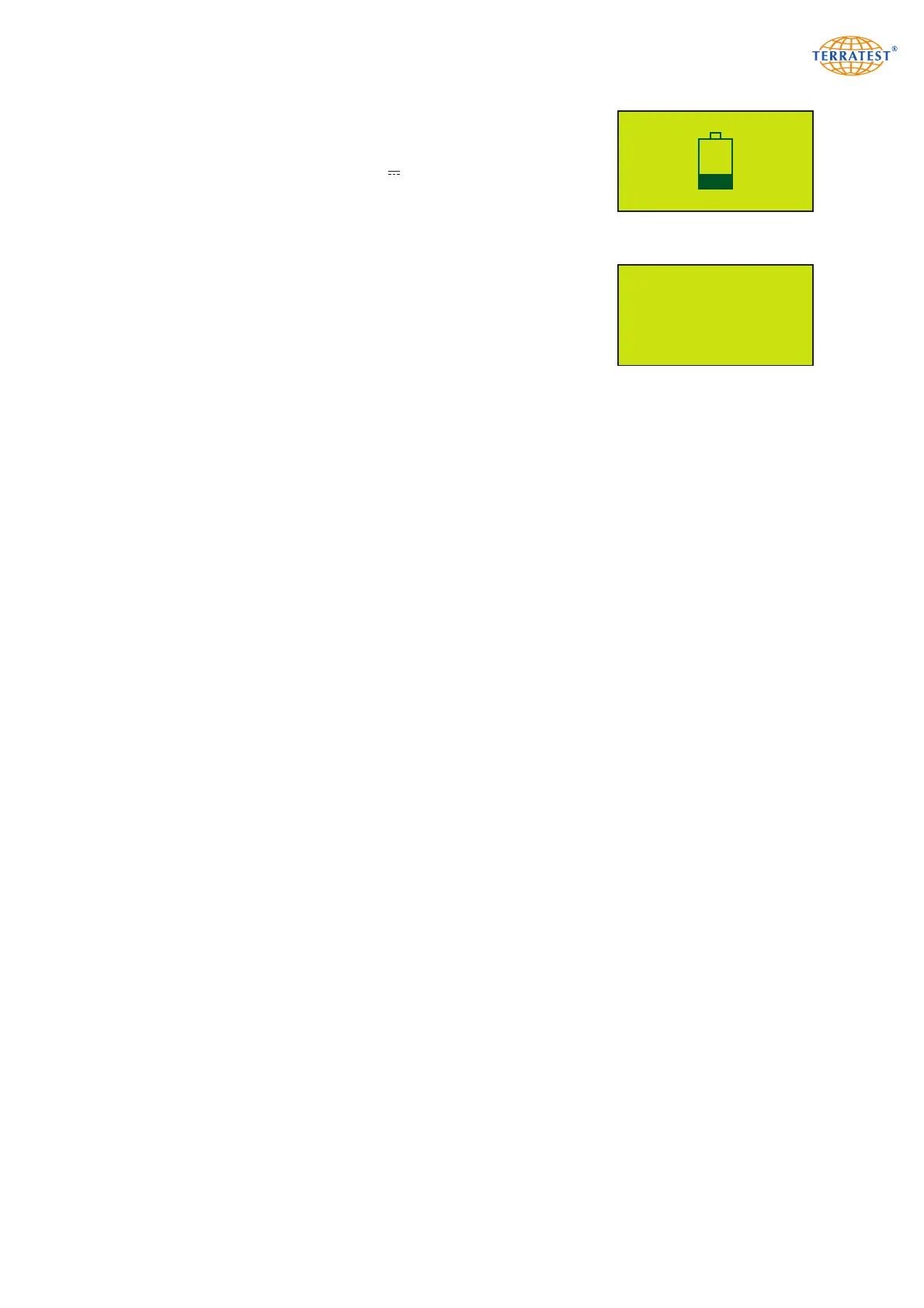
charge status will be symbolised by an animated filling level icon on the
display of the testing computer. The battery is fully charged if the battery
symbol is completely dark. Depending on ambient temperature, charging
time is approximately 4-5 hours, when the battery is empty. In case of
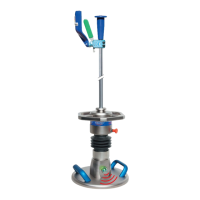
deep discharge of the battery, the display will show “CHARGE BATTERY
FOR MORE THAN 12 HOURS”. If this is the case, charge battery over a
period of more than 12 hours. The maximum variation in voltage must
not exceed 10%. During the charging process place the testing compu-
ter inside a dry room and take care that it is possible to disconnect the
device from power at any time.
3.10 Charging of Bluetooth
®
Load Plate (‘TERRATEST 5000 BLU’ ONLY)
To charge the battery pack in the sensor dome (‘TERRATEST 5000 BLU’ ONLY), use the supplied charging
cable with LEMO-plugs, and plug it into the LEMO-socket on the sensor dome. Depending on ambient
temperature, charging time is approximately 8 hours, when the battery pack is empty. The current battery
charge will be shown as a percentage below the battery charge of the testing computer during ‘STATUS
REQUEST’, when switching on first the load plate and subsequently the testing computer. The maximum
variation in voltage must not exceed 10%. During the charging process, place the load plate inside a dry
room and take care that it is possible to disconnect the device from power at any time.
CHARGE STATUS INDICATOR
DISPLAY DURING DEEP
DISCHARGE
CHARGE BATTERY
FOR MORE THAN
12 HOURS


 To Next Page