46
DI 30/06/13 15:50:22
OK
OK
OK
GPS
6,3V
DI 30/06/13 15:50:22
?
?
?
GPS
6,3V
7. Menu Guidance
7.1 Menu ‘USB STICK’
All commercially available USB sticks can be used. However, pay
attention to the height of the USB stick; if it has a height over 45 mm, it
could cause damage to the testing computer when closing the cover.
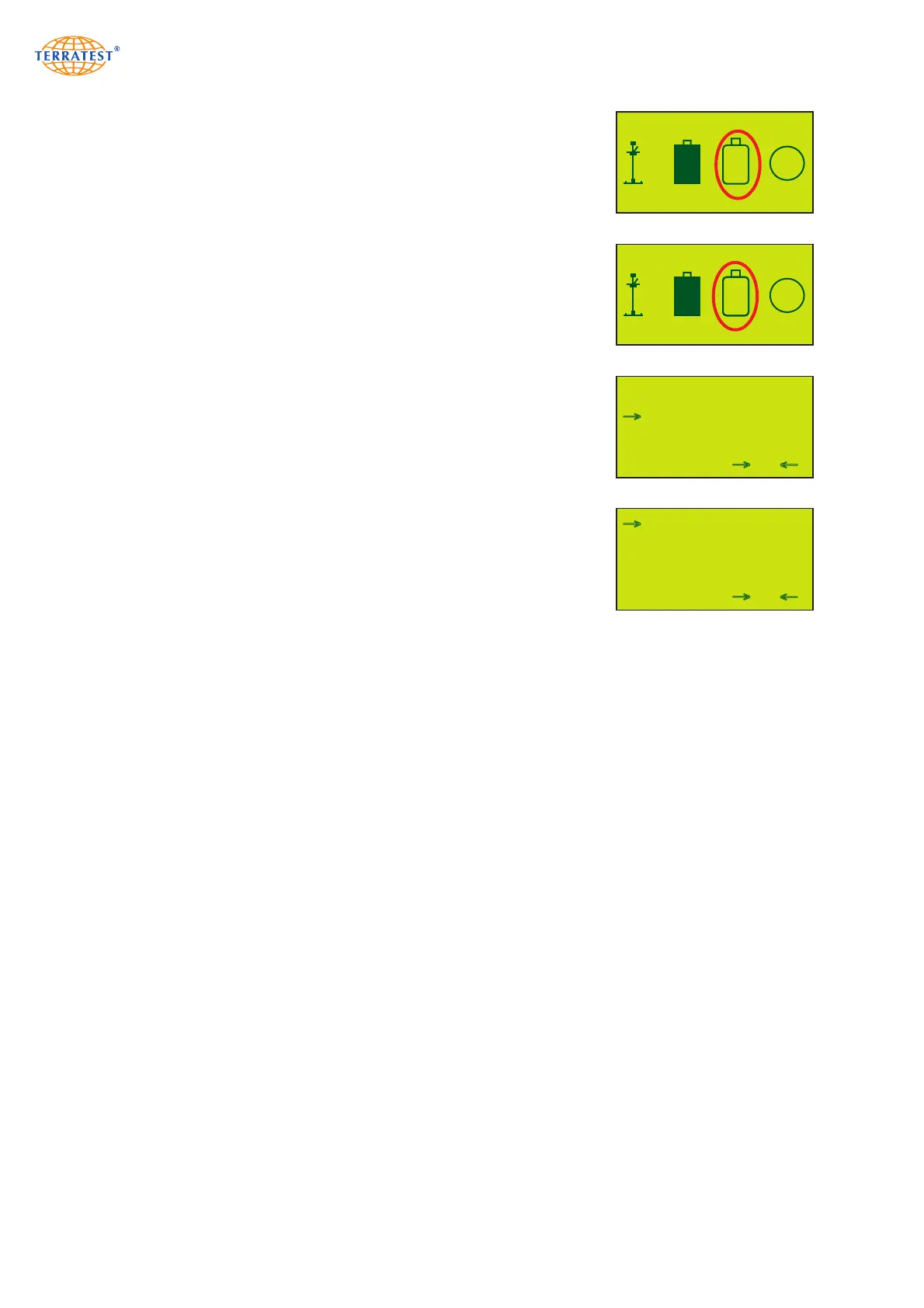
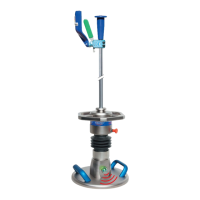
If a USB stick is in use, all test data will be automatically saved to both
the USB stick and the internal memory. The supplied USB stick is already
formatted. When turning on the device make sure that the display shows
an ‘OK’ on the USB stick icon during ‘STATUS REQUEST’.
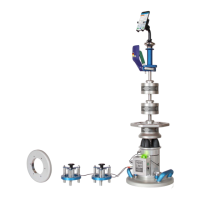
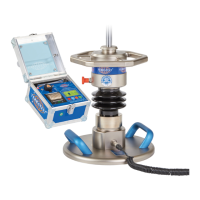
Every test saved to the USB stick receives a consecutive data record
number. Tests performed on the same day will be saved in one folder,
named after the test date.
The data on the USB stick can only be deleted by re-formatting the
medium on the PC. The USB stick can be used again afterwards. It is only
possible to delete ALL data from the USB stick. Deleting single records
from the USB stick is not possible.
USB STICK NOT AVAILABLE
USB STICK AVAILABLE
EXIT SELECT
→
13-06-19
13-06-20
13-07-31
→
FOLDER LIST
→
EXIT PRINT
→
001 31/07/13 44,9
002 31/07/13 46,1
003 31/07/13 48,0
004 31/07/13 48,2
005 31/07/13 49,2
→
TEST DATA LIST
→


 To Next Page