60
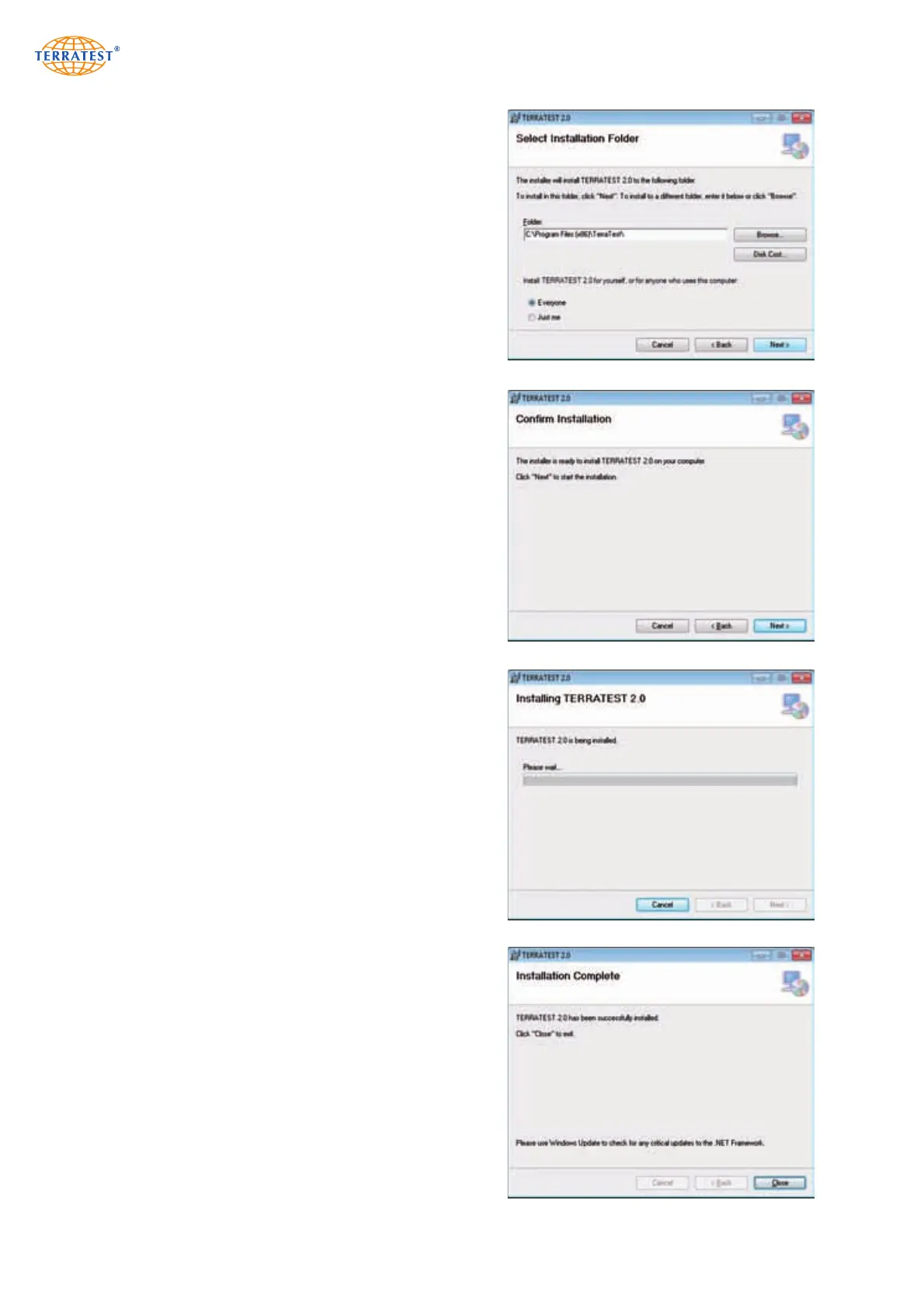
Confirm the installation directory, or select another
location for the software data.
Select the user rights by checking the appropriate option
field.
Confirm your selection by clicking ‘Next’.
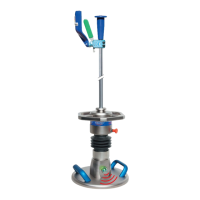
The confirmation screen will open. Confirm by clicking
‘Next’.
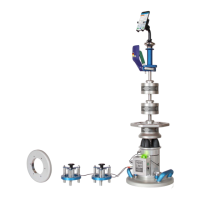
Next, the main installation process of the ‘TERRATEST
2.0’ software will start. This may take a few minutes.
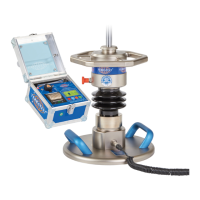
A new window will open, confirming the successful
installation. Click ‘Close’ to close the application.


 To Next Page