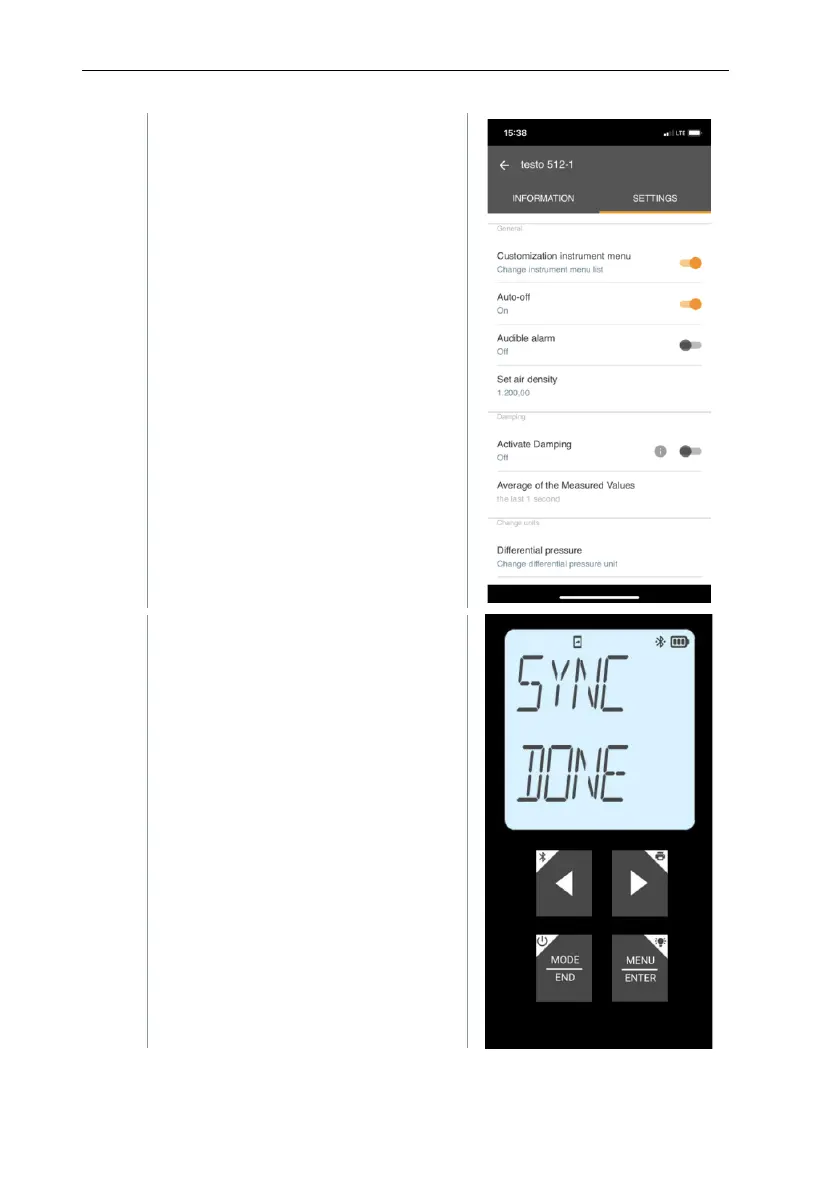
Click on the blue text under a
settings heading to activate or
disable settings or to open an input
window to enter a specific value or
select a unit.
For details on the settings options,
see the following sub-sections.
Changes to the measuring
instrument settings in the app are
transferred directly to the measuring
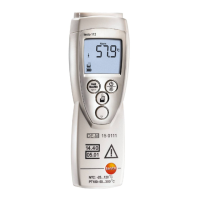
instrument. Synchronization with the
app is confirmed on the measuring
instrument via “SYNC DONE”.



 To Next Page