²
Setting pparameters ((not tthe ““Area” pparameter):
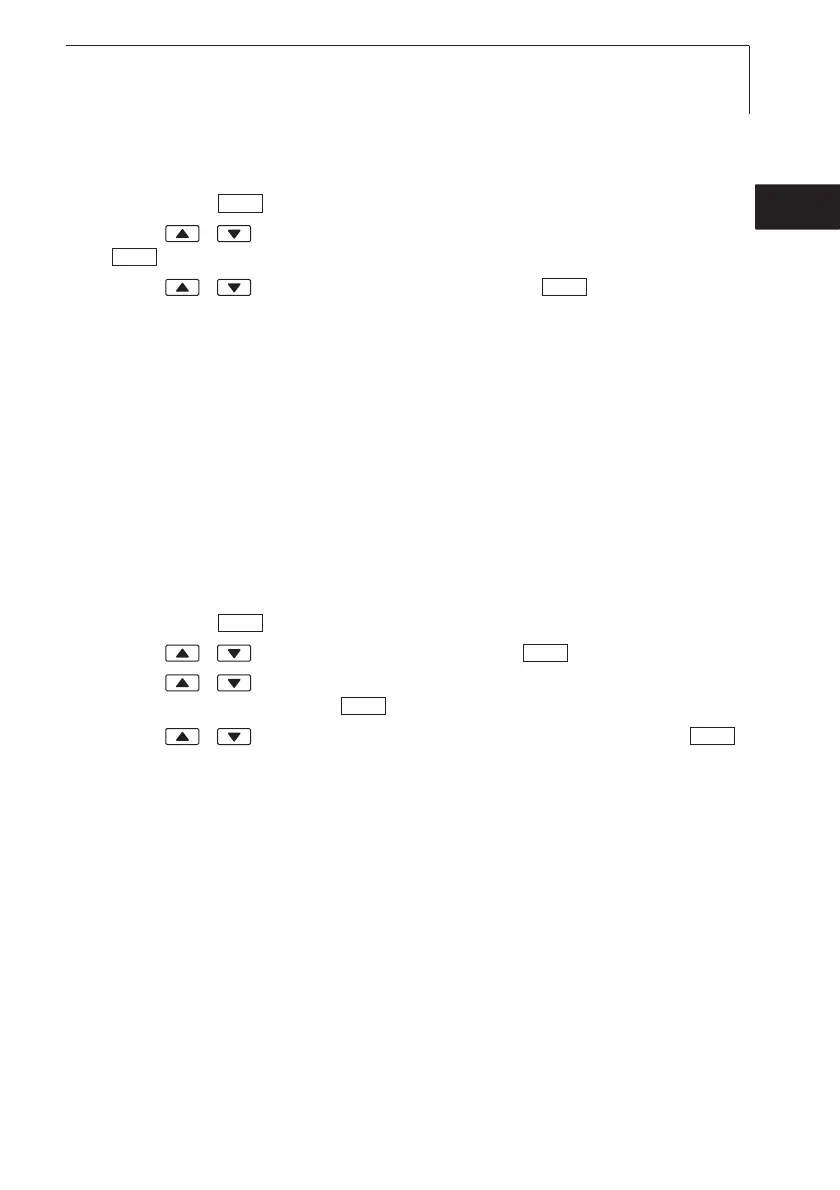
The main menu is open, Menu is displayed.
1 Parameter ¬ .
2 Press / to select the parameter that is to be set and confirm with
.
3 Press / to set the value and confirm with .
²
Setting tthe ““Area” pparameter/Activating sshape:
Five areas can be stored for the “Area” parameter. Five shapes are defined in
the default setting (two rectangles: edge length a and b, two circles:
diameter d, any shaped area: cross-section area A). The dimensions of the
areas can be adapted in the instrument. It is possible to reassign the shapes
using the PC software (435-2/-4 only).
An offset factor is stored for each area. If parts of an area are covered (e.g.
grilles on ventilation openings), this can be calculated out using the offset
factor. What must be indicated is the free part of the area (20% covered -->
80% free area --> offset factor 0.8).
The main menu is open, Menu is displayed.
1 Parameter ¬ .
2 Press / to select Area and confirm with .
3 Press / to select the shape by which the area is to be described
and confirm the input with .
4 Press / to set the parameter(s) and confirm each one with .
- The settings are applied and the last shape to be set is activated.
435>
OK
OK
OK
OK
OK
OK
OK
6. Setting the instrument 55
de
en
fresitptsvnl????



 To Next Page