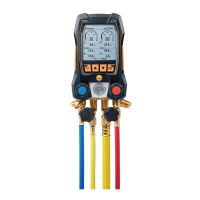
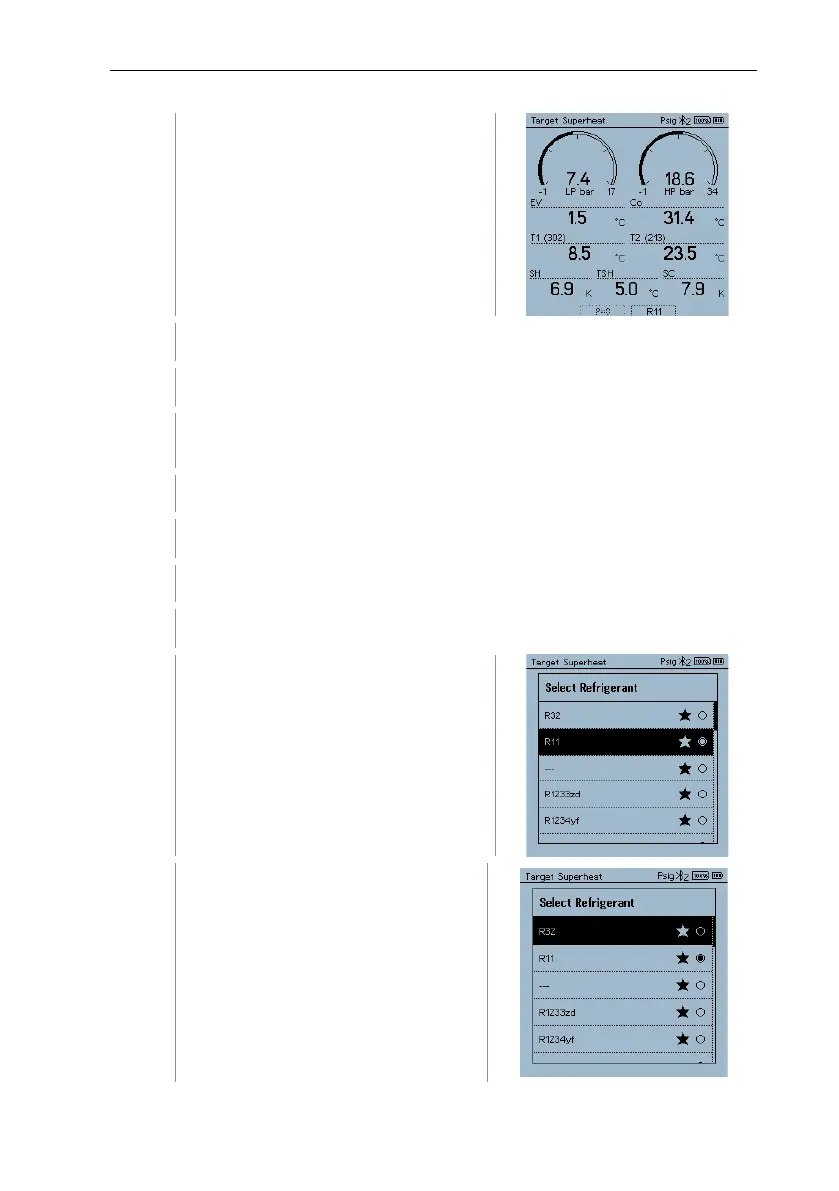
The Target Superheat
measurement menu is displayed.
Connect the refrigerant hoses.
Close the valve positioners.
Connect the refrigerant hoses for low-pressure side (blue) and high-
pressure side (red) to the measuring instrument.
Connect the refrigerant hoses to the system.
Connect testo 115i/fixed cable probes.
Press the key [▼] (Rxx) (refrigerant number according to ISO 817).
The refrigerant menu opens and the
current refrigerant is highlighted.
Setting the refrigerant: Press [▲] or
[▼] to select the refrigerant and
press [Menu/Enter] to confirm.



 To Next Page
 Loading...