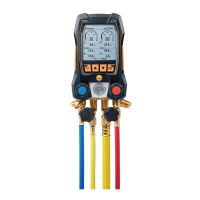
With zeotropic refrigerants, the evaporation temperature to/Ev is
displayed after complete evaporation/the condensation temperature
tc/Co is displayed after complete condensation.
The measured temperature must be assigned to the superheating or
subcooling side (t
oh
<--> t
cu
). Dependent on this assignment, the display
will show t
oh
/T1 resp. Δt
oh
/SH or t
cu
/T2 resp. Δt
cu
/SC, depending on the
selected display.
Reading and display illumination flash:
• 1 bar/14.5 psi before reaching critical refrigerant pressure
• When max. permissible pressure of 60 bar(870 psi is exceeded.
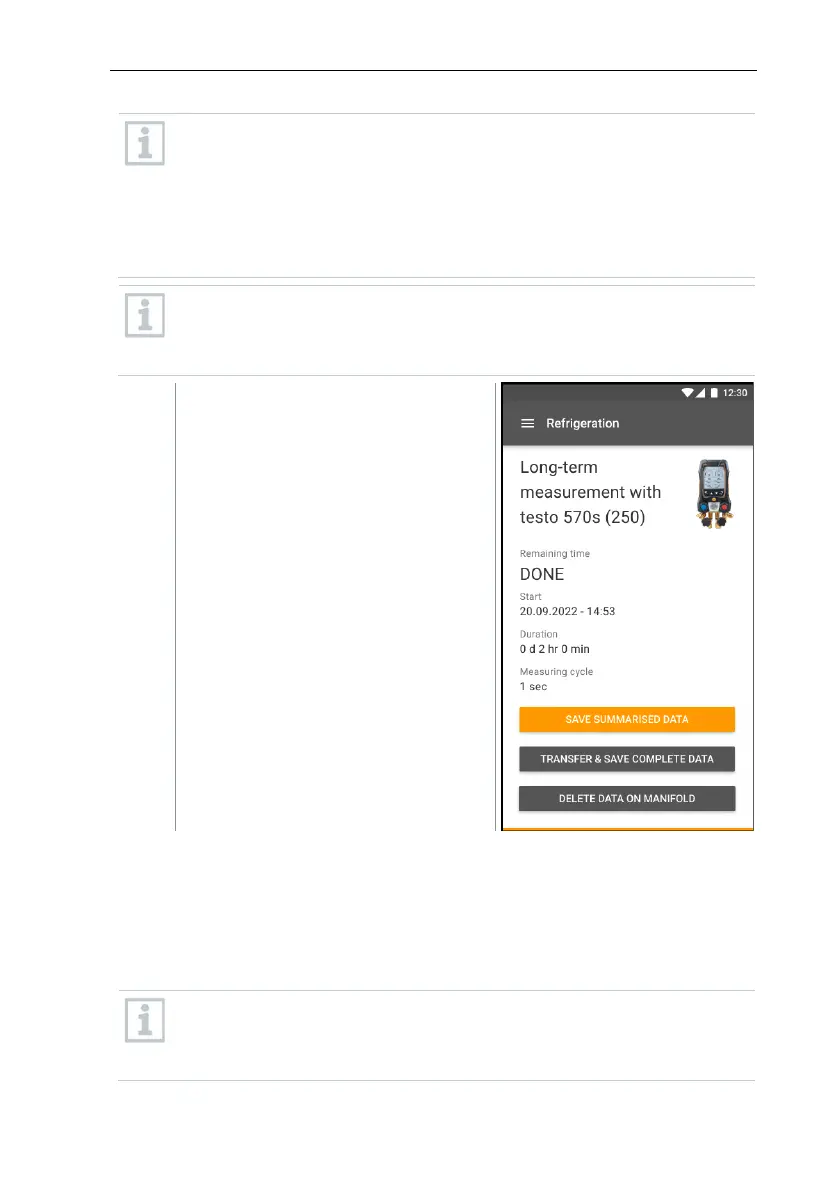
After completing a long-term
measurement the following options
are available:
- Save summarised data:
only summarized data will
be saved.
- Transfer & save complete
data: all recorded
measurement results are
transferred and saved in the
app.
- Delete data on manifold:
the recorded measurement
results on the device will be
deleted without transferring
them to the app.
8.3.3 Target superheat
This feature allows the manifold to calculate the target superheat in conjunction
with the App and additional testo 605i Smart Probes. This application can only
be used for split air conditioning systems/heat pumps with a fixed expansion
valve. The two connected testo 605i Smart Probes determine the ODDB and
RAWB values. As a result, the target superheat appears in the App.
The following are used for the measurement:
• testo 115i (clamp thermometer)
• testo 605i



 To Next Page