10
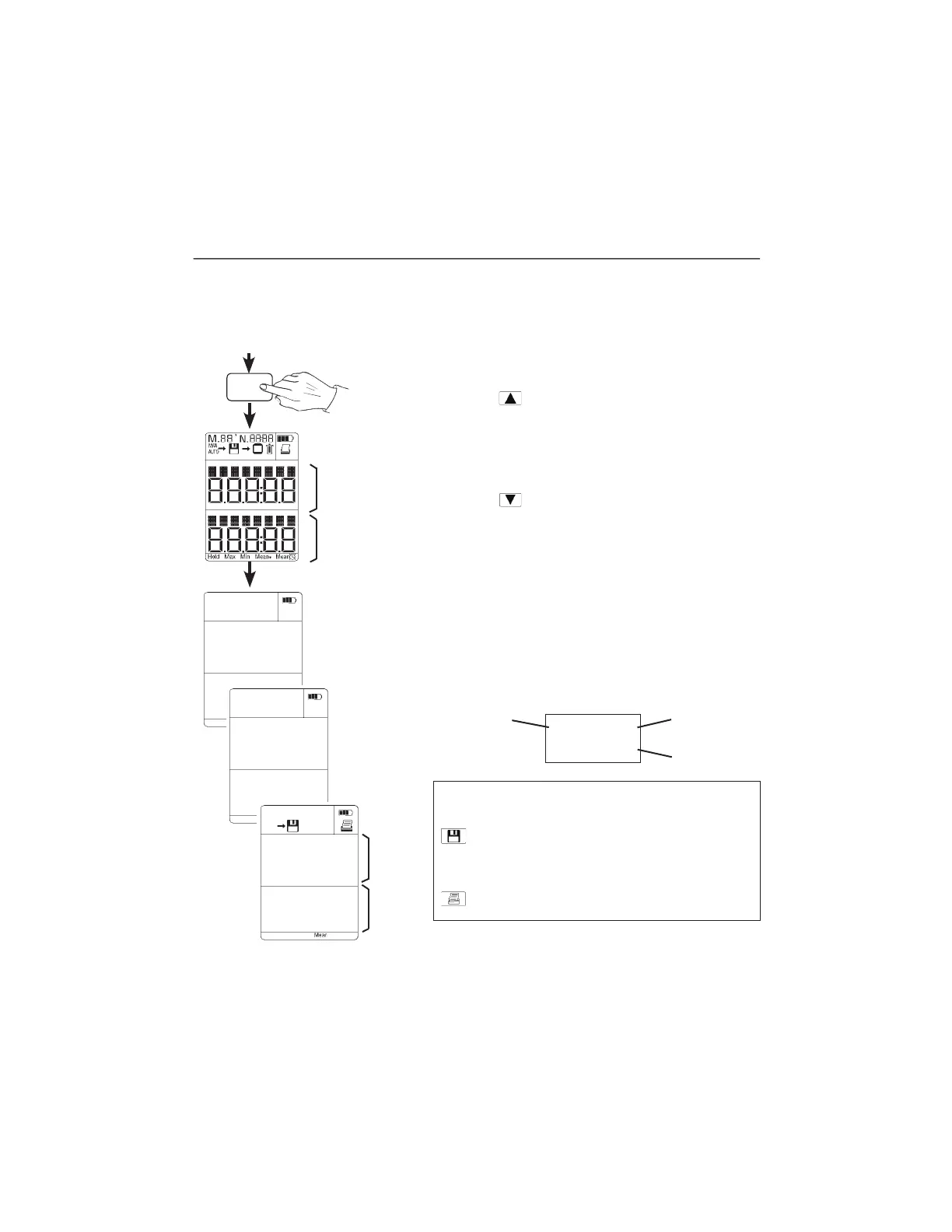
Switching on / Selecting parameters / Saving / Printing
1. Current measurement
Connect measurement probes
Current readings - different,
depending on probe(s)
connected.
Battery / rech.
battery power
Segment test
It is possible to activate the following functions during mea-
suring at the touch of a button.
Save readings
Manual or automatic saving is determined by the
save setting (Chapter 5)
Print readings.
All of the readings, made available by the probes connected
to socket 1 and 2, on both lines of the reading display can
be called up with the exception of the value selected in the
other line.
Scroll with
button in line 1:
Select socket.
Select parameter.
If this button in multi-function probes is pressed
repeatedly, it is possible to select the parameter (°C,
m/s...) to be displayed.
Scroll with
button in line 2:
Select socket.
Select parameter.
If this button in multi-function probes is pressed
repeatedly, it is possible to select the parameter (°C,
m/s...) to be displayed.
There are different processing options available in
the menus described below corresponding to the
parameters selected.
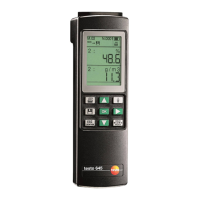
Example of a reading:
I/0
VBAT
8.5
1
Location
Duct 1
Location
Line 1
Line 2
58.06
21.80
1:
1:
M.05
MAN
N.0017
m/s
hPa
Line 1
Line 2
58.06
1:
m/s
Selected
socket
Parameter
Reading
Note on printing:
A distance 0f 0.5 m should not be exceeded in order to
guarantee problem-free data transfer. Objects between
instrument and printer prevent the data from being
transferred. Please observe notes in the instruction manual
on the printer.
1.888.610.7664 info@Testo-Direct.com
www.Testo-Direct.com


 To Next Page