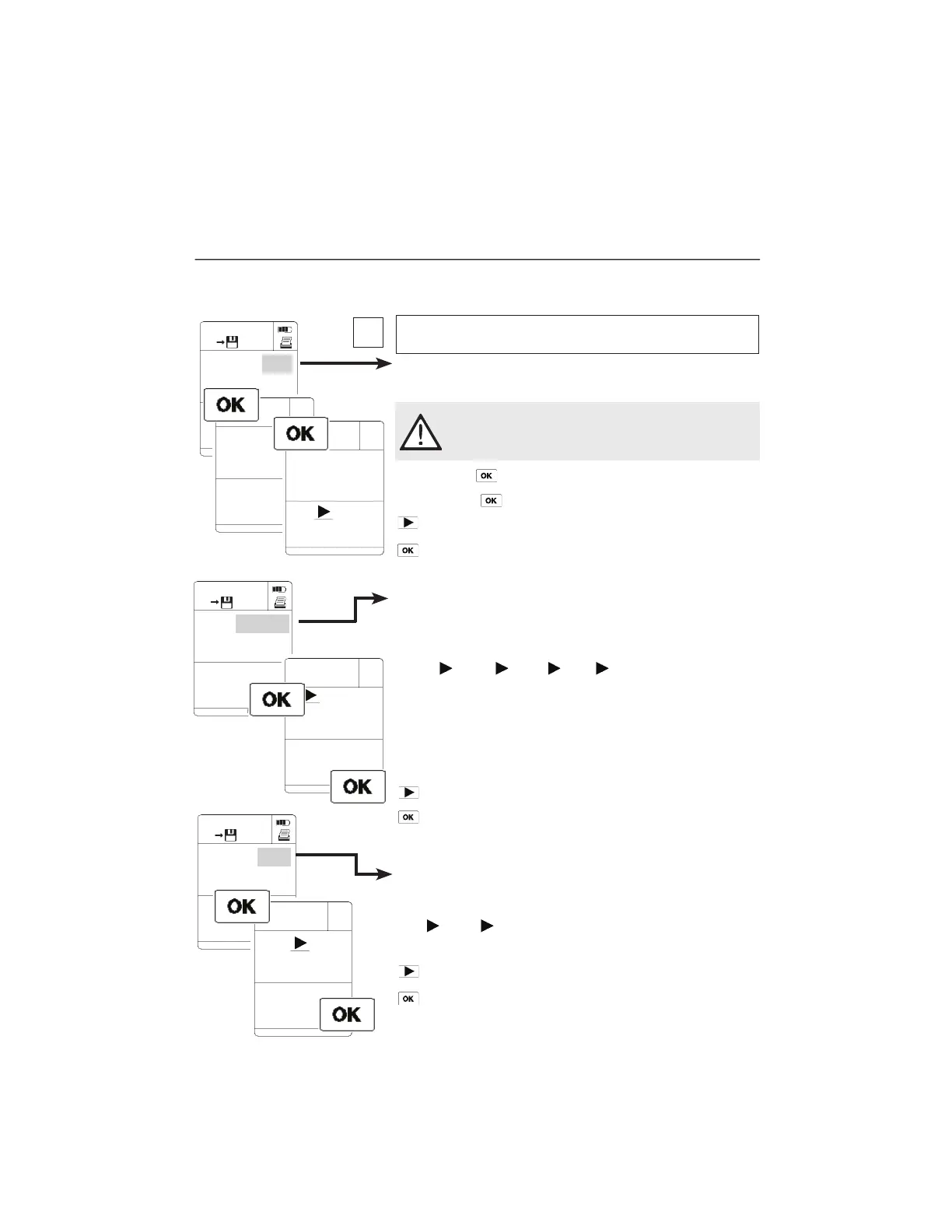
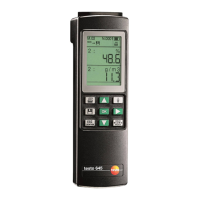
Displaying calculated humidity parameters.
If Testo`s combination humidity probe (e.g. 0636.9740) is
connected, testo 445 and testo 645 display a calculated humidity
parameter in addition to temperature and relative humidity. You
can select from the following parameters:
td°C
g/m
3
g/kg J/g td°C ...
Dew point Absolute Degree Enthalpy
temperature humidity of humidity
Degree of humidity and enthalpy are pressure-dependent
parameters. Absolute pressure has to be set (See 6. Instrument
configuration -Parameter setting).
The respective selected parameter flashes.
Select
Confirm selection and return to measurement..
The selected humidity parameter is displayed.
Switch between ppm and vol% if a CO
2
probe is connected
(only possible in a testo 445 instrument).
ppm vol% ppm ...
The respective selected parameter flashes.
Select
Confirm selection and return to measurement.
16
4. Parameter settings
Adjusting: humidity probes / humidity parameters /
ppm vol%
10.1
2:
M.05
MAN
N.0017
%
12.9
2:
1:
M.05
MAN
N.0017
%
2:
1:
M.05
MAN
N.0017
ppm
CAL %
td°C g/m
ppm vol%
11.1
CAL11.3 %
NO YES
td°C
Adjusting humidity probes
Monitoring and adjusting humidity probes
(0636.9740/0636.9715) or 3-function probe (0635.1540).
To carry out the adjustment, immerse the probe in the
adjustment container belonging to the control and
adjustment set (Part no. 0554.0660). Observe the
instructions given in the Instruction manual (0973.1820)!
NO flashes No adjustment.
YES flashes
The probe is adjusted.
Switch to YES/NO
Confirm selelction and return to measurement.
The setting functions are activated in accordance with reading
selected - flashing cursor in display.
i
15246
m/s
1.888.610.7664 info@Testo-Direct.com
www.Testo-Direct.com


 To Next Page