22
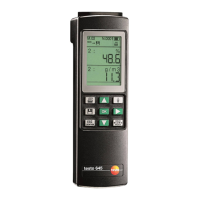
6. Instrument configuration
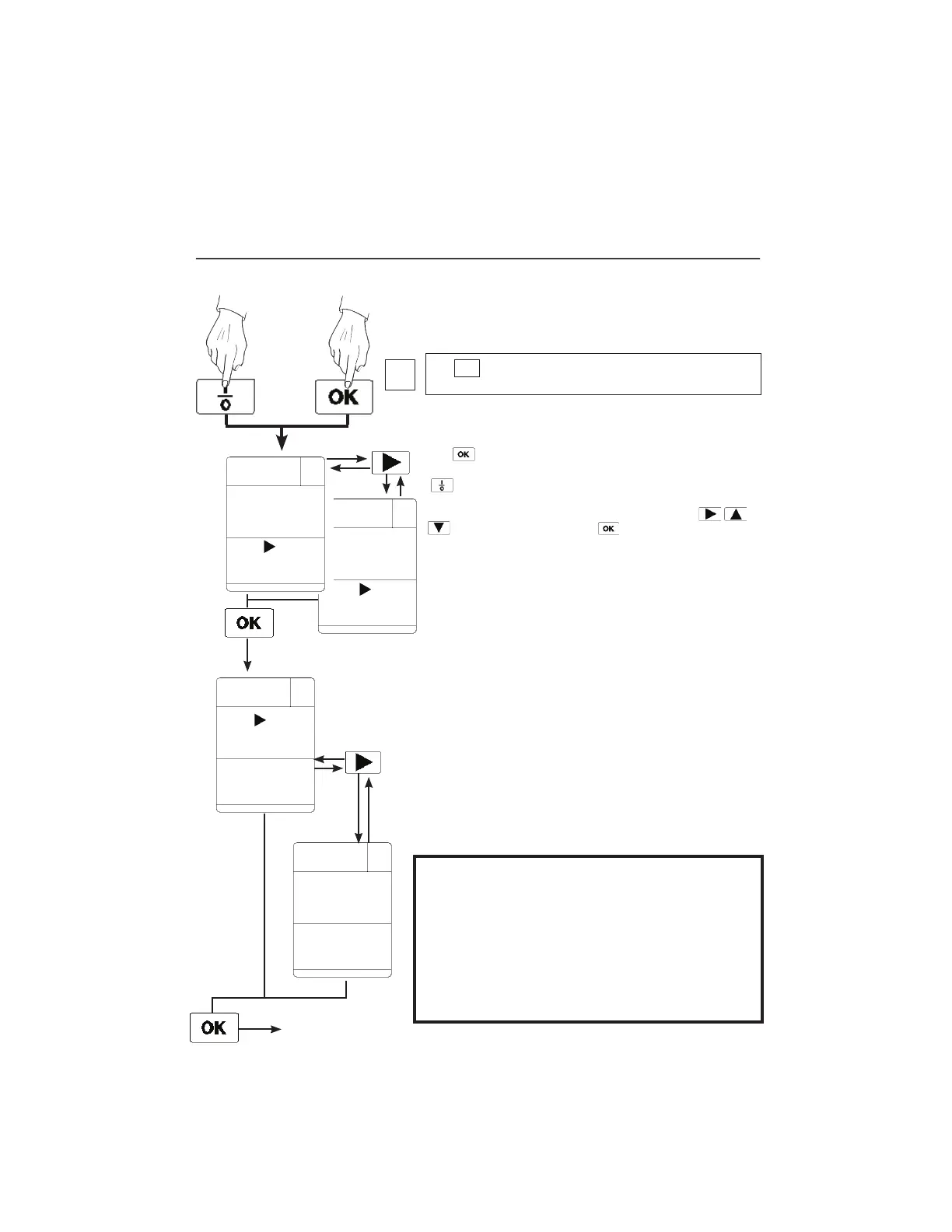
The
button has to be kept pressed for approx. 2
seconds when switching on the instrument
(
button).
The blinking position can be changed by pressing
or confirmed by pressing
.
Power save function
Auto OFF function is switched on (“ON”)
If a button has not been pressed in the last 5 minutes or
there is no communication with the PC, the instrument
switches off automatically.
Exceptions:
- the instrument does not switch off if the mains unit is
plugged in
- the function is deactivated during timed and multi-point
mean calculation
Auto Off function: On/Off
Simultaneously
AUTO-OFF
OFF ON
AUTO-OFF
ON OFF
See page 24
Battery: Battery or accu
BAT ACCU
ACCU BAT
Important:
The instrument must be set at battery or rechargeable
battery operation.
Incorrect instrument setting
- Rechargeable battery operation is set and battery is put in:
If the mains unit is connected and the charging
procedure is confirmed:
Risk of explosion!!!!
- Battery operation is set and rechargeable battery is put in:
Rechargeable battery will not be charged.
The
ESC
Location
button enables you to change to the current
measurement from every menu item.
i
Power save function / Power supply
1.888.610.7664 info@Testo-Direct.com
www.Testo-Direct.com


 To Next Page