24
615
GB
INSTRUCTIONS
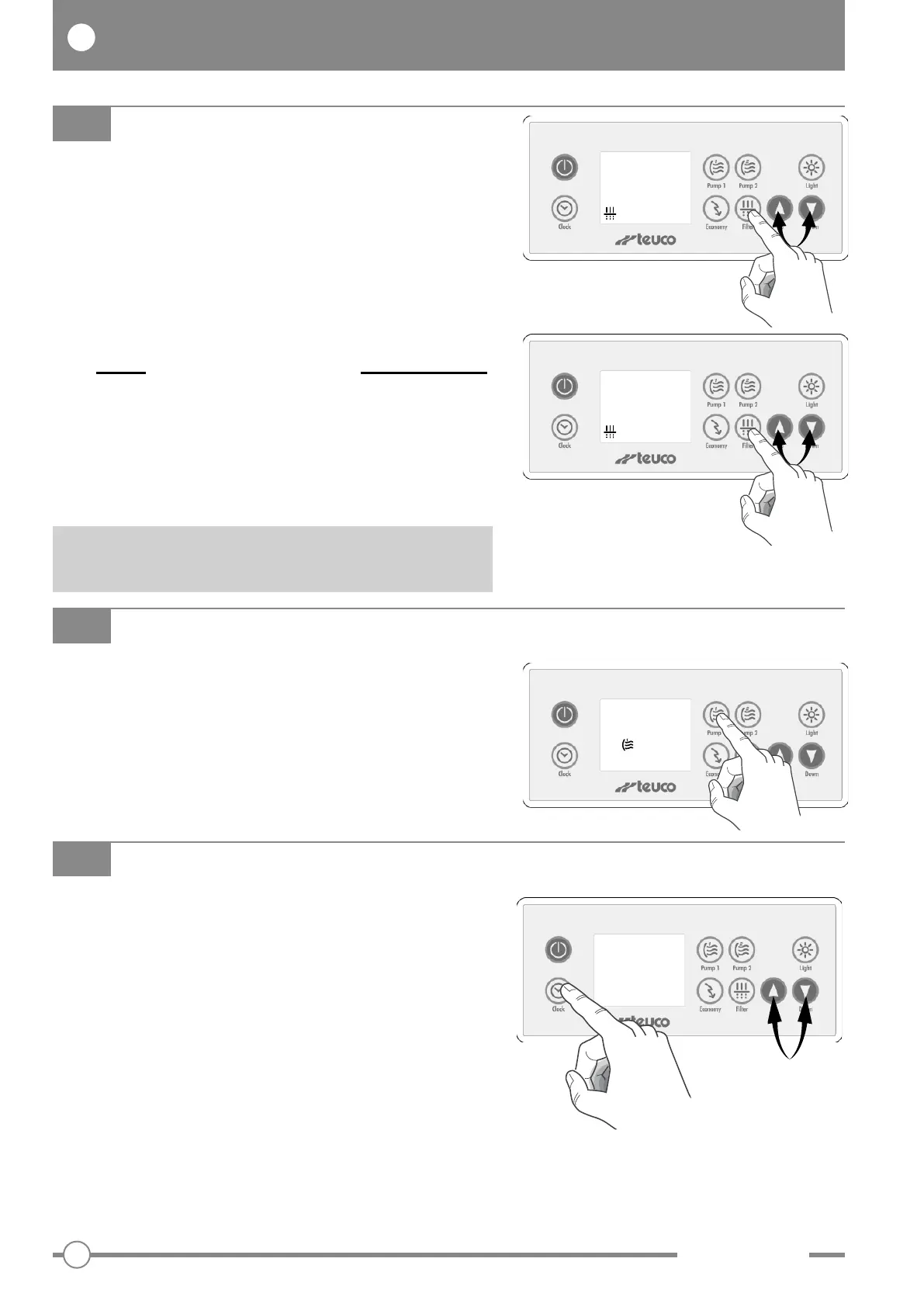
Press the “Clock” button to display the time.
SETTING THE EXACT TIME
To set the exact time, press and hold the “Clock”
button (the hours field will blink).
Use buttons “
V
” and “
W
” to set the hours.
Press “Clock” again to set the minutes (the minutes
field will blink).
Use buttons “
V
” and “
W
” to set the minutes.
Press the “Clock” button once more to terminate the
setting procedure.
CLOCK
08:30
AM
FILTER BOOST
This function serves advantageously to filter the
water following heavy use of the minipool, or to mix
the treatment chemicals more quickly.
Press the “Pump 1” button and hold for 5 seconds.
The display shows B 00.
Pump 1 and the ozonator are activated for 45
minutes.
B 00
FILTER
To program the filtration cycle:
Press “Filter” once; the display shows F00.
Use buttons “
V
”and“
W
” to select the duration of the
filtration cycle (0-12h).
Press “Filter” a second time; the display shows Fd00.
Use buttons “
V
”and“
W
” to set the duration of the
delay (0-11h) preceding the start of the filtration
cycle.
(To start the filtration cycle immediately,
selectFd00).
Press “Filter” again to terminate the setting
procedure.
During the filtration cycle, pump 2 will activate for 1
minute approximately; thereafter, pump 1 continues
to operate for the set duration.
F 00
Fd 00
Once programmed, the filtration cycle will activate
every 12h.


 To Next Page
 Loading...

