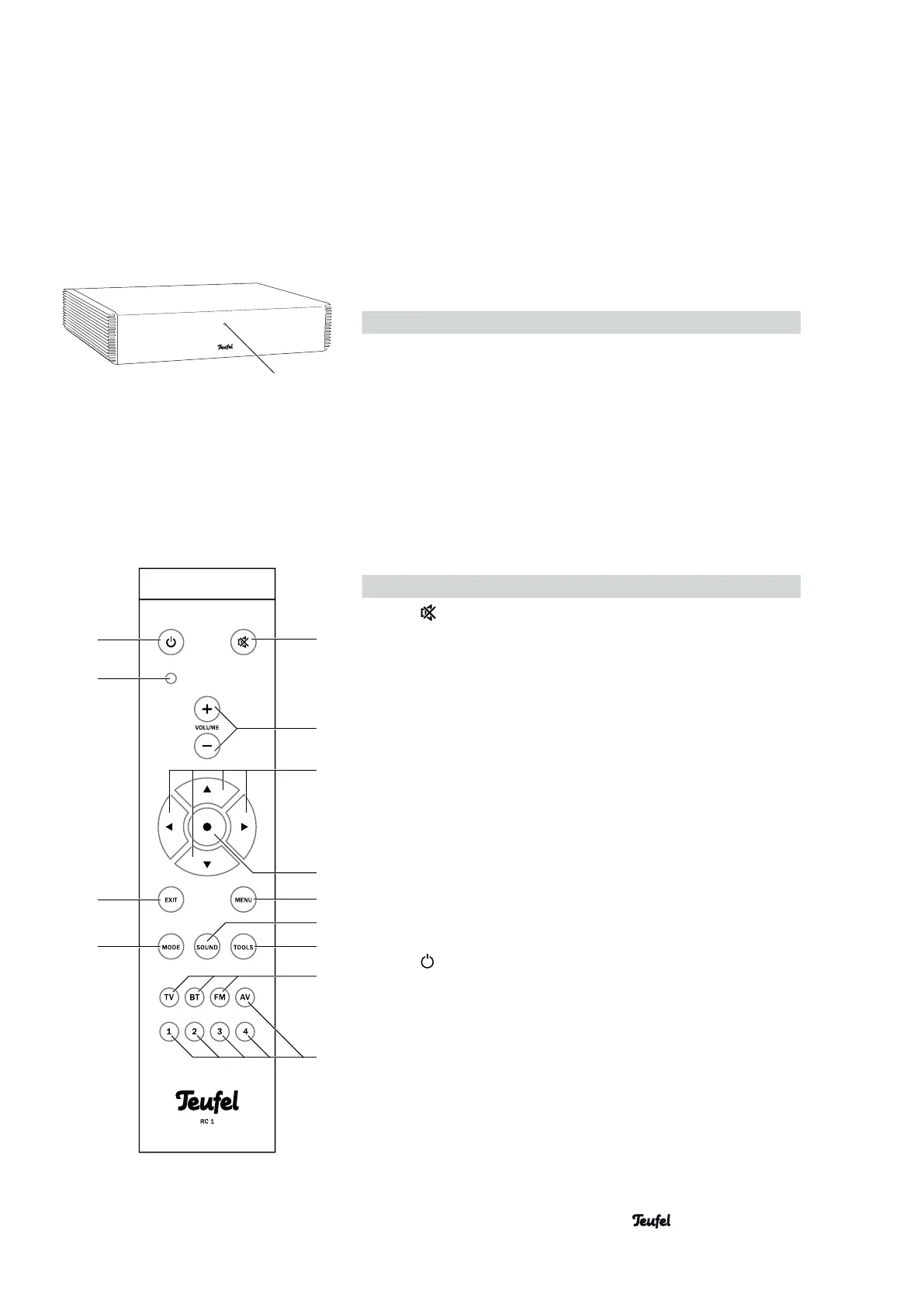
Item Name Description
20
Mute (turn sound on or off)
21 VOLUME
+/–
Increase (+) / decrease (–) the volume
22
◄►▲▼
Set buttons
23 •
Enter button
24 MENU
Access the main menu
25 SOUND
Access the sound setting
26 TOOLS
Access the “System Setup” menu
27 TV, BT, FM
Select source device TV, Bluetooth or
radio directly
28 AV, 1, 2, 3, 4
Programmable source device buttons
29 MODE
Toggle the surround mode
30 EXIT
Exit the menu
31 —
Indicator LED (blinks every time a com-
mand is successful received from the
remote control)
32
Switch the device on / to standby
Remote control RC 1
32
31
30
29
20
21
22
23
24
25
26
27
28
19
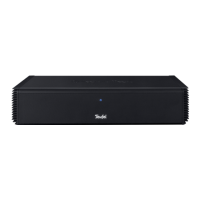
9 • CoreStation
CoreStation front side
Item Name Description
19 —
Function LED


 To Next Page