EasyManua.ls Logo

Teufel DecoderStation 5 - User Manual

Teufel DecoderStation 5
41 pages
Print Icon
To Next Page IconTo Next Page
Loading...
gb was
here
Technical description and operating instructions
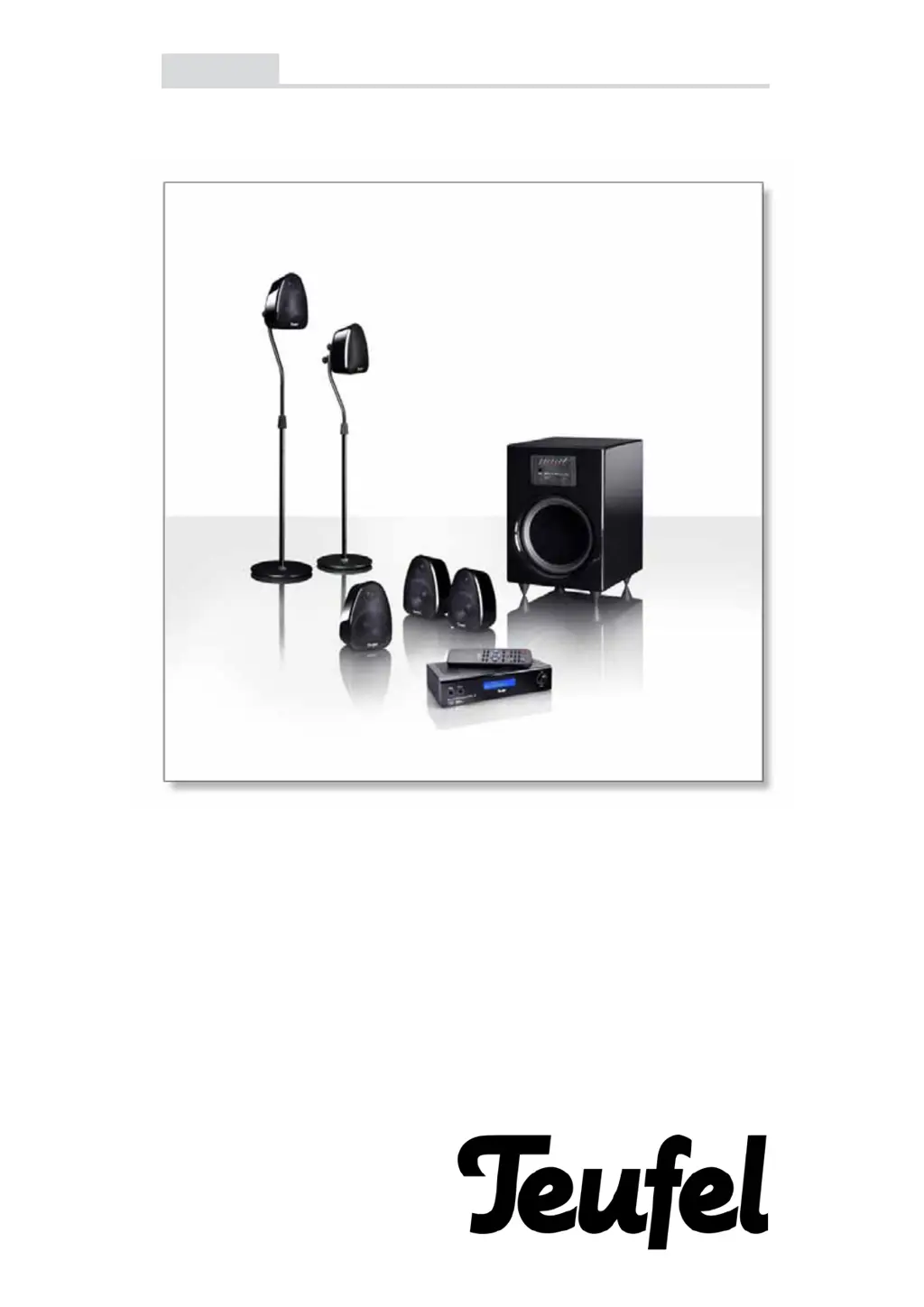
Motiv 5 Digital

Questions and Answers

  • S
    Suzanne TuckerAug 9, 2025
    Why is no Dolby/DTS multi-channel sound coming from my Teufel DecoderStation 5 Recording Equipment?
    • T
      Todd SosaAug 9, 2025
      If your Teufel DecoderStation 5 is not playing multi-channel sound from a digital source, it's likely that the source itself isn't transmitting a multi-channel signal. Many digital sources output regular stereo sound (2.0). To resolve this, use the remote control to switch the decoder to a Pro Logic II mode or one of the DSP modes (5.1 stereo).
  • C
    Crystal TaylorAug 16, 2025
    What to do if the rear speakers aren't working on my Teufel Recording Equipment?
    • G
      Gabriella BruceAug 16, 2025
      If the rear speakers or center speaker of your Teufel DecoderStation 5 aren't producing sound from stereo sources, it's because MP3s, radio, and many TV programs only offer stereo sound. Use the remote control to switch the decoder to a Pro Logic II mode or one of the DSP modes (5.1 stereo) to activate these speakers.
  • M
    Michael AyalaAug 25, 2025
    Why can't I switch the surround configuration on my Teufel DecoderStation 5?
    • F
      fprattAug 25, 2025
      If you're unable to switch the surround configuration on your Teufel DecoderStation 5, it's likely because you're using a digital input. When a Dolby or DTS signal is received, the DecoderStation 5 automatically selects the correct surround configuration.
  • D
    debra27Aug 31, 2025
    Why is my digitally connected sound card not transmitting multi-channel sound to my Teufel DecoderStation 5 Recording Equipment when playing computer games?
    • D
      davisemilyAug 31, 2025
      Many soundchips can produce surround sound in real-time via the sound card's analogue outputs. However, digital encoding is necessary for transmission via a digital connection. If your sound card isn't capable of real-time encoding for transmission to the decoder, connect your 5.1 sound card to an analogue jack on the DecoderStation 5.

Summary

Safety Information

General & Electrical Safety

Covers initial warnings, supply, wiring, and electrical risks.

Usage & Environmental Precautions

Addresses location, ventilation, moisture, heat, foreign bodies, thunderstorms, overload.

PC System Setup Guide

Home Cinema Setup Guide

Connecting the Satellites

Satellite Wiring and Polarity

Instructions on connecting satellite speaker cables and ensuring correct polarity.

Connecting a 5.1 Sound Card

5.1 Sound Card Connection Details

How to connect PC sound cards with 5.1 outputs to the subwoofer.

Connecting to DVD Player;Recorder

DVD Player with 5.1 Analogue Output

Connecting players with 5.1 cinch outputs for full surround sound.

Connecting to AV Receiver

AV Receiver Connection Options

Linking the Motiv 5 system to an AV receiver for enhanced audio.

Subwoofer Operating Elements

Power, Phase, and Bypass Controls

Explains the power switch, phase adjustment, and bypass function.

Input, Speaker Outputs, and Fuse

Details connectivity ports and fuse replacement for the subwoofer.

Remote Control Operation

Remote Control Functions

Describes using the remote for Mute, volume, channel selection, and reset.

Troubleshooting Common Issues

Subwoofer Buzzing and No Sound Problems

Diagnosing and resolving buzzing, no sound, or distorted audio issues.

Audio Playback and Signal Problems

Resolving issues with audio playback, signal transmission, and game console sound.

Auto-Standby and Satellite Malfunctions

Troubleshooting auto-standby and specific satellite sound problems.

Advanced Troubleshooting FAQs

Volume-Related Noise and Shutdowns

Addresses background noises at certain volumes and subwoofer shutdown.

Decoderstation 5 Safety and Care

General & Electrical Safety Precautions

Essential safety warnings covering electrical hazards and proper usage.

Usage, Environmental, and Maintenance Guidelines

Covers location, ventilation, moisture, cleaning, and troubleshooting advice.

Decoderstation 5 Front Panel and Controls

Decoderstation 5 Rear Panel Connections

Analog and Digital Audio Outputs

Details the analog 5.1 channel outputs and their functions.

Analog and Digital Audio Inputs

Describes the various analog and digital inputs for connecting sources.

Decoderstation 5 Remote Control Functions

Decoderstation 5 Setup Menu

Adjusting Audio Levels

Overall Volume Control

Adjusting the main system volume using the dial or remote.

Decoderstation 5 Configuration Options

Setting Speaker Delays

Speaker Size Configuration

Teufel DecoderStation 5 Specifications

General IconGeneral
TypeAV Receiver
ModelDecoderStation 5
Channels5.1
Supported FormatsDolby Digital, DTS
Weight2.5 kg
Frequency Response20 Hz - 20 kHz
InputsOptical, Coaxial
OutputsHDMI
Dimensions430 x 230 x 90 mm
Signal-to-Noise Ratio100 dB

Related product manuals