5. »DELAY« – Delay *
In order for the appliance’s digital signal pro-
cessor (DSP) to be able to convert Dolby and DTS
multi-channel signals perfectly, it must be aware
of the spatial positioning of the individual boxes
to each other. Distance differences between the
speakers can be equalised by using a delay. The
aim is that the signals from all speakers reach the
listening position at the same time.
The Decoderstation 5 assumes that the front and
surround speakers (side) are all positioned sym-
metrically to the listening position. It is also as-
sumed that the front speakers are furthest away
from the listening position.
You can use menu entries [DELAY]/[Center Spk]
and [DELAY]/[Surr Spks] to enter how much closer
the centre and surround speakers are positioned
relative to this maximum distance. They should be
at a comfortable relative distance to the front
speakers.
1. Measure the distance between the listening
point and the front speakers.
2. Measure the distance between the listening
point and the centre speaker
3. Now subtract the distance from the centre box
from the distance from the front boxes.
Set this value in the Decoderstation 5; use the
closest matching value. **
Example
Distance to the front speakers = 3.5 metres each,
Distance to the centre box = 2.6 metres.
Subtracting the distances gives the following re-
sult: 3.5 – 2.6=0.9 metres.
Therefore the centre speaker is 0.9 metres closer
to the listening position than the front speaker.
Setting the surround delay
1. Measure the distance between the
listening point and the front speakers.
2. Measure the distance between the listening
point and the surround speakers.
3. Now subtract the distance from the surround
speakers from the distance from the front
speakers. Set this value in the Decoderstation5;
use the closest matching value. **
Example
Distance to the front speakers = 3.5 metres each,
Distance to the surround speakers = 2.0 metres
each.
Subtracting the distances gives the following re-
sult: 3.5 – 2.0=1.5 metres.
Therefore the surround speakers are 1.5 metres
closer to the listening position than the two front
speakers.
As a rule you will only need this menu once for ini-
tial adjustment of your surround system.
* Note
The delay function is only
available for 3.1 stereo and
5.1 stereo speaker congu-
rations.
** Information
The distance can be
entered in 30 cm incre-
ments.
Use the setting that is as
close as possible to the
resulting distance.
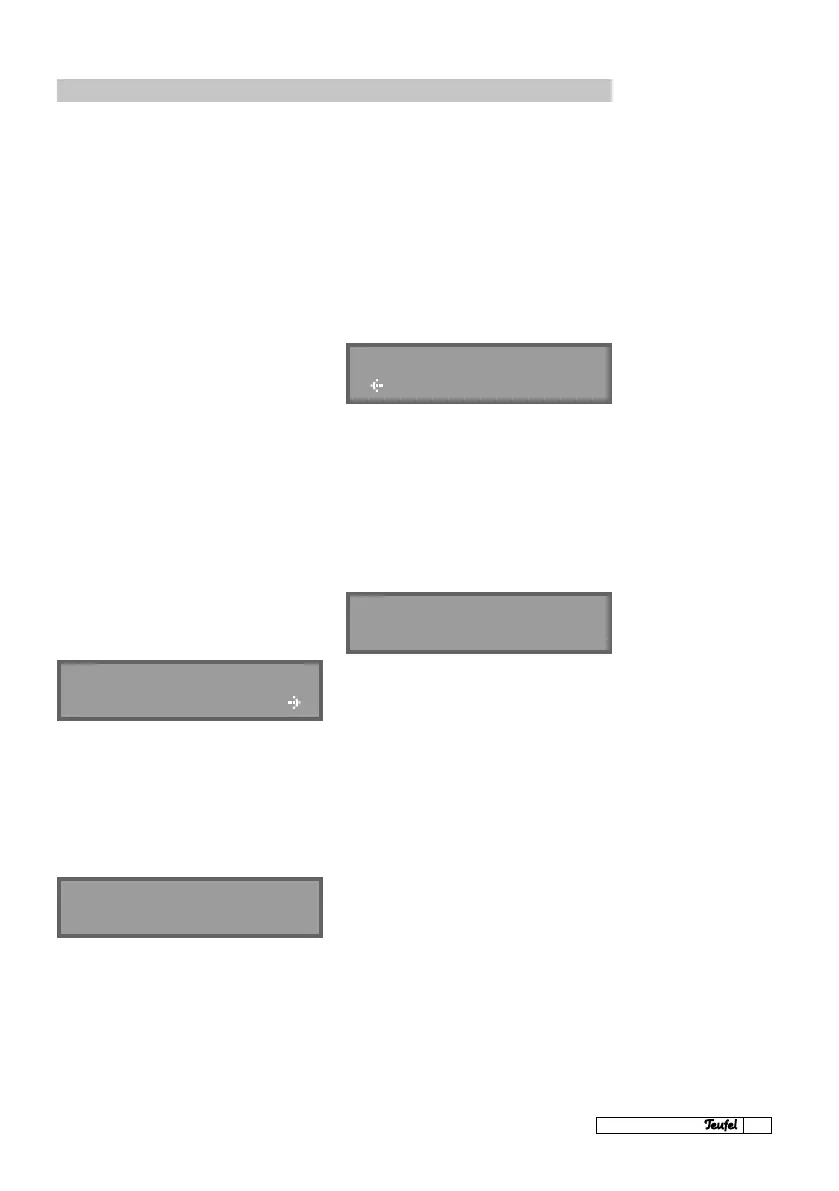
Setting-up the centre delay
DELAY - REL DIST
Center Spk
DELAY - REL DIST
Center Spk - 0,9m
DELAY - REL DIST
Surr Spks
DELAY - REL DIST
Surr Spks-1,5m



 To Next Page