15
· Motiv 5
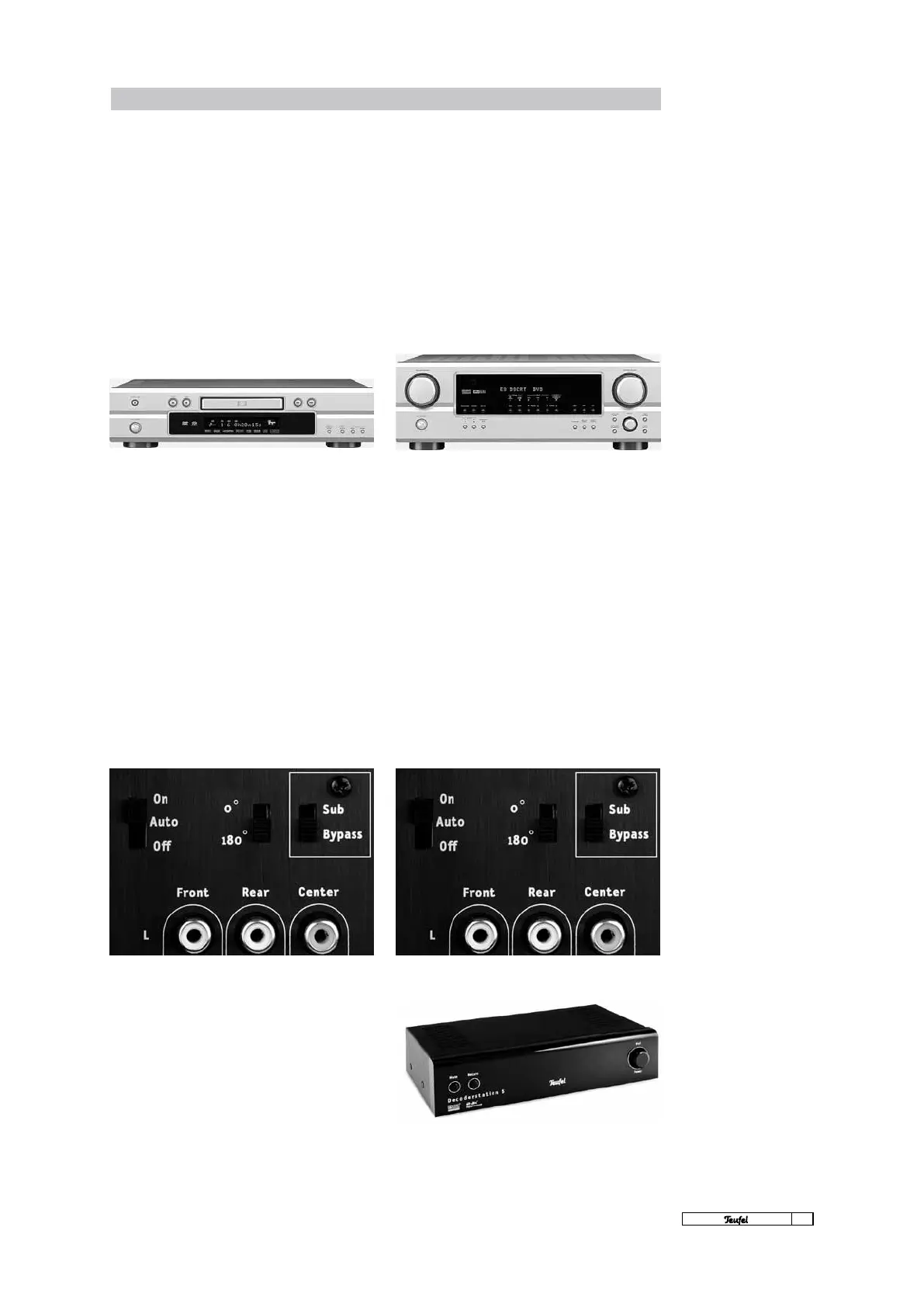
Settings: DVD player · Receiver ¦ Decoderstation
During operation on the AV receiver, the Motiv 5 is
dependent on the AV receiver being set-up correctly.
Only when the receiver’s decoder assigns the signals
optimally will all of the boxes of the Teufel speaker
set be activated, as the Motiv 5 itself has no built-
in decoder function. The set-up options for the AV
receiver differ greatly from appliance to appliance.
Please consult the handbook for your AV receiver.
with 5.1 analogue output
The Motiv 5 itself has no built-in decoder func-
tion. Therefore it is “dependent” on external de-
coders when splitting the signals. This decoder is
a component of the DVD player software. Its set-
up options differ greatly from model to model.
Please consult the handbook for your DVD player.
The following basic settings
should always be made:
4The front/centre/rear speakers should be
dened in the speaker set-up menu (speaker
management/bass management) of the DVD
player as “small” or “normal” (not “large”!).
4Set the subwoofer to “on” or “yes” in the
speaker set-up menu.
4The optimal cut-off frequency is 120Hz. 100Hz
or 150Hz are also possible.
4Set the rocker switch of the subwoofer to
“Bypass”.
The following basic settings
should always be made:
4Our front/centre/rear speakers should be
dened in the speaker set-up menu (speaker
management/bass management) of the AV re-
ceiver as “small” or “normal” or (not “large”!).
4Set the subwoofer to “on” oder “yes” on the
speaker set-up menu.
4The optimal cut-off frequency is 120Hz. 100Hz
or 150Hz are also possible.
4Set the rocker switch of the subwoofer to
“Bypass”.
Decoderstation settings
Please observe the detailed description in the
Teufel Decoderstation manual or consult the sup-
port section on our website: www.teufelaudio.com.



 To Next Page