5
· Motiv 5
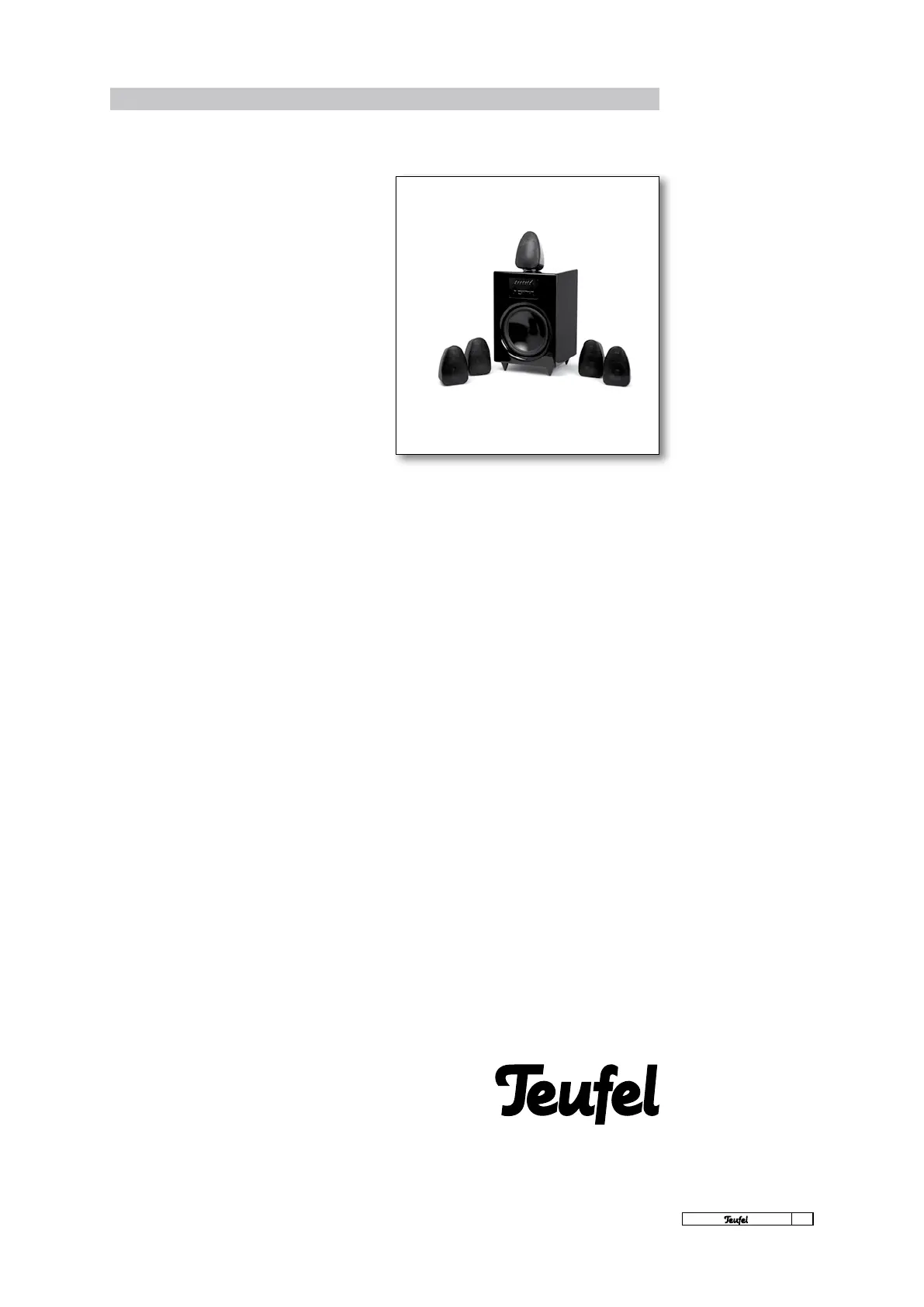
Instruction Motiv 5
Dear Lautsprecher Teufel customer,
Thank you for purchasing this Motiv 5 system.
With this speaker set from Teufel, you have cho-
sen an elegant and powerful multimedia home
entertainment system that, despite its compact
dimensions, delivers excellent sound quality.
This set can be operated either with a multichan-
nel AV receiver/amplier (partially active) or inde-
pendently, without an additional amplier (fully
active) through a PC or DVD player with decoder.
Stereo sources, such as MP3 players, satellite re-
ceivers, TV sets, games consoles, CD players or
DJ mixers, can also be excellently used with the
Motiv 5.
The Motiv 5 subwoofer features six integrated
power ampliers. One for the integrated bass
speaker and ve for the satellites. There is an an-
alogue 5.1 input on the back for direct connection
of compatible sound cards, DVD players, a decod-
erstation or receivers with subwoofer pre-out.
The set comes equipped with all of the individual
parts required for surround reproduction. You
only have to provide the cables and a source of
the signal, for example via a DVD player with ana-
logue 5.1 outputs. A selection of suitable cables
can be found on our website www.teufelaudio.com
in the “accessories” area.
Because the set-up has a decisive inuence on
the sound characteristics of any surround sys-
tem, we recommend that you take the time to
position all of the speakers correctly. These oper-
ating instructions contain all of the information
you need for correctly setting up and operating
your Motiv 5 multimedia home cinema set.
Before operation, please read these instructions
carefully and store them in a safe place for fu-
ture reference. We recommend that you keep the
packaging.
Please write down the serial number that can
be found on a sticker on the box and the invoice
number here:
My INVOICE NUMBER is
......................................................................................
My is
......................................................................................
The serial number and the invoice number make
it easier for us to process your request quickly if
you require service.
If you encounter difculties during operation or
if you think that there is something wrong with
the appliance, please read the “Frequently asked
questions” section on pages 18 to 20 carefully.
You can nd answers here to the most frequently
asked questions.
Please take a note of
the serial number and
invoice number



 To Next Page