19
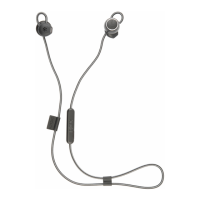
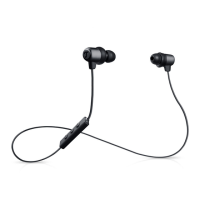
• MOVE BT
2. Activate the Bluetooth
®
function on your exter-
nal player (smartphone).
3. Let your smartphone search for Bluetooth
®
devices (you can find more information in the
user manual of your smartphone). “Teufel
MOVE BT” should appear in the list of the de-
tected devices after the search run.
4. Select “Teufel MOVE BT” from the list of de-
tected devices.
If your player requires the entry of a PIN code,
enter the PIN code “0000” set by factory
default.
Once the earphones and your Bluetooth
®
device are connected, you will hear the voice
instruction “Connected” and the LED will flash
blue 2× every 5 seconds.
The MOVE BT will now play back all sounds
that would otherwise be played by your smart-
phone.
By factory
default, the
PIN code is:
0 0 0 0


 To Next Page