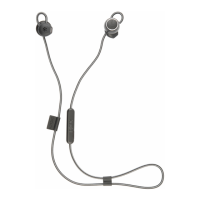
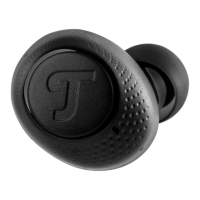
• MOVE BT
20
5. To terminate the Bluetooth
®
connection, switch
the Bluetooth
®
function on your external player
(smartphone) off.
A brief signal tone will sound and the LED will
flash every 2 seconds.
Reconnecting to a paired player
If your MOVE BT has been previously connected
with your external player (smartphone), enabling
the Bluetooth
®
function on your external player
(smartphone) is all you have to do to connect the
two devices.
Resetting the Bluetooth
®
pairing
settings
1. Switch the earphones off to reset the Blue-
tooth
®
pairing settings.
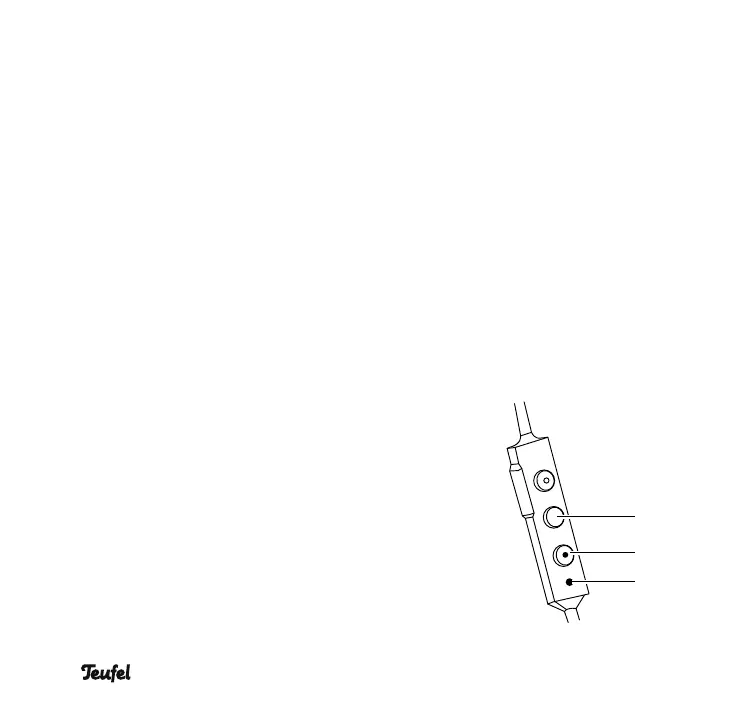
2. Hold down the multifunction button
2
and
button
3
“Decrease volume” simultaneously
for 5 seconds.
The LED
4
will flash red 4× and the Bluetooth
®
pairing settings will be reset.
2
3
4


 To Next Page