4 • One M
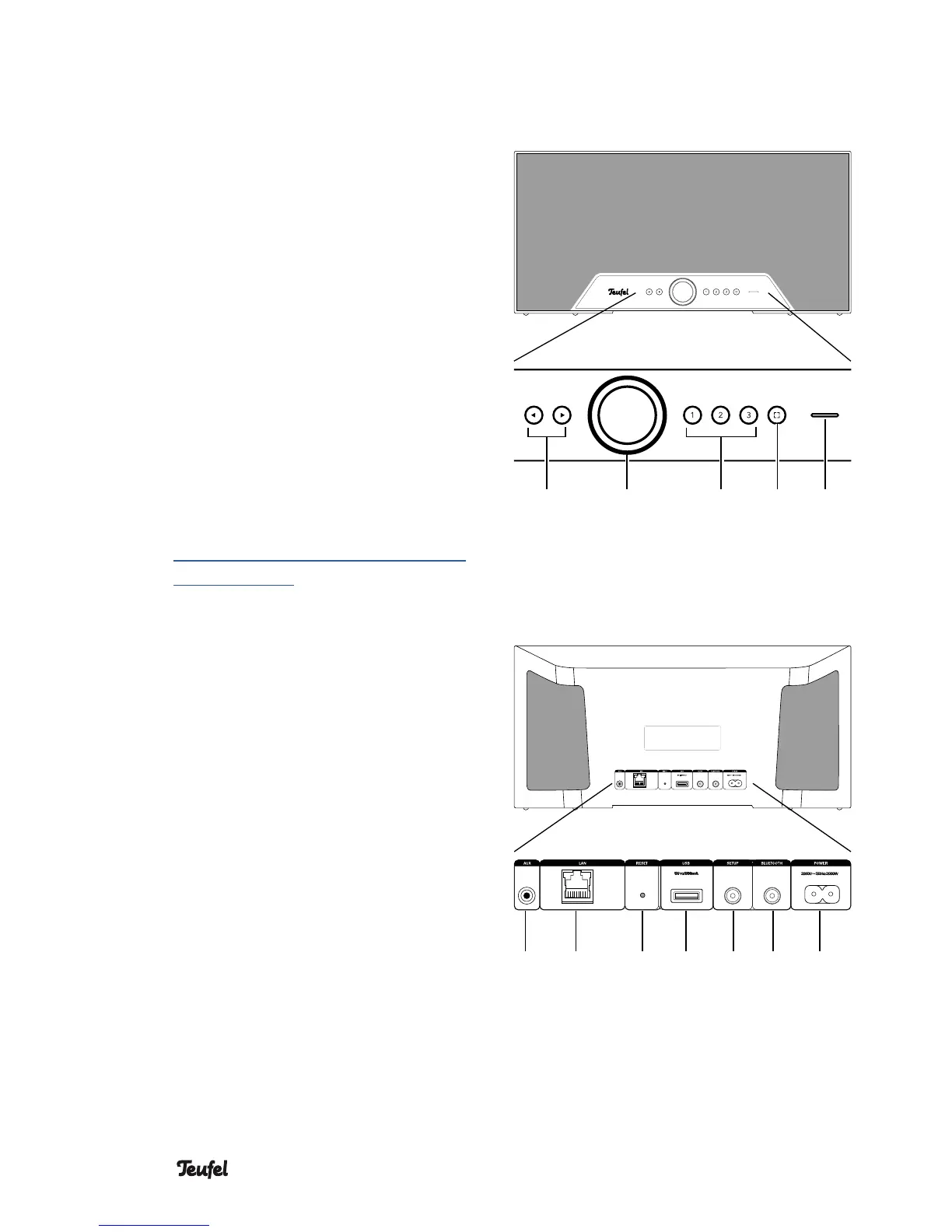
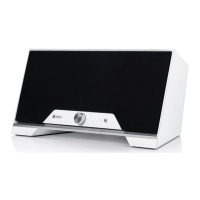
(4) (7) (8)(5) (6)
Operational controls and connections
Front side
(4) Skip track forward/back
(5) Turn: Adjust the volume.
Push: Pause/play.
Press and hold: Standby
(6) Direct selection buttons
Push and hold: save current
playback.
Tap: play saved music.
(7) Control button
Tap to switch to the input
LINE IN (9).
Refer to the online documen-
tation for more possibilities to
assign the control button:
http://manual.teufelaudio.com/
controlbutton.
(8) Control LED
Back side top
(9) Audio input (3.5 mm jack) for
external players via LINE-IN.
(10) Network connection (LAN)
(11) Reset button: hold for 8 seconds
while the device is on to reset
the speaker to the factory
default settings.
(12) USB 2.0 jack: for restoring the
firmware and for sharing music *
)
.
(13) Setup button: push during the
setup process once asked to do
so.
(14) Bluetooth pairing button: push
briefly to set the speaker to
pairing mode.
(15) Connector jack for mains
adapter
(9) (10) (11) (12) (15)(13) (14)


 To Next Page