7 • Ultima 40 Active
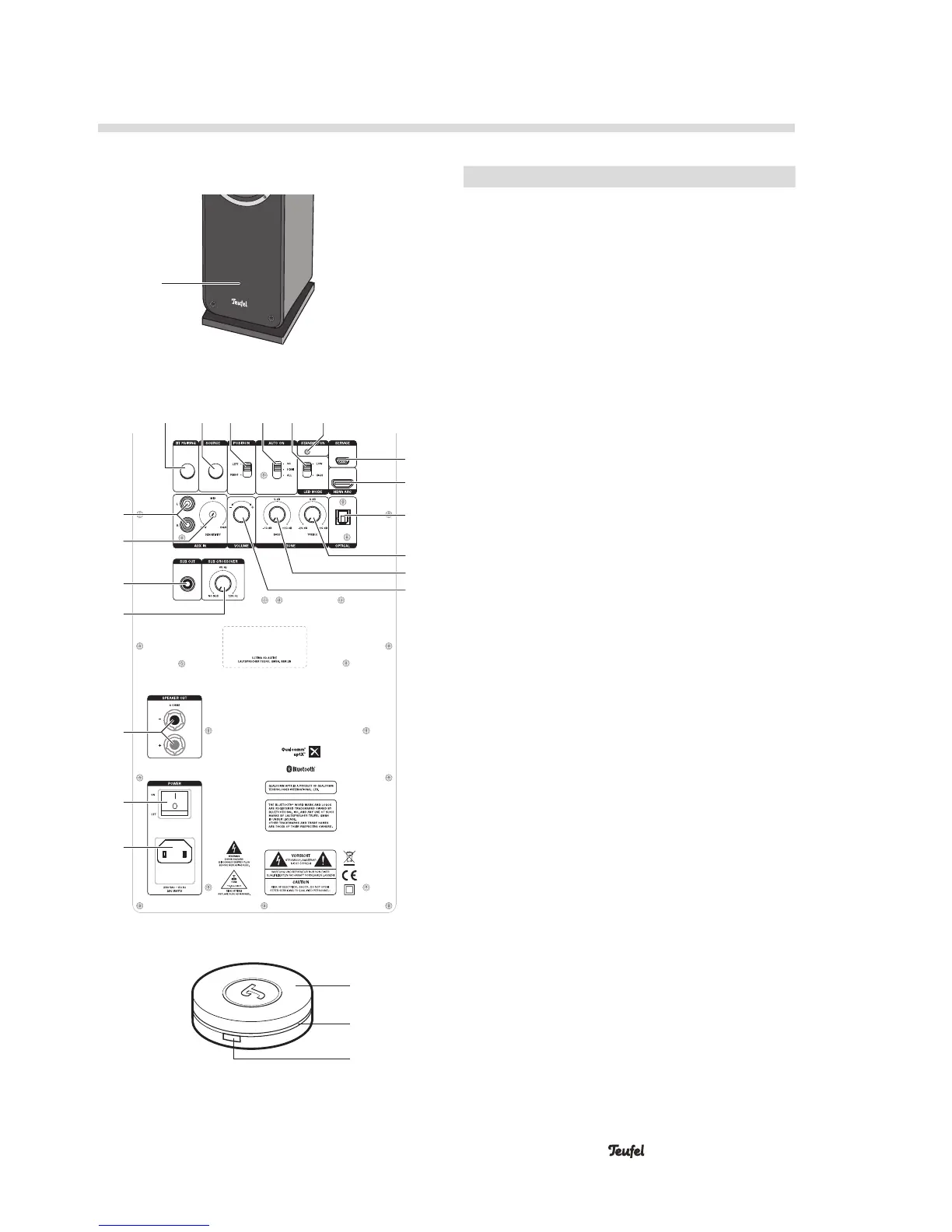
Operational Controls and Connections
1
No. Name Function
1
— Multicolour LED
2
BT PAIRING Start Bluetooth pairing
3
SOURCE Select a source
4
POSITION Select the stereo channel
5
AUTO ON Select automatic activation
6
LED MODE Set the brightness of the
multicolour LED
7
STANDBY/ON Power indicator
8
SERVICE Mini-USB port for software
updates
9
HDMI ARC HDMI input
10
OPTICAL Optical digital audio input
11
TONE TREBLE Treble control
12
TONE BASS Bass control
13
VOLUME Adjust the volume
14
POWER Mains connection
220–240V, 50 Hz
15
POWER Main power switch
16
SPEAKER OUT Connection for passive
speaker
17
SUB CROSSOVER Set the crossover frequency
for the subwoofer
18
SUB OUT Connection for active
subwoofer
19
SENSITIVITY Set the level for automatic
activation for AUX IN
20
AUX IN Analogue audio input
21
— Turn: Adjust the volume,
Push: Activate/switch to
standby, mute
22
— LED ring
23
— Select a source
2 3 4 5 6 7
8
9
10
11
12
13
14
15
16
20
19
18
17
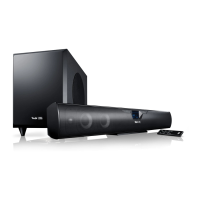
Active speaker, front side
Active speaker, back side
Remote control
21
22
23



 To Next Page