7
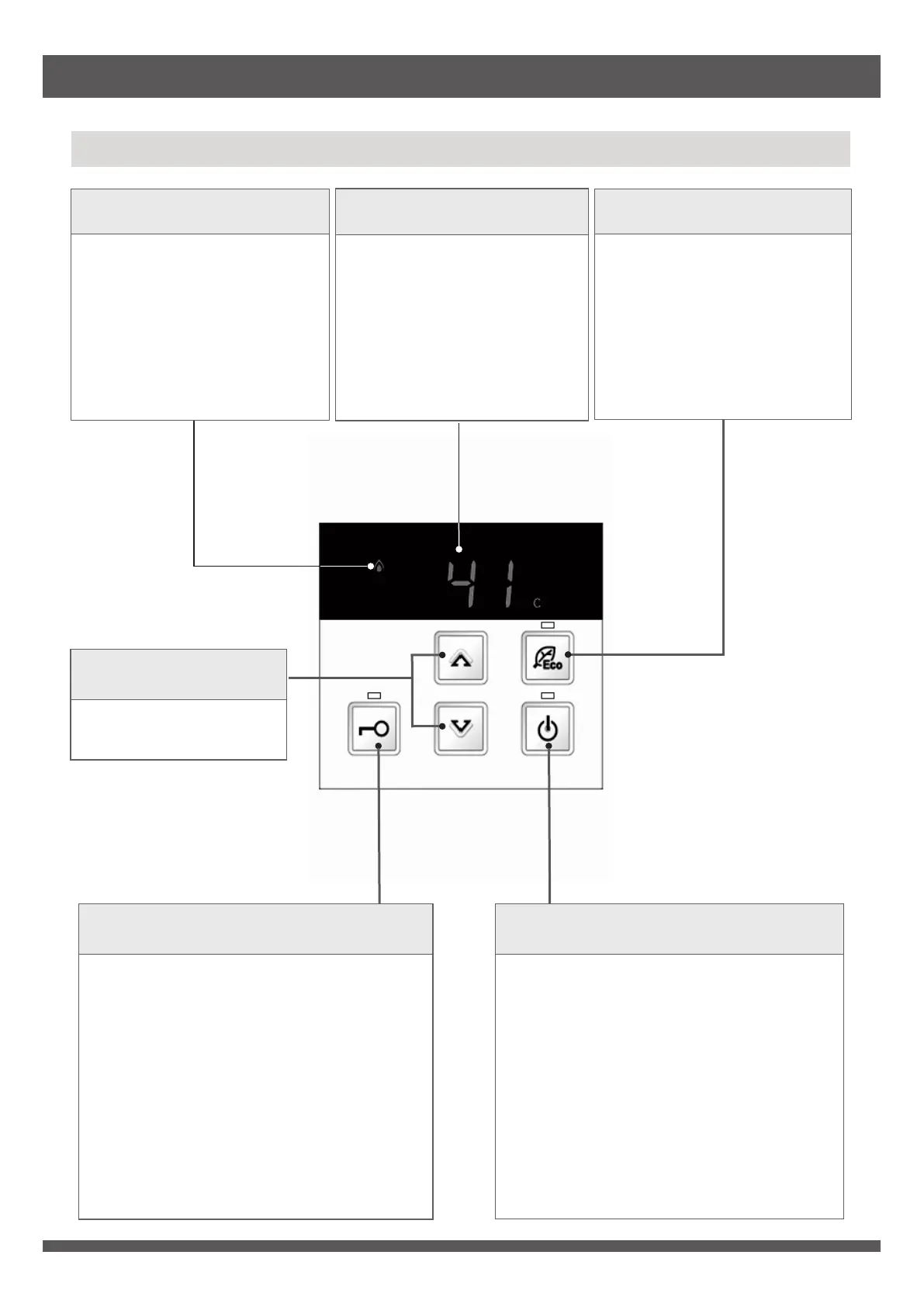
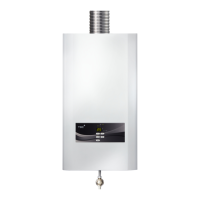
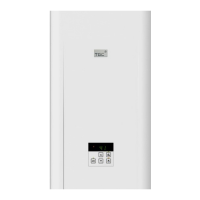
Front Panel Control
Product Descriptions
Eco Button & Indicator
Press the button to turn on
Eco mode, green indicator
lights up.
Operation Indicator
Orange indicator lights up
during operation.
Water Temperature
Setting Button
Use for adjusting hot
water temperature.
Temperature Display
Display setting of hot water
temperature.
Error code will be displayed
when the appliance mal-
functions.
Temperature display blinks
when hot water temperature
is set at or above 50°C.
Priority
Button & Indicator
Use for changing priority of front panel
control or remote control.
Press the button to obtain the priority.
Indicator lights up on the remote control
with priority.
Front panel control or remote control with
priority indicator lighting up can adjust hot
water temperature.
Priority cannot be changed when the
indicator flashes. Press it again to obtain
the priority when indicator goes out.
ON/OFF
Button & Indicator
Use for turning on or off appliance.
Press the button to turn on appliance,
temperature display, ON/OFF indicator
and priority indicator light up.
Press the button to turn off appliance
when priority indicator lights up.


 To Next Page