11
(1) Starting up appliance
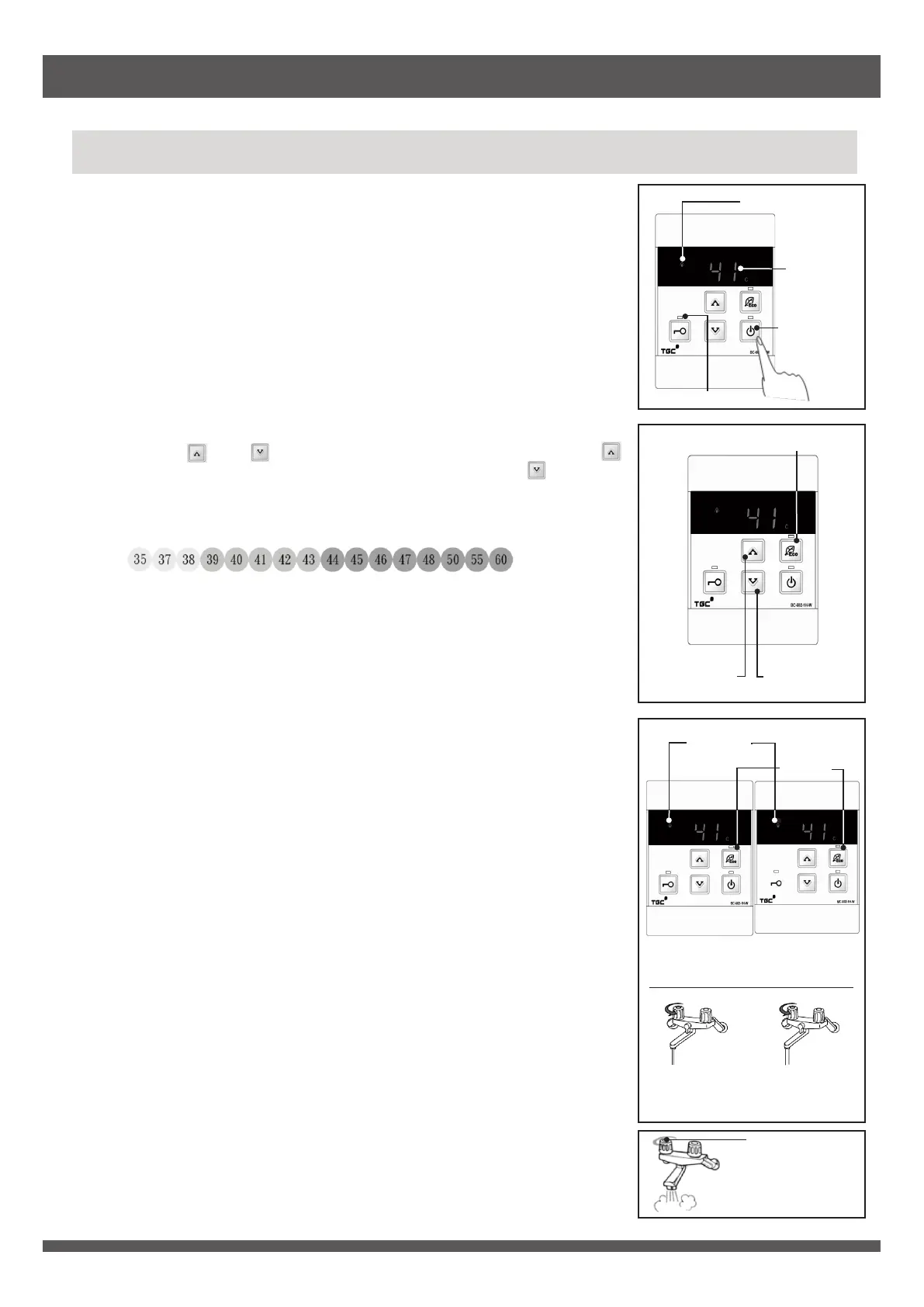
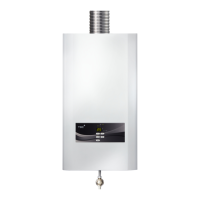
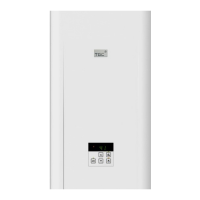
After turning on the power supply of appliance, press the ON/OFF button on front
panel control/remote control.
Temperature display and ON/OFF indicator light up. Appliance is under standby
mode.
Front panel control/remote control use for turning on appliance has the priority,
and its priority indicator lights up. Priority cannot be changed when the priority
indicator flashes.
First time usage after new installation, default hot water temperature is 42°C.
(2) Setting hot water temperature
Use front panel control/remote control with priority to adjust hot water
temperature.
Pressing “ ” and “ ” buttons to adjust hot water temperature. Pressing “ ”
buttons to increase hot water temperature; while pressing “ ” buttons to
decrease hot water temperature. Range of adjustment of hot water temperature
is:
35°C is the lowest water temperature, 60°C is the highest water temperature.
Set hot water temperature is displayed on the temperature display of all remote
controls simultaneously.
Temperature display blinks when hot water temperature is set at 50°C or above.
(3) Using hot water
After turning on hot water tap, burner will be ignited automatically and hot water
will be supplied. Orange operation indicator lights up.
Burner will be turned off when the hot water flow is lower than the minimum hot
water flow. Therefore, hot water tap should not be turned on insufficiently.
Otherwise, ignition may fail or the flame may be extinguished during use.
When appliance is in operation, hot water temperature can only be set at 48°C or
below. If hot water temperature is set at 50°C or above, hot water temperature
can only be decreased.
(4) Setting Eco mode
Press Eco button to activate Eco mode and its indicator lights up.
Appliance limits the maximum water flow rate to 9L/min under Eco mode.
Set temperature will not be affected during the activation of Eco mode.
Press again the Eco button to deactivate the mode and its indicator goes out.
(5) Stopping use of hot water
Appliance stops operation immediately and hot water flow stops when the hot
water tap is turned off. Operation indicator will goes out.
To use hot water again, repeat step (1) to (4).
Front panel control or remote control with priority can turn off the appliance.
Press the ON/OFF button, all display and indicators go out.
Use of Appliance
Operating Instructions
Operation
indicator
Operation indicator
Temperature
display
Priority indicator
ON/OFF button
Turn off hot
water tap
Water tap fully
turn on
Water tap turn
on insufficiently
Bathroom
remote control
Kitchen
remote control
Increase water
temperature
button
Decrease water
temperature
button
Eco button
Eco mode
indicator


 To Next Page