— E7 —
u
u
v
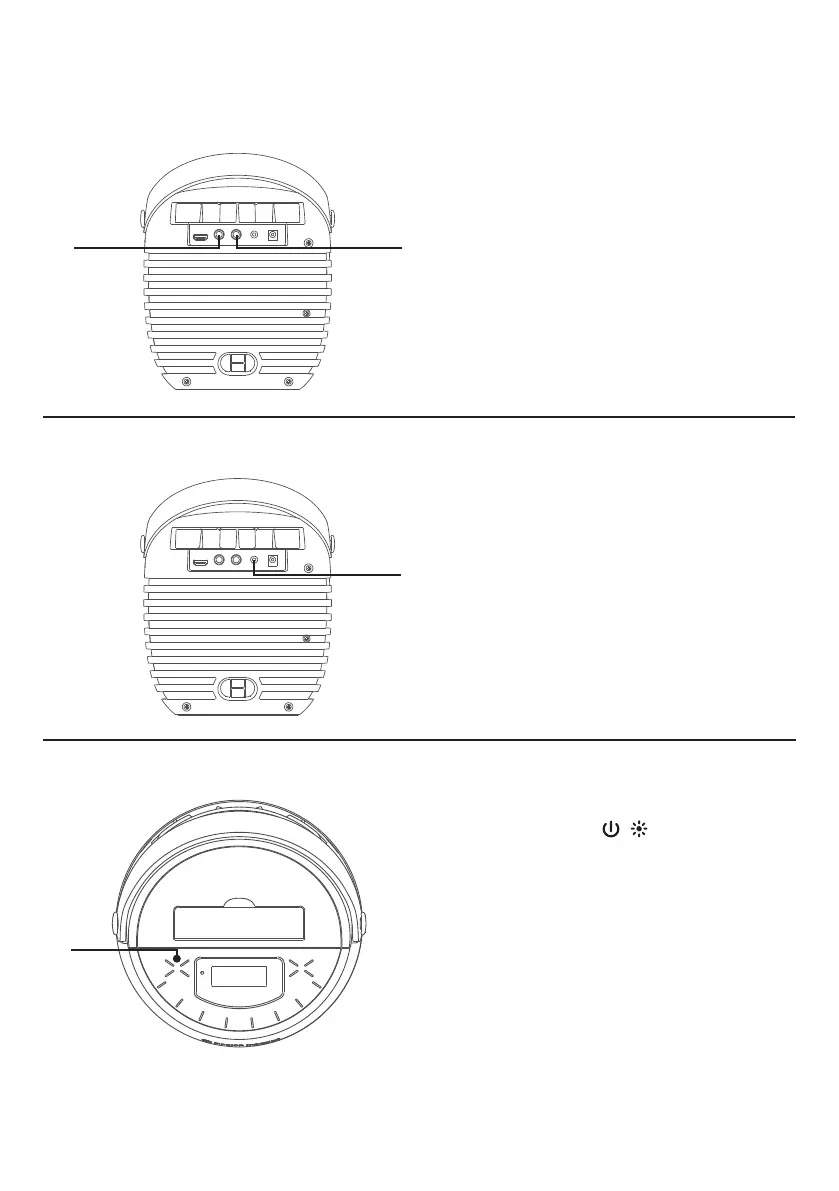
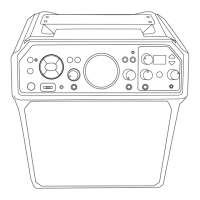
Connecting the optional wired Microphone
Connect the wired microphone (not
included) into Mic jack
u
or
v
(when
desired); the corresponding mic Indicator
light will be solid.
Connect an external device by using an
appropriate cable (3.5mm audio cable not
included) as shown.
NOTE:
See page E17 to select and use the Aux In
function.
Connecting to AUX IN Jack
Connections
Lights Mode
u
There are 5 built-in light modes.
Repeatedly press / button to switch
between lighting effects.










 To Next Page