23
24
Leads Installation Guide
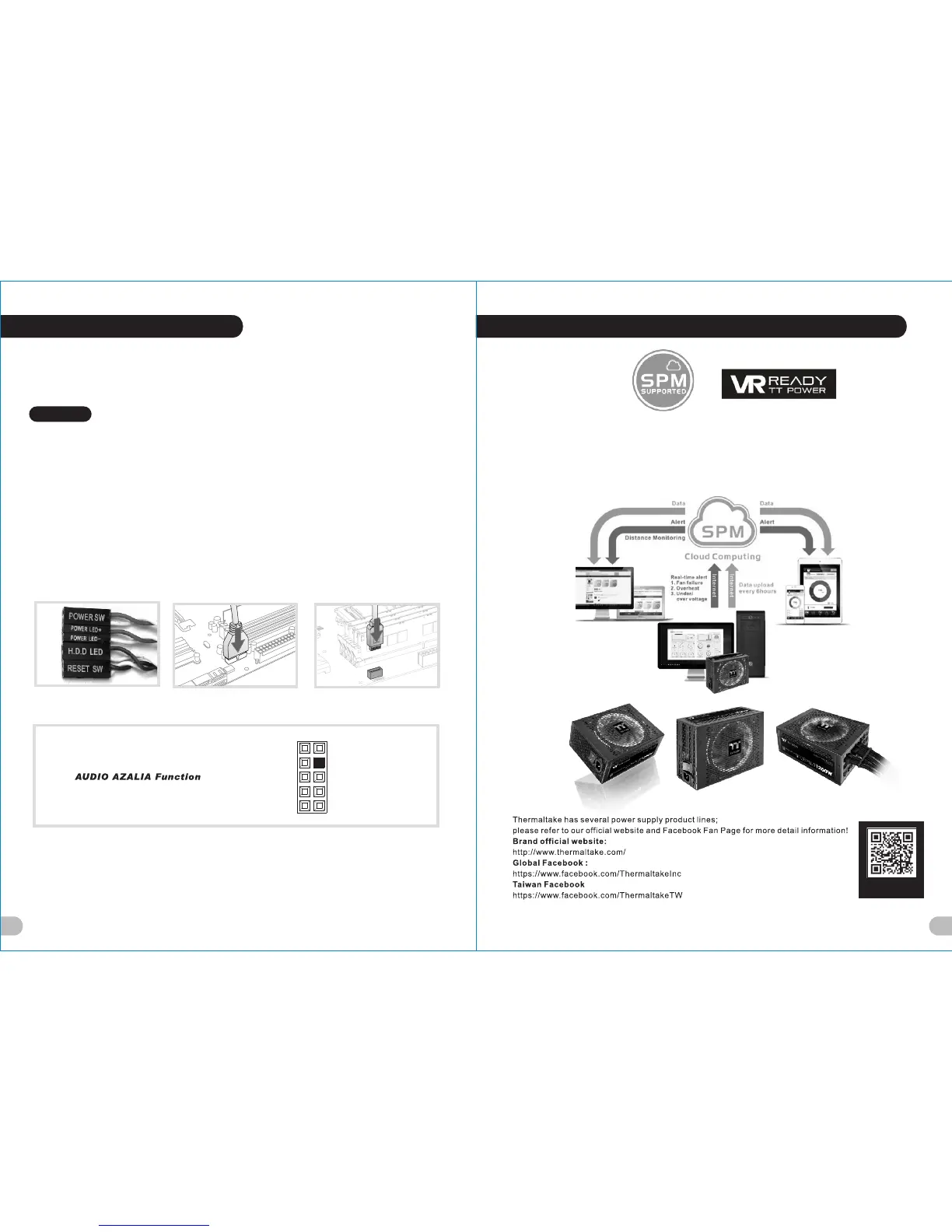
Case LED Connec tion / On the front of the case, you can find some LEDs and switch leads. Please consult your user
manual of your motherboard manufacturer, then connect these leads to the panel header on the motherboard.
USB 2.0 Connect ion / Please consult your motherboard manual to find out the section of “USB connection”.
USB 3.0 connect ion /
1. Make sure your motherboard supports USB 3.0 connection.
2. Connect the USB 3.0 cable to the available USB 3.0 port on your computer.
USB 3.1 connect ion /
1. Make sure your motherboard supports USB 3.1 connection.
2. Connect the USB 3.1 cable to the available USB 3.1 port on your computer.
Audio Connection / Please refer to the following illustration of Audio connector and your motherboard user manual.
Please select the motherboard which used AC’97 or HD Audio(Azalia),(be aware of that your audio supports AC’97 or HD
Audio (Azalia)) or it will damage your device(s).
Leads Installation
English
USB 3.0 Connection USB 3.1 Connection
L-OUT
SENSE
R-OU T
MIC-POWER
MIC-I N
SENSE 2
KEY
SENSE 1
PRESE NSE
GND
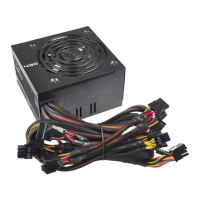
Thermaltake Power Supply Series (Optional)
Learn mor e about
SPM
What is Smar t Power Mana gement (SPM)?
Smart Power Management (SPM) is a cloud-based software that seamlessly integrates three intelligent platforms – DPS
G PC APP 3.0, DPS G Smart Power Management Cloud 1.0 and DPS G Mobile APP 1.0 – and compiles key statistics
about your PC into detailed charts and breakdowns for your instant PC status view and management. With easy access
to SPM through your PC or mobile devices, whether you are outside or indoors, enjoy taking full control of your build
anytime, anywhere!
藍色線條為尺寸標示,請勿印刷上去!
190 mm
266 mm
刀模線
產品料號
CA-1J9-00F9WN-00 Level 20
說明書
18/04/11
A
產品名稱
印刷項目
發稿日期
版本
CHECK DESIGN
Dora
(18/04/11)
Averson
(18/04/11)
80G騎馬釘X X X 32
書寫紙 雙銅
4色 4色無無
無無
其他特 殊 處理效果表面處 理
2
厚度(g/m )
折數 裝訂方 式 材質雙面印 刷 頁數 印刷色 彩單面印 刷
規格樣 式
單張 整本
157G
其他特 殊 處理效果表面處 理
2
厚度(g/m )
材質印 刷 色彩
封面樣 式 (當封面與 內 頁樣式不同 時 尚須填寫)





 To Next Page