25
10. APPENDIX
10. APPENDIX
10.1 APPENDIX 1
Steps to Enable Automatic Start of Trip (SOT) in HMI.
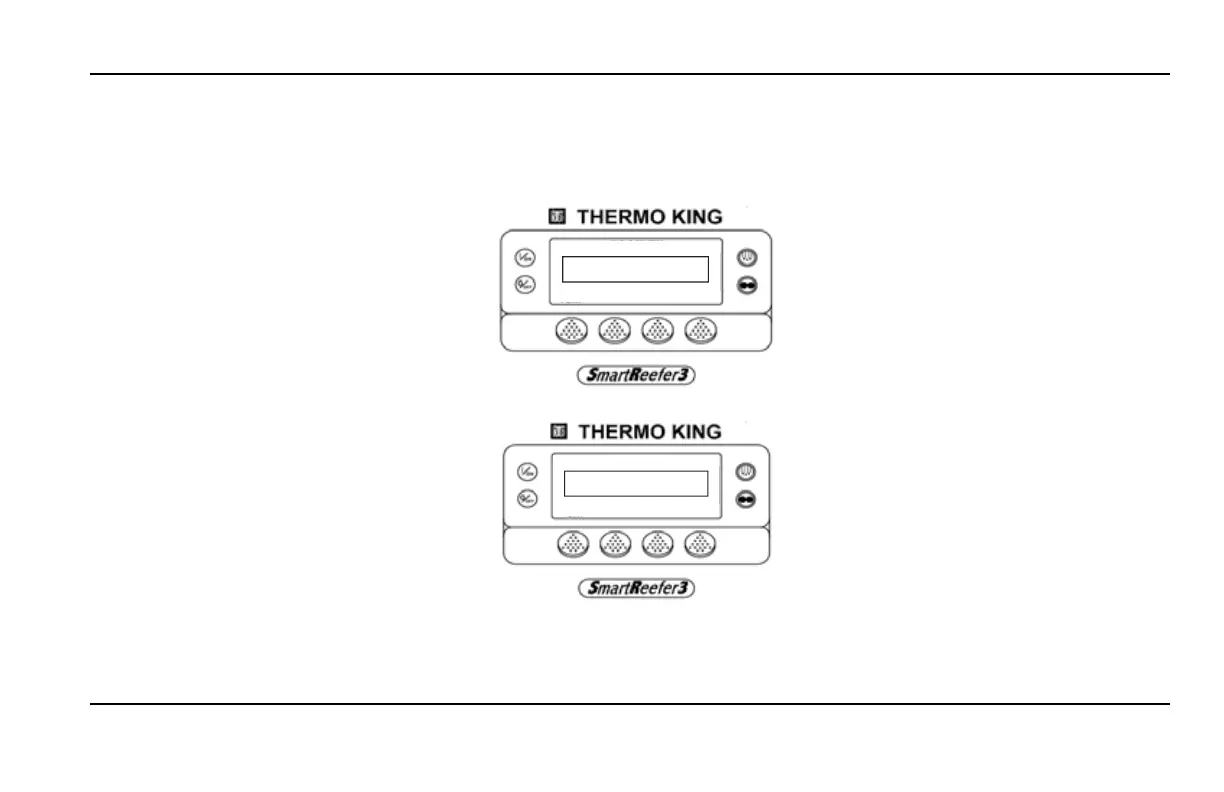
1. Go to Guarded Access menu and select the
option “SENSOR CONFIGURATION”.
GUARDED ACCESS
EXIT SELECT BACK NEXT
SENSOR CONFIGURATION
2. Select the Automatic SOT at Midnight and ENABLE it.
AUTOMATIC SOT AT MIDNIGHT
EXIT SELECT BACK
ENABLED
If the unit is OFF during midnight, overnight SOT will be generated at the first power up of the day.


 To Next Page