EasyManua.ls Logo

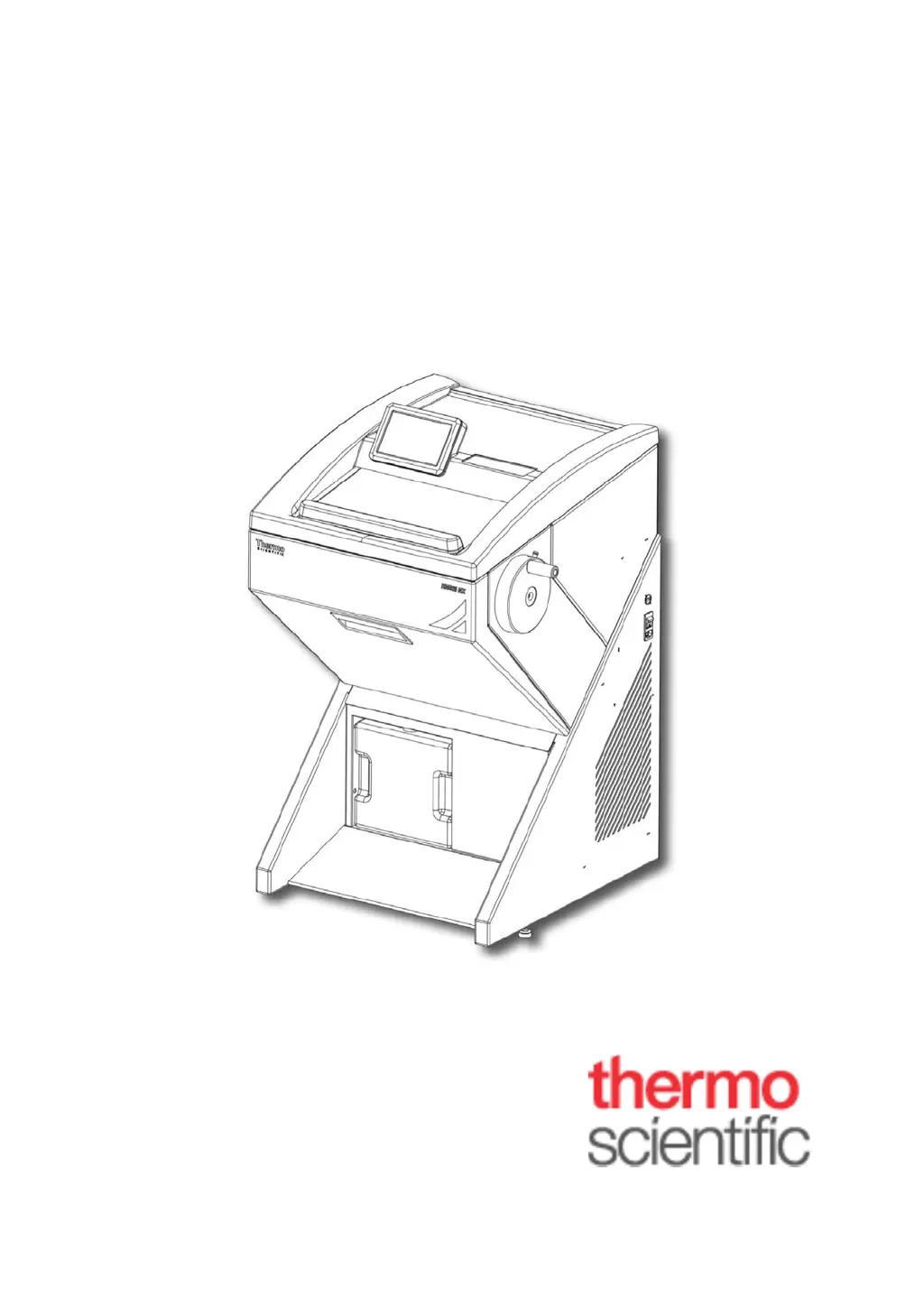
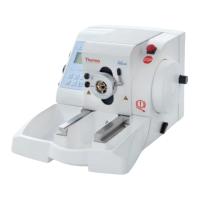
Thermo Scientific HM525 NX UV - User Manual

Thermo Scientific HM525 NX UV
71 pages
Print Icon
To Next Page IconTo Next Page
Loading...
Thermo Scientific HM525 NX
Product Code 956640, 956641,
956650, 956651
Operator Guide
388159 Issue 10

Table of Contents

Questions and Answers

  • D
    dustinjohnsonAug 7, 2025
    What to do if sections tear or crack with Thermo Scientific HM525 NX UV Laboratory Equipment?
    • J
      Joseph SullivanAug 7, 2025
      If the sections tear or crack while using your Thermo Scientific Laboratory Equipment, it could be due to several reasons. The knife might not be sharp enough, so try moving it in the knife carrier. Ensure the knife is adequately clamped. Also, check that the chuck is properly clamped and the specimen is adequately frozen onto it. If the specimen is too thick or hard and uneven, re-freeze it, select a new section thickness, or reduce the specimen size.
  • D
    Dawn DonovanAug 12, 2025
    Why are sections sticky with Thermo Scientific HM525 NX UV Laboratory Equipment?
    • R
      robertrichardsonAug 12, 2025
      If you're having trouble with sticky sections when using your Thermo Scientific Laboratory Equipment, it could be because the specimen isn't cold enough, so try selecting a lower temperature. Another reason could be that the knife and/or anti-roll plate are not yet cold enough, causing the section to melt; allow them to cool. Ensure the specimen is correctly clamped, increasing blade clamping force if necessary. Also, make sure the specimen is securely mounted and that there is no debris or ice on the back of the chuck or on the specimen head.
  • B
    Brian MichaelAug 17, 2025
    Why HM525NX temperature cannot be achieved in Thermo Scientific HM525 NX UV?
    • C
      Carrie ParkAug 17, 2025
      If the HM525NX temperature cannot be achieved with your Thermo Scientific Laboratory Equipment, consider these potential causes: The ambient temperature might be too high; lower it by improving ventilation or using climate control, noting the specified temperature of +20°C. The HM525NX could be influenced by nearby heat-generating instruments, so change the installation site. Draughts into the HM525NX can also be a factor, so relocate the equipment. A soiled condenser can cause this issue; open the service door on the left side and clean the condenser. If none of these resolve the problem, there may be a defective cooling system, and you should call a service technician.
  • E
    Emily WeaverAug 23, 2025
    What to do if frost builds up on chamber wall and on microtome of Thermo Scientific HM525 NX UV Laboratory Equipment?
    • S
      Sandra MoralesAug 23, 2025
      If you observe frost building up on the chamber wall and on the microtome of your Thermo Scientific Laboratory Equipment, it's likely due to draughts from open doors or windows. To resolve this, change the installation site and ensure windows and doors are closed.
  • A
    Antonio BallAug 27, 2025
    Why retarded freezing-on of the specimen in Thermo Scientific Laboratory Equipment?
    • T
      thomasjenniferAug 27, 2025
      If you're experiencing retarded freezing-on of the specimen with your Thermo Scientific Laboratory Equipment, it could be due to a soiled surface on the fast freezing station. Remove any debris to resolve this. Alternatively, the lower part of the chuck might be soiled or damaged; remove any debris and address any damage.
  • J
    Jeffrey WardSep 1, 2025
    How to fix chatter while cutting with Thermo Scientific HM525 NX UV Laboratory Equipment?
    • C
      Connor MartinezSep 1, 2025
      If you notice chatter while cutting with your Thermo Scientific Laboratory Equipment, it might be due to an unfavorable clearance angle. Readjust the clearance angle to correct this.

Summary

Safety Information

General Safety Precautions

Provides essential safety precautions for operating the instrument.

Chemical Safety Guidelines

Outlines potential hazards and precautions related to chemicals used with the instrument.

Technical Specifications

Cooling Specifications

Provides details on cryobar and chamber cooling capabilities and defrosting options.

Microtome and Sectioning Specifications

Lists specifications for section thickness, retraction, and specimen movement.

Chapter 2 - Instrument Setup

Unpacking and Repacking Safety

Crucial safety guidelines for handling and unpacking the heavy instrument.

Unpacking the Instrument

Step-by-step guide on how to safely remove the instrument from its packaging.

Knife Holder Operations

Solid Knife Holder Setup

Covers inserting, height adjustment, and clearance angle for the solid knife holder.

Disposable Blade Holder EC Setup

Guides on inserting blades and setting angles for the EC holder.

Disposable Blade Holder EC 70 Setup

Instructions for blade insertion and angle adjustment for the EC 70 holder.

Instrument Setup Procedures

Specimen Clamping and Orientation

Guides on clamping and orienting the specimen in the specimen head.

Chapter 3 - Operation

Switching On the Instrument

Provides instructions for powering on the HM525 NX instrument safely.

Setting Preferences

Quick Freezing of Specimens

Explains how to use the cryobar for rapid specimen freezing.

Microtome; Chamber Temperature Control

Setting the Temperature

Details how to adjust the microtome and chamber temperatures.

Section Thickness Adjustment

Setting Trim Section Thickness

Instructions for setting the thickness for trimming passes.

Setting Fine Section Thickness

Guides on setting the desired thickness for fine sectioning.

Instrument Configuration and Settings

Date and Time Configuration

Guides on setting the instrument's date, time, and format.

UV Disinfection Option

Defrost Procedures

Immediate Defrost Execution

Guides on starting an immediate defrost cycle and aborting it.

Scheduled Daily Defrost

Details how to schedule the daily defrost cycle.

System Configuration and Service

Factory Default Settings Reset

Guides on restoring the instrument to its default factory configuration.

Sectioning Procedures

Sectioning and Removal Process

Details the process of cutting sections and removing them from the blade.

Mechanical Handwheel Lock

How to Avoid Malfunctions

Chapter 4 - Troubleshooting

Troubleshooting Guide

Lists common problems, their causes, and recommended solutions.

Tips for Successful Sectioning

Temperature List for Cryo-Sectioning

Chapter 5 - Maintenance and Care

Thermo Scientific HM525 NX UV Specifications

General IconGeneral
CategoryLaboratory Equipment
BrandThermo Scientific
ModelHM525 NX UV
TypeCryostat
Power Requirements220-240 V, 50/60 Hz
UV LightYes
DisplayTouchscreen
Section Thickness Range1 to 100 µm

Related product manuals