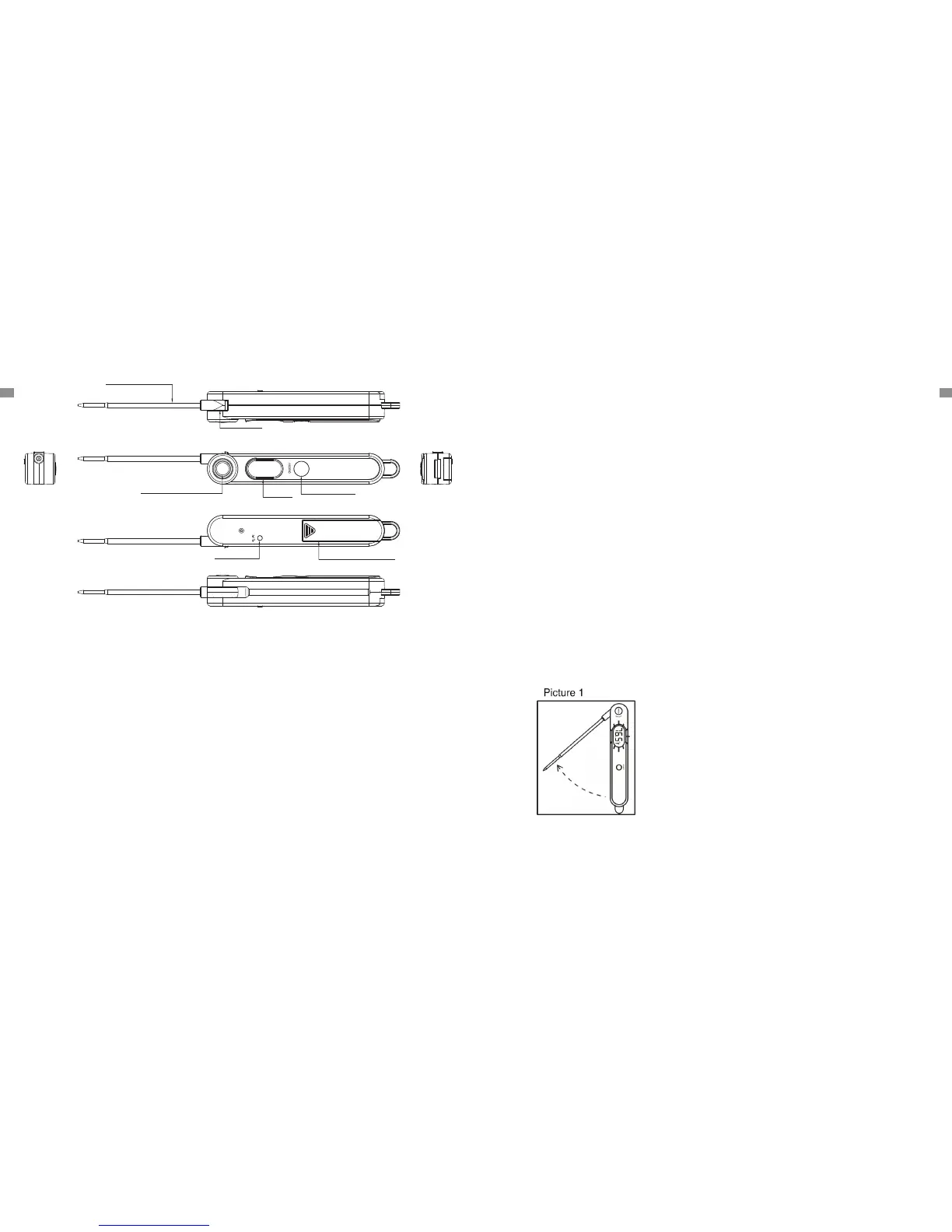
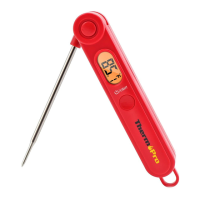
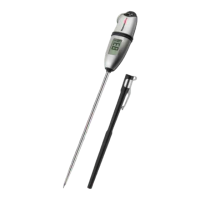
3. ON/OFF Button: Press once to turn ON/OFF the unit.
4. Stopper Lock: Holds the temperature probe in place when fully extended. Always
fully extend so the probe so it locks securely in place.
5. °C/°F Button: Press the °C/°F Button to select which temperature unit to display.
1. Automatic Bounce Button: Press the Bounce Button to automatically release the
probe.
2. Display: Displays the current temperature.
MANUAL
PRODUCT
-2-
Display
ON/OFF Button
Stopper Lock
°C/°F Button
Temperature Probe
Battery Compartment
Automatic Bounce Button
SPECIFICATIONS
-3-
1. Temperature range: -58°F ~ 572°F (-50°C ~ 300°C). If the temperature is below
-58°F(-50 °C) or above 572 °F (300 °C), LL.L or HH.H will show on the display.
2. Two Buttons: ON/OFF and °C/°F.
3. 10-minute auto-off feature.
4. Resolution: 0.1 °C/°F.
5. Temperature Accuracy: ±0.9°F(±0.5°C) in range between 32 to 212°F (0 to 100°C).
6. Power supply: 1 X AAA 1.5V.
BEFORE FIRST USE
1. Insert or Replace Battery: Insert one AAA battery in correct polarity (+) and
(-) as indicated.
2. Clean stainless tip: wash tip with warm soapy sponge or cloth, then rinse and dry.
3. Do not immerse product body in water.
4. PLEASE READ AND FOLLOW ALL INSTRUCTIONS.
5. The thermometer is now ready to use.
TO MEASURE FOOD TEMPERATURE
1. Press the bounce button to release the probe (Picture 1).
7. Battery Compartment: Holds one 1 AAA battery to power the unit.
6. Temperature Probe: Insert temperature probe into meat to receive internal
meat temperature.
2. Press ON/OFF button to turn on the thermometer.
3. Press the °C/°F button on the back of the unit to select the temperature unit: °C
or °F. Please note, the temperature unit will keep the last temprature unit selection
ENEN



 To Next Page