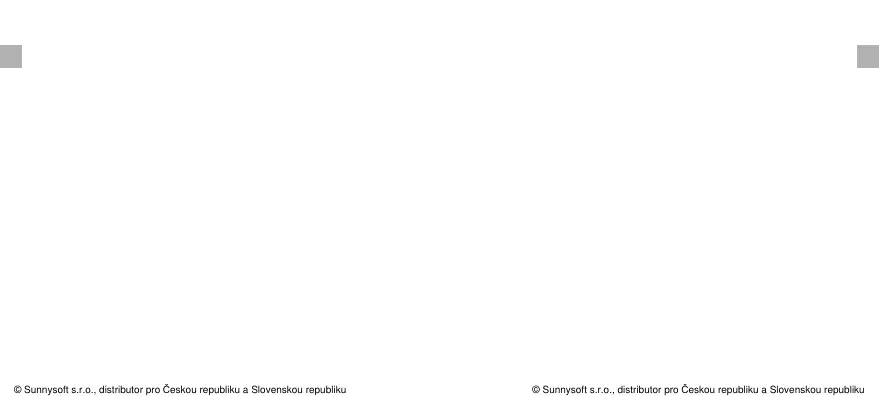
3. The base station and remote sensor can both be wall
mounted.
Maximum & Minimum Recorded Temperature
& Humidity
1. Press MAX/MIN/Clear button once to display the highest
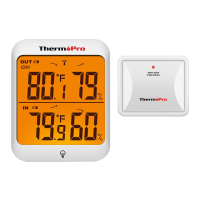
indoor and outdoor temperatures/humidity recorded.
MAX is shown on the display.
2. Press MAX/MIN/Clear button again to display the lowest
indoor and outdoor temperatures/humidity recorded.
3. To clear and reset the max/min records, press and hold
MAX/MIN/Clear for 3 seconds.
display, press ALL-TIME/24 button once to select the
data recording time interval between ALL TIME or 24
hours.
4. When the MAX or MIN records are shown on the LCD
EN EN
-14- -15-
MIN is shown on the display.
2. The remote sensor (transmitter) can be placed on a flat
surface indoors or outdoors. Make sure the sensor is
within the wireless distance from the base station and
with minimal obstructions. Although the remote sensor
is designed to be rain-proof, it still must always be put in
a dry place avoiding direct rainfall.
Place the Base Station and Remote Sensor
1. The indoor base station (receiver) should always be
placed in a well ventilated indoor area and located away
from vents, heating or cooling elements, direct sunlight,
windows, doors, or any other openings.
Note: Both ALL TIME and 24 hours represent the time since
© Sunnysoft s.r.o., distributor pro Českou republiku a Slovenskou republiku
© Sunnysoft s.r.o., distributor pro Českou republiku a Slovenskou republiku


 To Next Page