Short press to adjust the OLED brightness level to make the image
brighter or dimmer. There are 1-10 brightness levels for selection.
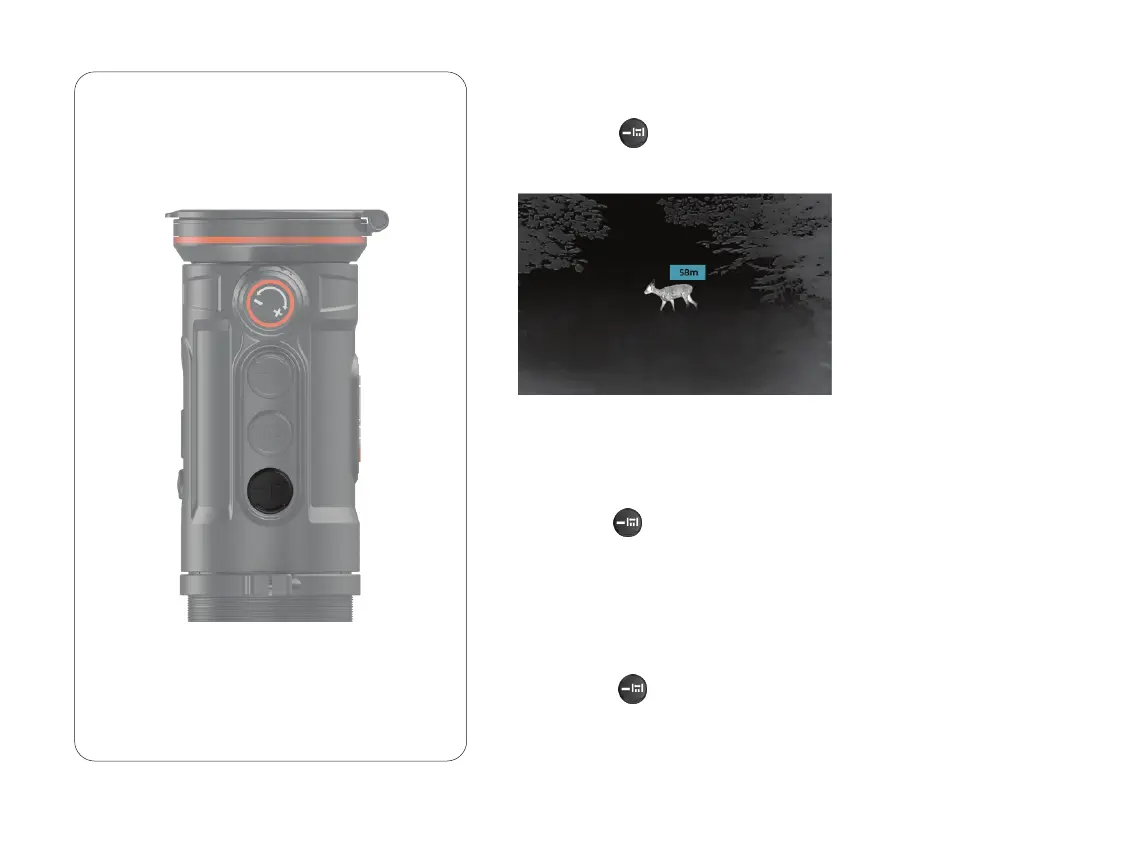
AI rangefinder function is used to check the distance of the target.
Double click to turn on/off the AI rangefinder function. You will see
distance information on the display after activating this function.
6.10 OLED Brightness Adjustment
Long press to turn on/off the OSD function. Video recording
includes the menu on the screen after turning on the OSD function.
6.11 OSD Function
6.9 AI Rangefinder
19



 To Next Page