Long press the power button for 3s to power on/off the Hunt.
6.2 Power On/Off
Double click the power button for image correction. Please
refer to the “Correction” section for detailed guidance of image
correction.
6.3 Image Correction
Short press the power button to standby the device for power
saving, and press the power button again to wake it up.
6.4 Standby Mode
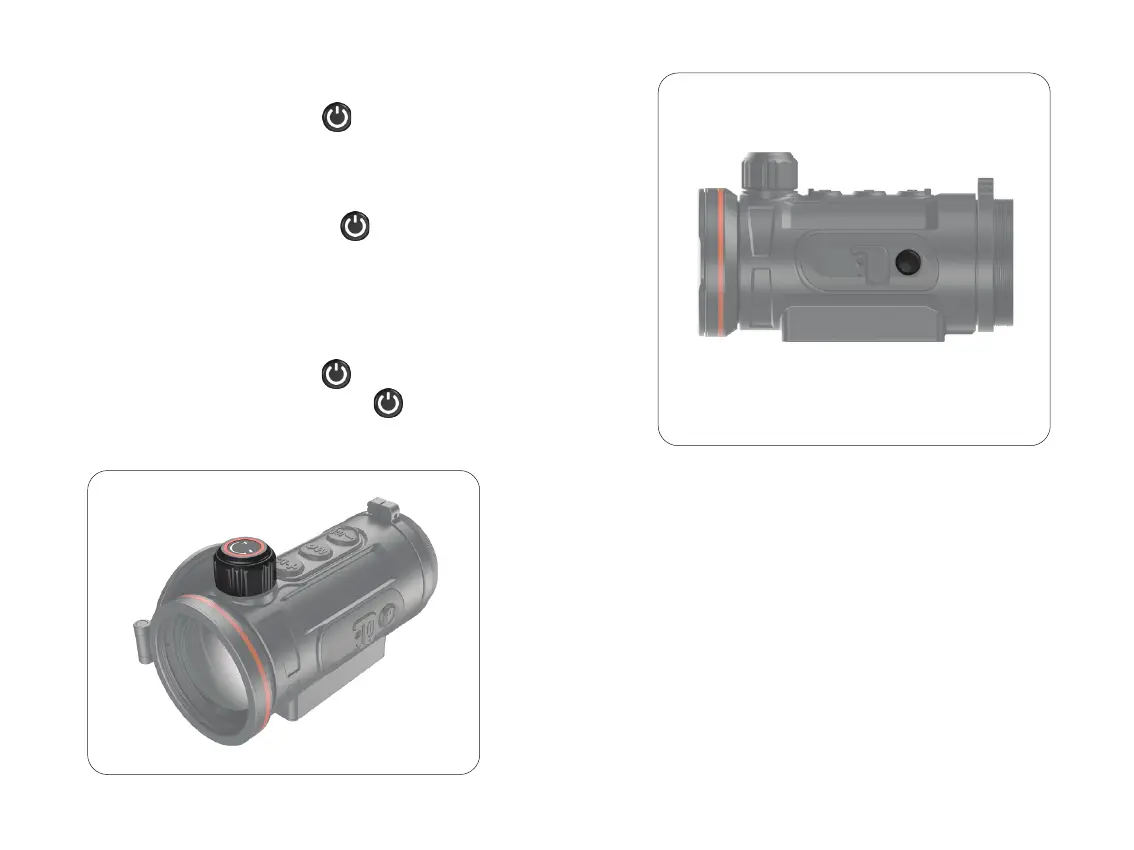
Open the lens cover, rotate the lens focus knob to focus on the
object being observed.
6.5 Lens Focus Adjustment
17



 To Next Page