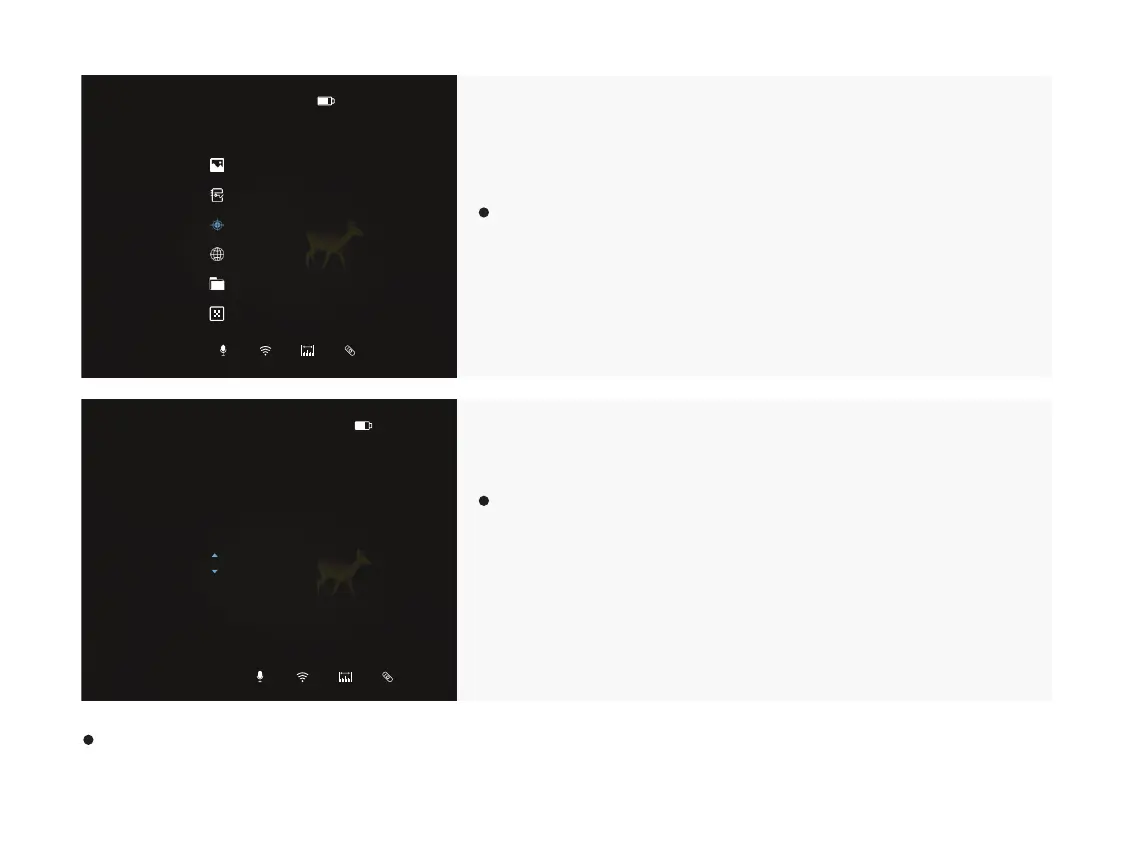
Select the Zeroing option and short press the Menu button “M” to
enter the zeroing interface.
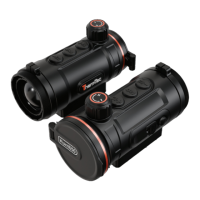
At the zeroing interface, short press the “+ / -” button to move the
position of infrared image until the target observed by the
combined thermal imaging and white light sight coincides with
the target observed by the white light sight alone, with a default
zero distance of 100 meters.
When entering the zero settings, short press the menu button “M” to confirm the set parameters and exit the page turning,
or press and hold menu button “M” to exit the page and restore to the default settings.
14:04P1
Zeroing
14:04P1
@100m P1
X=+0000mm
Y=+0000mm
Save
Back
30



 To Next Page