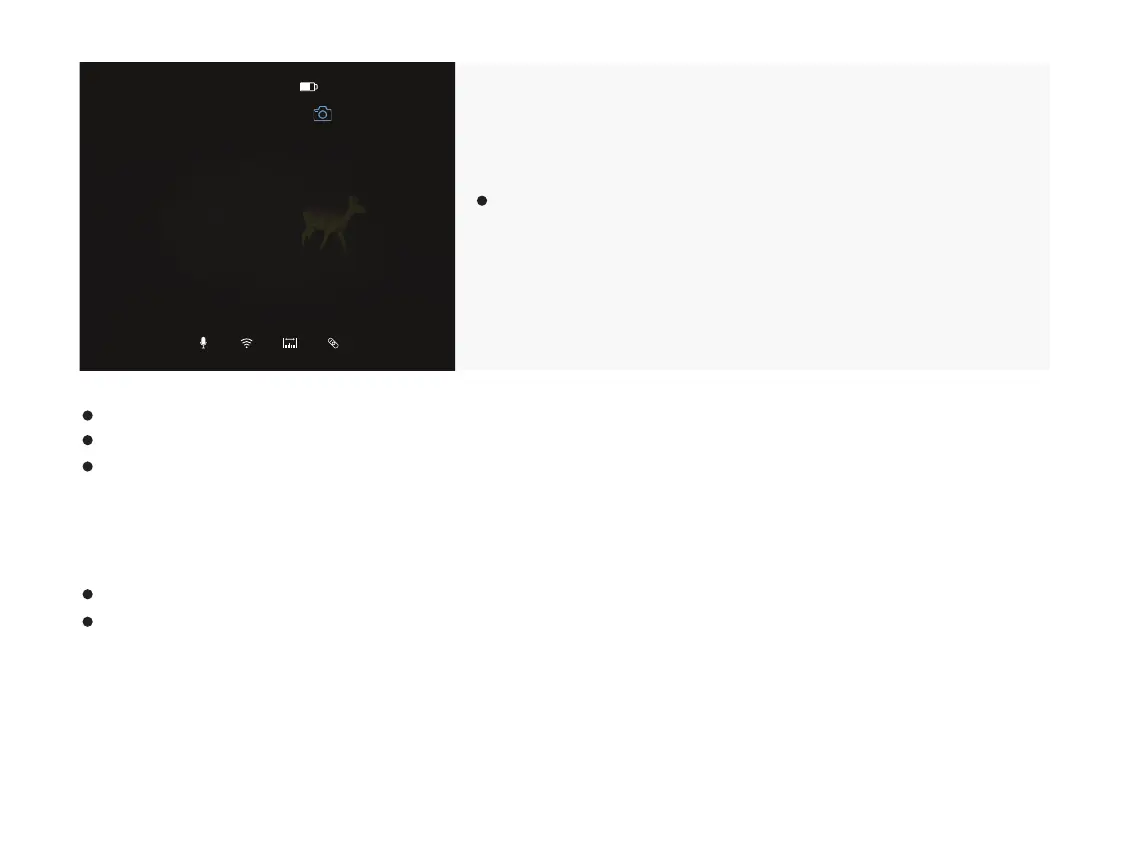
A recording timer displays on the top of the screen. The time
format is HH:MM:SS (Hour:Minute:Second).
Caution:
The number of the recorded files is limited by the capacity of the internal memory.
Check the available space of the built-in storage card regularly and move the footage to other storage media to free up the
memory card space.
You may enter the menu and enable other functions during video recording.
Press and hold down the camera button “M” to stop and save the recording.
The videos are saved in the built-in storage space.
14:04P1
00:10:26
32



 To Next Page