Upgrading via PC
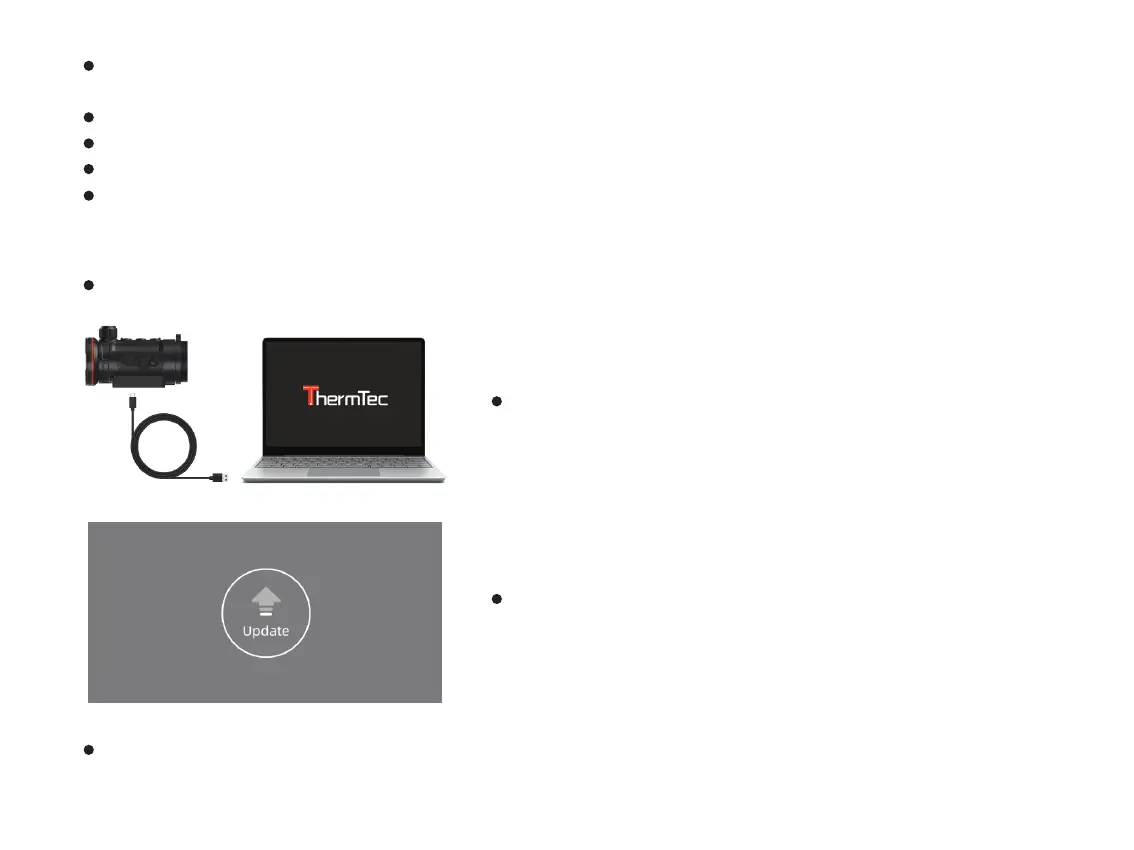
If your device is already connected with mobile device, please turn off the mobile network. After connection, the window
will automatically prompt in the middle of the screen about all the available firmware versions.
Select the corresponding package and download.
Please pre-download before connection due to the process needs internet to get data.
After finishing the update, the device will reboot.
Instructions for detailed upgradation can also be downloaded from the official website.
Connect the device to PC via Type-c data cable.
Copy the related updating firmware to the file folder of Hunt. Press
“M” to select Update icon, and the system will prompt “Update”.
Please download corresponding upgrading package from official website. www.thermeyetec.com.
Enter Reset menu to check firmware version.
38



 To Next Page